StarRupture How To Move Buildings
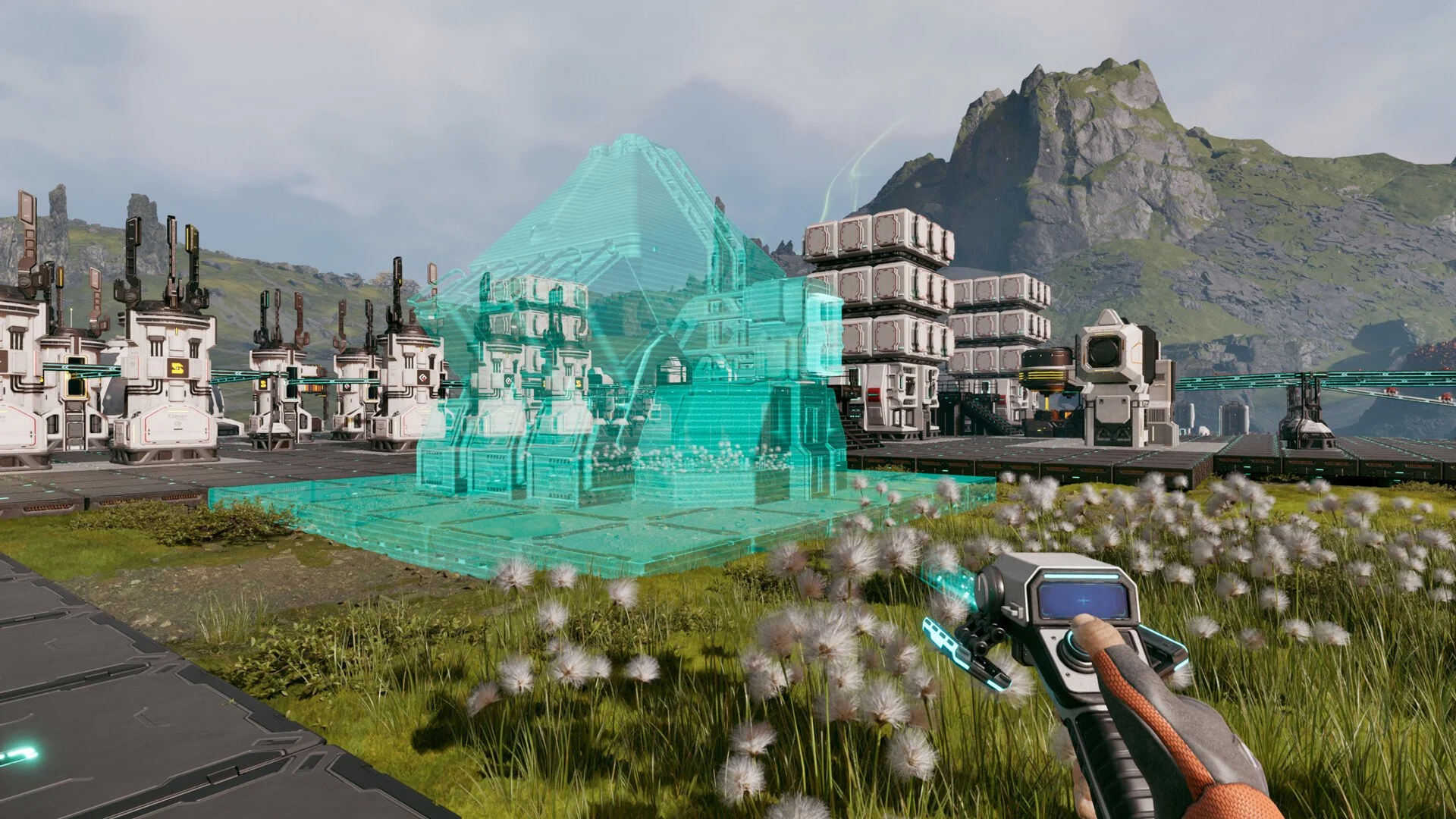
Base building in StarRupture locks in fast. If you place something wrong early, the game makes sure you feel it later.
Can You Move Buildings In StarRupture
You cannot move buildings in StarRupture, at least not immediately upon release.
There is no move tool or reposition option. Once a structure is placed, that placement is permanent.
The only way to change location is to dismantle the building and rebuild it.
How Building Placement Actually Works
When you place a building, the game commits it to the world. There is no adjustment phase after placement.
This is intentional design. StarRupture treats base layout as a strategic choice, not something you casually tweak later.
If you misplace something, the game expects you to tear it down and accept the cost.
What Happens When You Make A Mistake
If you want a building somewhere else, here is the process every player uses.
Dismantle the structure
Recover part of the resources
Rebuild it in the new spot
There is no shortcut. There is no hidden keybind. That is the full loop.
Why Planning Matters So Much
StarRupture pushes automation early. Excavators, smelters, and defenses stack up quickly.
Because buildings cannot move, sloppy layouts snowball into bigger problems. Pathing gets awkward. Defenses stop lining up. Expansion becomes annoying instead of fun.
The game rewards players who slow down and plan. Speed building without a layout always backfires.
Final Blurb
You cannot move buildings in StarRupture. Once they are placed, they stay put. Rebuilding is the only fix. That is why experienced players plan small, expand slowly, and treat every placement like it matters. Because it does.
FAQ
Can buildings be moved after placement
No. Placement is permanent once confirmed.
Is there a hidden move or reposition tool
No. It does not exist.
What is the only way to change a building location
Dismantle it and rebuild it.
Should you avoid building large bases early
Yes. Small, planned layouts save resources and frustration later.