Tales of the Shire: Autosave Explained

Autosave in Tales of the Shire is designed to keep your progress safe without needing constant manual saves, but it does have limits you should know. The game automatically saves at the end of each in-game day when you go to sleep, as well as at certain key quest moments.
How Autosave Works
Autosave triggers when your Hobbit character sleeps at night. This locks in all progress from that day, including completed quests, foraging, fishing, gardening, and fellowship changes.
The game also autosaves after key story cutscenes and certain quest completions.
Why Manual Saves Are Important
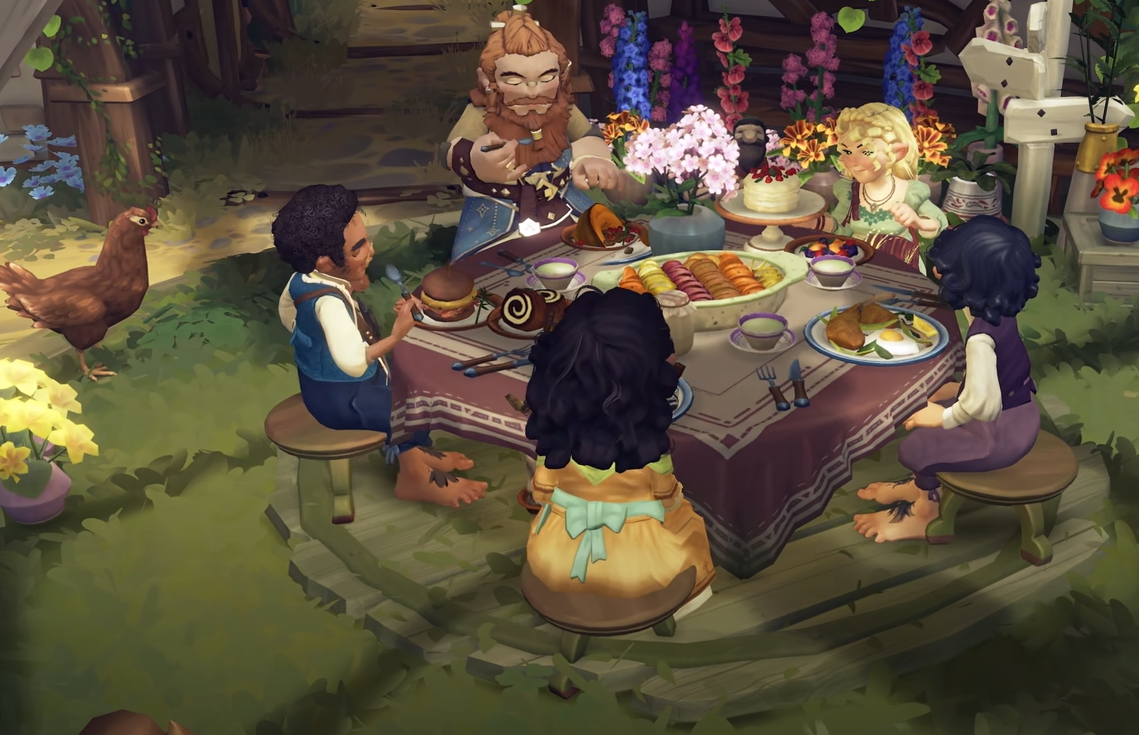
While autosave covers basic progress, some players have reported issues with crashes during hosted meals, especially when hosting dinners outside the main storyline.
To prevent losing progress, always perform a manual save before hosting large meal events or after completing time-intensive tasks.
Manual Saving Tips
Use the manual save option from the pause menu before events like:
Hosting shared meals
Completing long foraging or fishing runs
Major home or garden changes
This makes sure you don’t lose progress if the game freezes or crashes. Manual saves do not overwrite autosave, so you can keep both.
Final Blurb
Autosave in Tales of the Shire keeps general progress secure but is not foolproof. Rely on nightly autosaves for regular play, but use manual saves before big events like shared meals or long gameplay sessions to avoid losing hours of work.
FAQ
When does Tales of the Shire autosave?
It autosaves each night when your character sleeps and after some key quest events.
Do I need to manually save?
Yes, especially before hosting shared meals or after long sessions, as some crashes have been reported.
Can I use autosave and manual save together?
Yes, both work independently, allowing you to have a secure backup while still benefiting from automatic daily saves.
More Tales of the Shire