Tales of the Shire: Clothes & How to Change Them
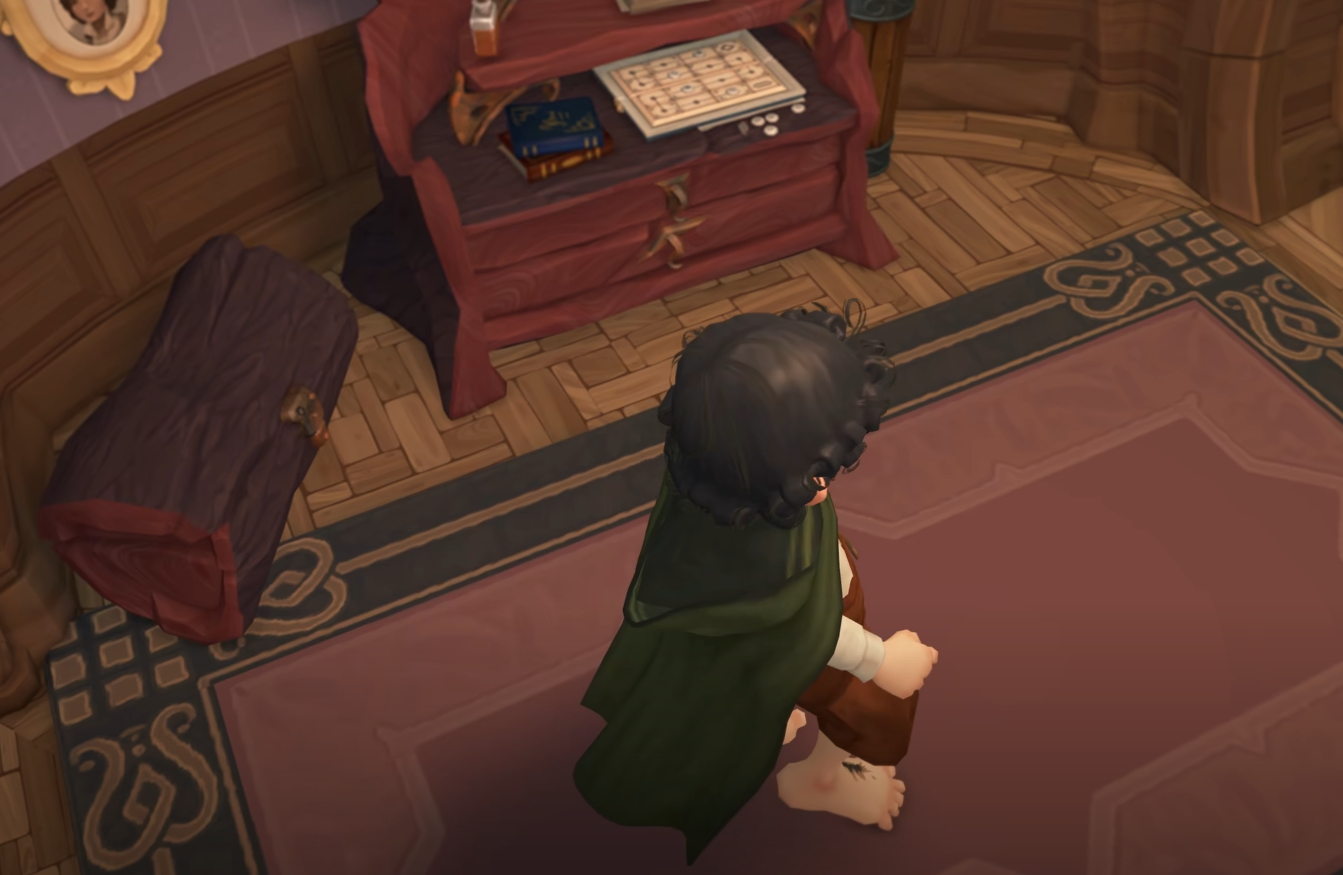
You can change your clothes and customize your appearance in Tales of the Shire after completing the early tutorial and unlocking access to your home. The wardrobe in your bedroom is where all outfit and appearance changes are made.
How to Unlock the Wardrobe
Progress through the main story until Gandalf shows you your home. You meet Orlo Proudfoot during this part of the tutorial. Your front door is blocked by vines at first, so use the hidden side entrance on the left side of the house.
Feed Orlo as the tutorial directs, then explore your bedroom. This is where you first gain access to the wardrobe.
How to Change Clothes
Go to your bedroom and interact with the wardrobe to the right of your bed. It glows with sparkle effects the first time you see it.
Press A or X to open it and select the clothing tab. From here, you can swap between all unlocked outfits and accessories. Any clothing unlocked through gameplay or progression is stored here.
How to Change Appearance
In the same wardrobe menu, scroll to the appearance tab. This lets you edit your hobbit’s body shape, face, hairstyle, and personality traits. Confirm your changes to update your look.
How to Rename Your Hobbit
The wardrobe also allows you to rename your character. Scroll to the name tab in the menu and select a new first and last name. Your new name is applied immediately.
Final Blurb
The wardrobe in Tales of the Shire gives full control over your character’s style and appearance. Unlock it early by completing the tutorial, then freely change clothes, appearance, and even your name whenever you like.
FAQ
Where is the wardrobe located?
It is in your bedroom, next to your bed.
Can you change appearance after character creation?
Yes, use the appearance tab in the wardrobe.
Can you rename your hobbit?
Yes, the wardrobe has a name change option.
More Tales of the Shire