Toxic Commando Crashing Fix Guide
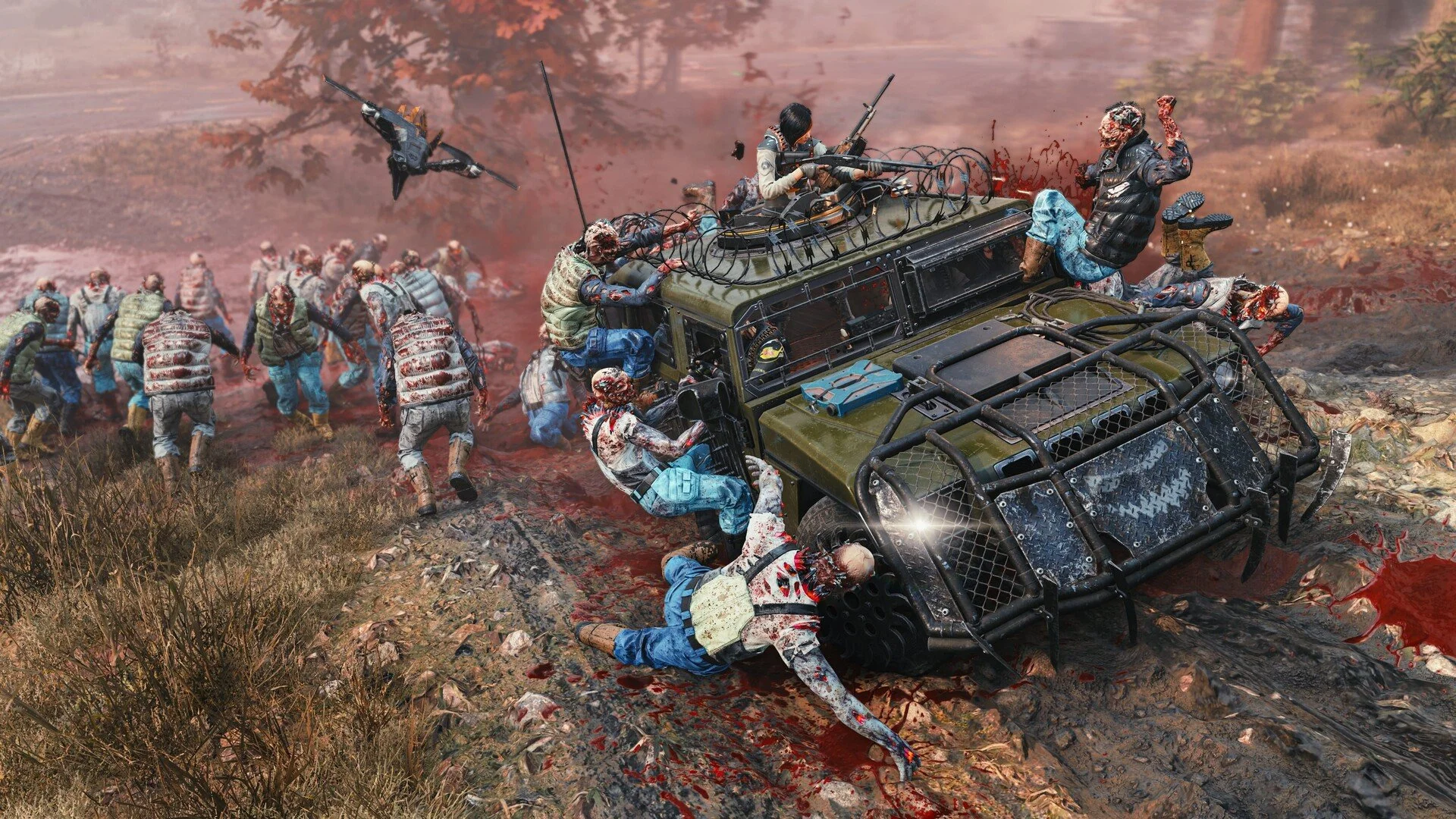
Crashing in John Carpenter's Toxic Commando has started appearing for some players shortly after launch. Reports show the game closing on startup, crashing during missions, or triggering GPU timeout errors. The issue seems to affect certain AMD systems more frequently, though other setups can experience crashes as well.
Several temporary fixes shared by players have helped stabilize the game. These solutions focus on reducing GPU load, adjusting frame limits, and making small system changes that prevent crashes while the developers investigate the problem.
How To Fix Toxic Commando Crashing
The most common Toxic Commando crash fix reported by players is limiting GPU clock speed or capping frame rate, which reduces GPU timeout errors that can cause the game to crash.
Players using AMD GPUs, especially higher end cards, have reported improved stability after lowering GPU clocks or limiting FPS.
If the game crashes during missions or shortly after launching, try the fixes below.
Lower GPU Clock Speed
Some players using AMD GPUs reported that the game crashes during heavy load moments. One temporary fix is reducing the GPU clock speed slightly.
Lowering the GPU clock from around 2800 to about 2500 has helped some players complete missions without crashes.
You can adjust this inside the AMD Adrenalin software.
Open AMD Adrenalin
Go to Performance and Tuning
Reduce the GPU max clock slightly
Apply the change and restart the game
This reduces spikes that can trigger GPU timeout errors.
Cap Your Frame Rate
Another common fix is limiting the frame rate.
Uncapped frames can push the GPU harder than necessary. Capping the frame rate reduces GPU load and improves stability for some players.
You can set an FPS limit using Radeon Chill or through your GPU software.
Examples players reported working well include:
100 FPS cap
120 FPS cap
Matching FPS to monitor refresh rate
Lower GPU usage can prevent crashes during longer missions.
Update Your GPU Drivers
Always make sure your graphics drivers are fully updated.
Several players reported using AMD driver version 26.2.2 with stable performance. If you are running an older driver, updating may help reduce crashing issues.
After installing new drivers, restart your PC before launching the game again.
Disable Extra GPU Features
Some AMD features can increase instability in newly released games.
Try disabling the following settings temporarily.
Anti Lag
Enhanced Sync
Frame Generation
Upscaling features
Turning these off reduces potential conflicts until patches improve compatibility.
Watch CPU Temperatures During Shader Compilation
Some players suspect the game’s shader compilation process can spike CPU usage during startup.
If your CPU temperature climbs very high during launch, the system may crash or shut down the game.
Let the shader process finish fully before entering gameplay.
Improving airflow or lowering background programs can also help.
General Stability Tips
These general steps can help reduce crashes in many PC games.
Restart your PC before launching the game
Close background applications
Verify game files through the game launcher
Make sure Windows is fully updated
Avoid heavy overclock settings
Small system tweaks often improve stability during early game releases.
Final Blurb
Toxic Commando crashes appear to be tied to GPU load spikes and early launch optimization issues. AMD systems seem to experience the problem more often, though players on different setups have also reported occasional crashes.
Lowering GPU clocks, capping FPS, and disabling extra graphics features have helped some players stabilize the game. These solutions are temporary workarounds until official patches address the problem.
FAQ
Why Does Toxic Commando Keep Crashing
Crashes can happen due to GPU load spikes, driver conflicts, or shader compilation issues. Some players report GPU timeout errors during gameplay.
Does Toxic Commando Crash More On AMD GPUs
Many early reports mention AMD GPUs experiencing crashes, especially high end cards. Limiting GPU clocks or capping FPS has helped some players reduce crashes.
Can Lowering FPS Fix Toxic Commando Crashes
Yes. Capping the frame rate reduces GPU usage and may prevent timeout errors that cause crashes.
Will Toxic Commando Crashes Be Fixed In Updates
New game launches often receive stability patches shortly after release. Developers typically address crash reports in upcoming updates.