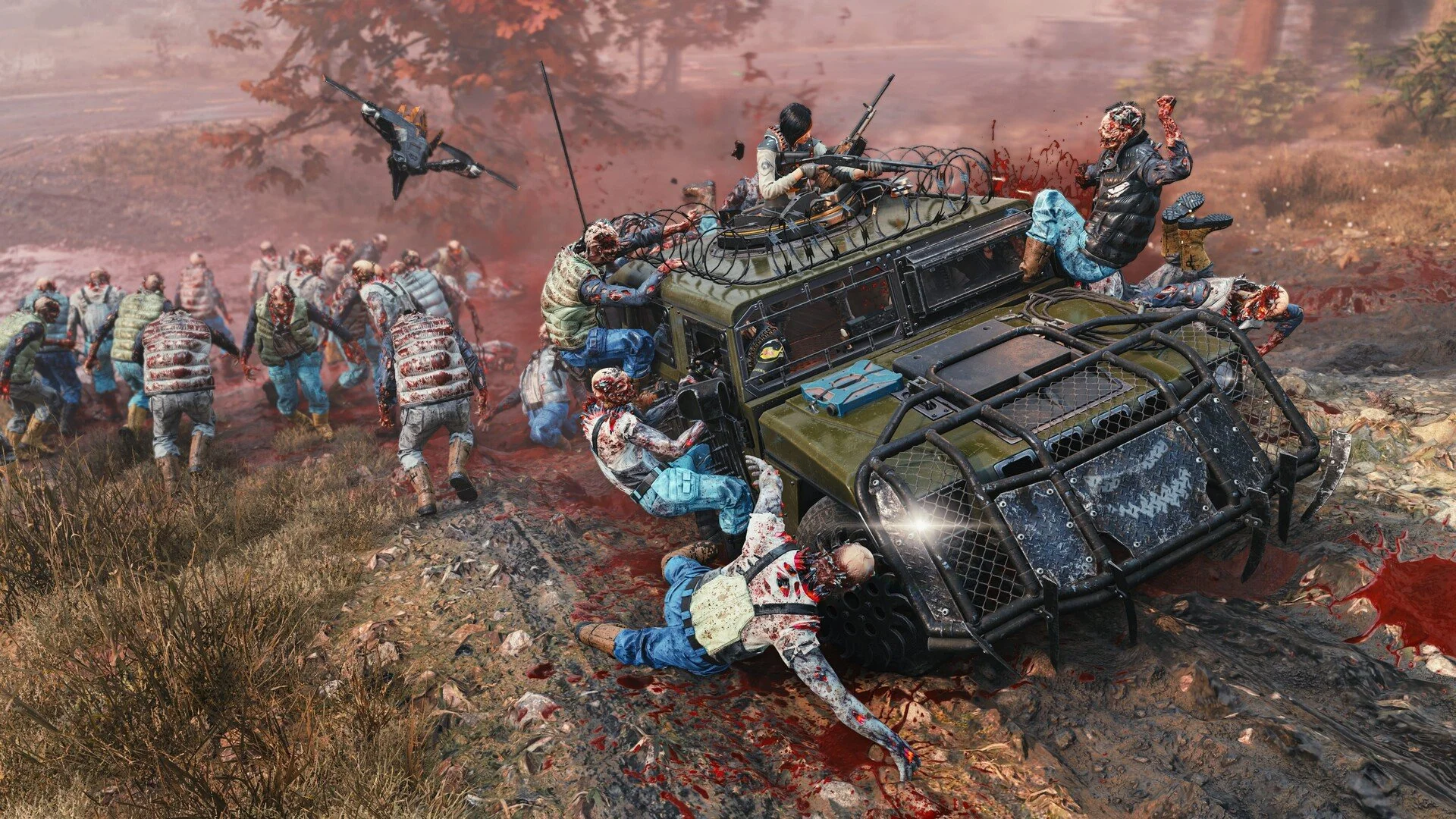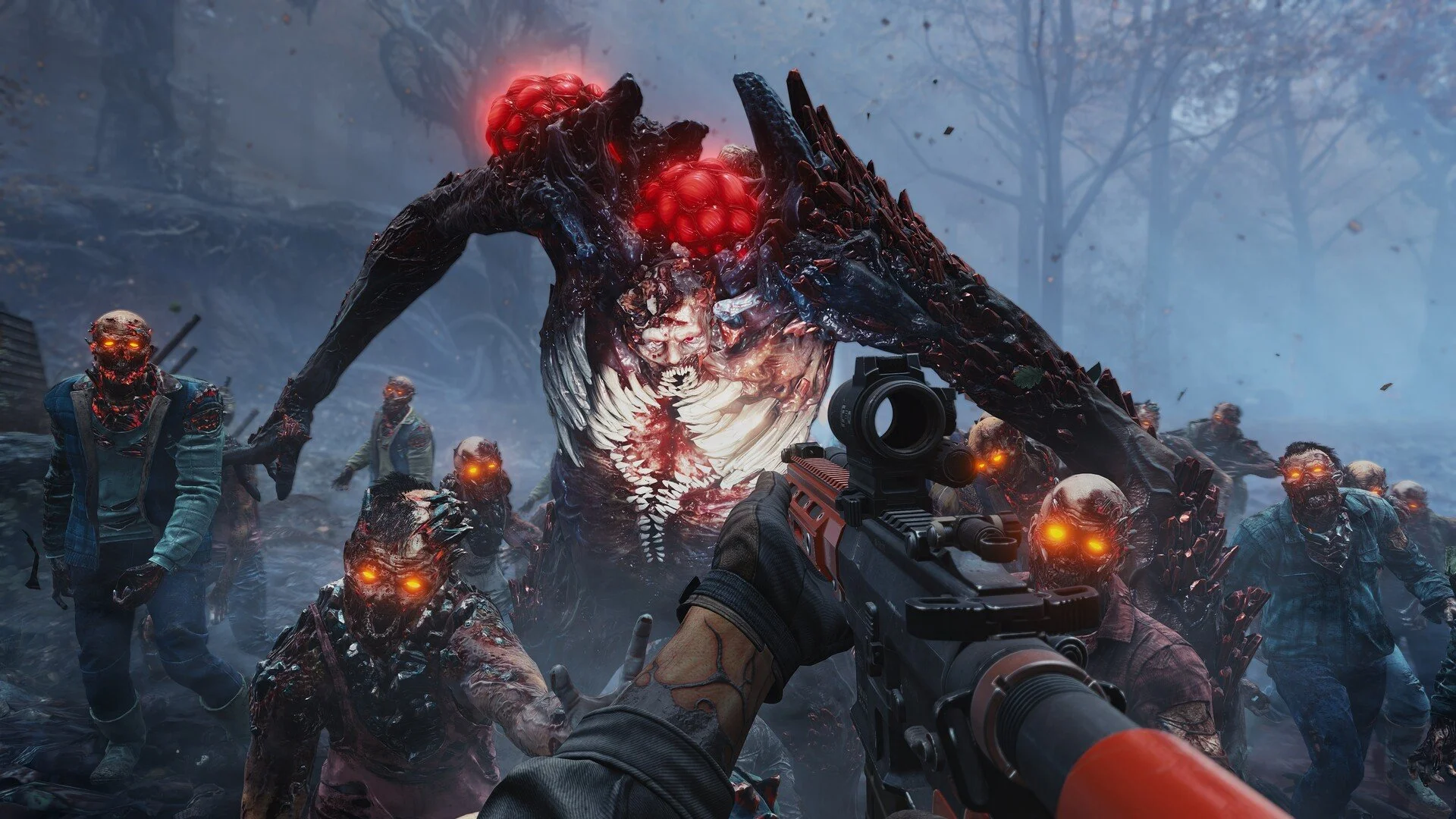
Low FPS in John Carpenter's Toxic Commando is something a lot of players are noticing right now. Some systems run the game smoothly, while others struggle to stay above 40 to 60 FPS even on decent hardware. When that happens, missions start feeling sluggish, especially once big zombie waves and explosions show up.
The good news is there are a few settings and adjustments that can improve performance. Most of the fixes revolve around resolution, upscaling, and a few simple tweaks that help stabilize the frame rate.
How To Fix Low FPS In Toxic Commando
The best way to fix low FPS in Toxic Commando is lowering resolution, enabling DLSS or FSR upscaling, adjusting graphics settings to High instead of Ultra, and restarting the game if performance drops over time.
Many players report that simply lowering settings does not change FPS much. Instead, the biggest performance gains usually come from adjusting resolution and using upscaling technologies.
Making these changes can often stabilize the frame rate without making the game look dramatically worse.
Best Optimized Settings For Toxic Commando
Optimized settings focus on keeping the game smooth without sacrificing too much visual quality. The goal is finding a balance where the frame rate stays consistent during large fights.
Many players find High settings with upscaling enabled works much better than running everything on Ultra.
Resolution set to 1080p or 1440p depending on your monitor
DLSS or FSR set to Quality mode
Graphics preset set to High instead of Ultra
Frame Generation enabled if your GPU supports it
These adjustments usually improve performance while keeping the game looking sharp.
Resolution And Upscaling Make The Biggest Difference
Resolution is one of the biggest factors affecting performance. Higher resolutions like 4K or 1440p require much more GPU power during heavy combat scenes.
Lowering the resolution to 1080p and using DLSS or FSR can dramatically improve frame rates. Upscaling renders the game at a lower internal resolution and then sharpens the image back up.
This keeps the visual quality fairly high while giving the system more breathing room.
Why Frame Generation Helps Performance
Frame Generation can significantly boost the frame rate on supported GPUs. Instead of rendering every frame normally, the system generates additional frames between real ones.
This creates smoother motion and higher FPS during intense combat. Some players prefer turning it on when large zombie waves cause performance dips.
It does not fix every performance problem, but it can make the game feel much smoother.
Performance Can Drop Over Time
Some players have reported that performance slowly decreases the longer the game runs. Restarting the game can sometimes restore the original frame rate.
This usually happens after playing several missions in a row. If your FPS suddenly drops, closing and reopening the game may improve performance again.
It is not ideal, but it can help stabilize things for now.
AMD And NVIDIA Performance Differences
Performance reports suggest the game currently runs slightly better on some NVIDIA graphics cards. Some AMD users report needing lower settings to maintain stable FPS.
Driver updates may improve performance over time, so keeping GPU drivers updated is always a good idea.
As patches release, overall optimization will likely improve.
Final Blurb
Low FPS in Toxic Commando can be frustrating, especially when the action ramps up and dozens of enemies appear on screen. The best way to stabilize performance is focusing on resolution, upscaling, and a balanced graphics preset instead of maxing everything out.
Using DLSS or FSR, lowering resolution slightly, and enabling Frame Generation can help smooth out the experience. With the right settings, the game can run much better even during the biggest zombie waves.
FAQ
Why is Toxic Commando running at low FPS
Low FPS usually happens because of high resolution, demanding graphics settings, or heavy combat scenes with many enemies.
What are the best optimized settings for Toxic Commando
Many players find High graphics settings combined with DLSS or FSR Quality mode provides the best balance of performance and visuals.
Does Frame Generation improve FPS in Toxic Commando
Yes. Frame Generation can increase frame rates on supported GPUs and help smooth out performance during intense moments.
Should you lower resolution in Toxic Commando
Lowering resolution to 1080p and enabling DLSS or FSR is one of the easiest ways to improve FPS while keeping visual quality fairly high.