Toxic Commando PS5 Performance: FPS and Resolution
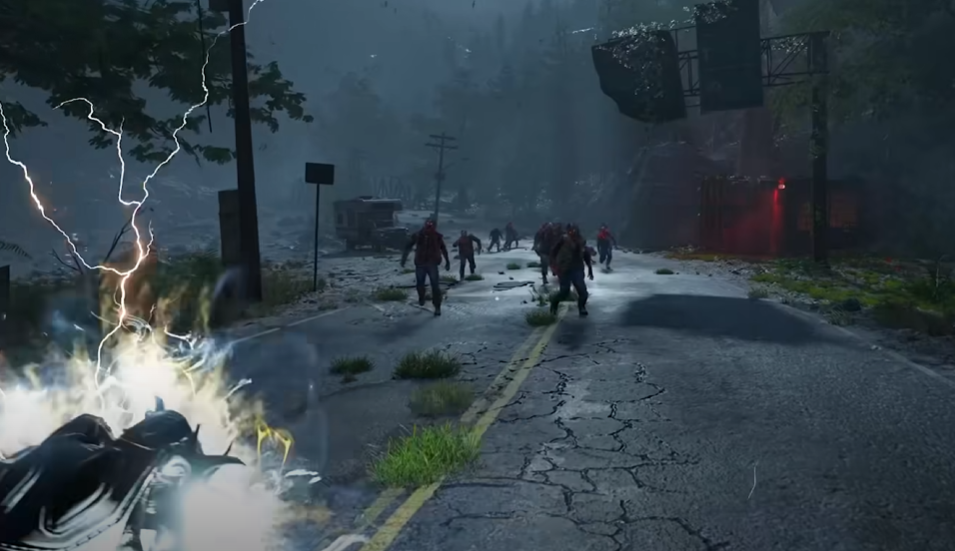
John Carpenter's Toxic Commando runs with two graphics modes on PlayStation 5. These modes change the frame rate and internal resolution depending on whether you prefer smoother gameplay or higher visual quality. Knowing how each option works helps you pick the best setting for your playstyle.
The game uses dynamic resolution scaling and upscaling to reach 4K output. That means the internal resolution changes during gameplay to keep performance stable while still delivering a sharp image.
PS5 Performance Mode Details
Toxic Commando on PS5 targets 60 FPS in Performance Mode with a dynamic internal resolution roughly between 720p and 1440p, which is then upscaled to 4K output.
Performance Mode focuses on smooth gameplay. The game lowers internal resolution during heavy combat so the frame rate stays close to 60 FPS.
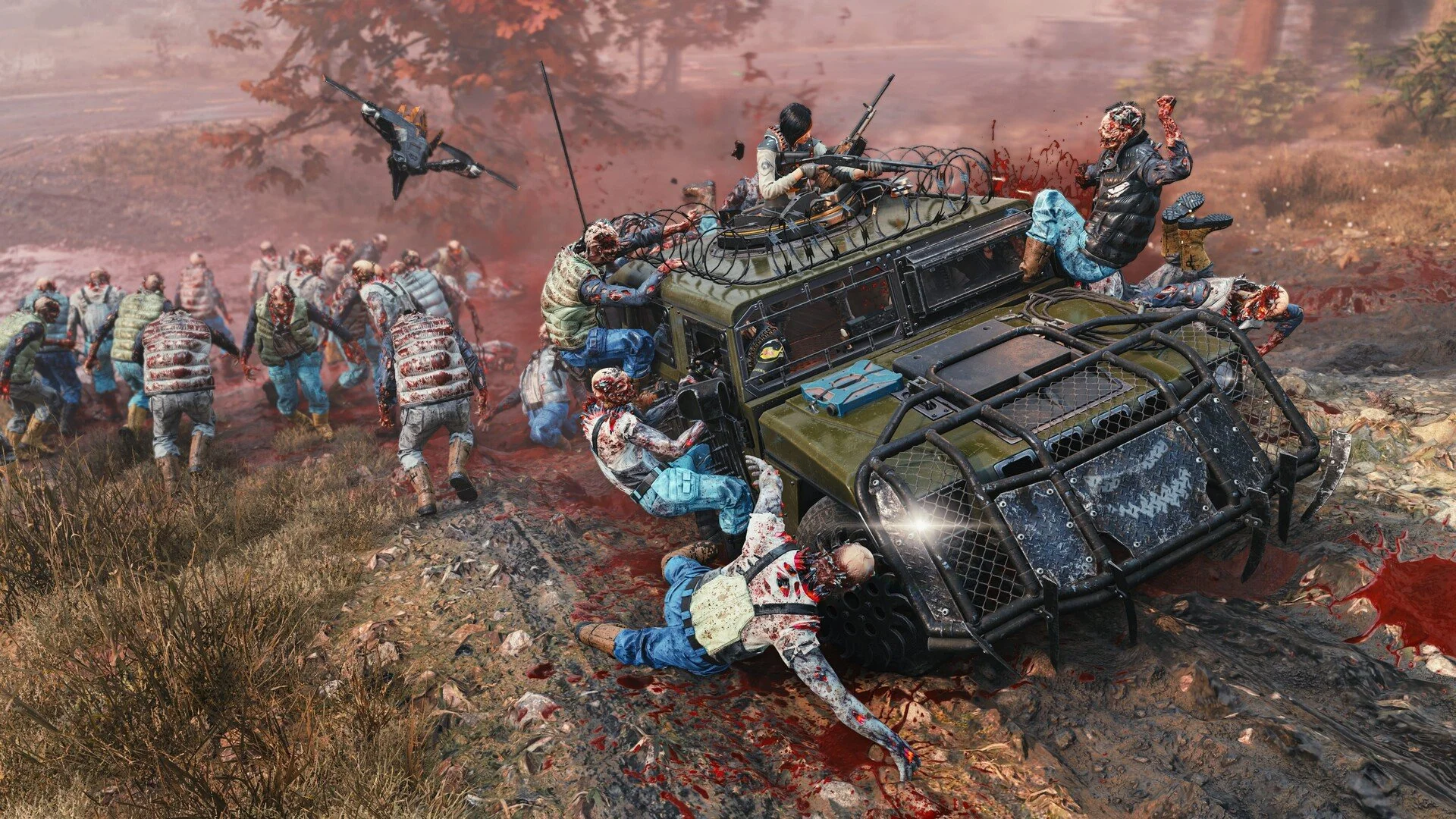
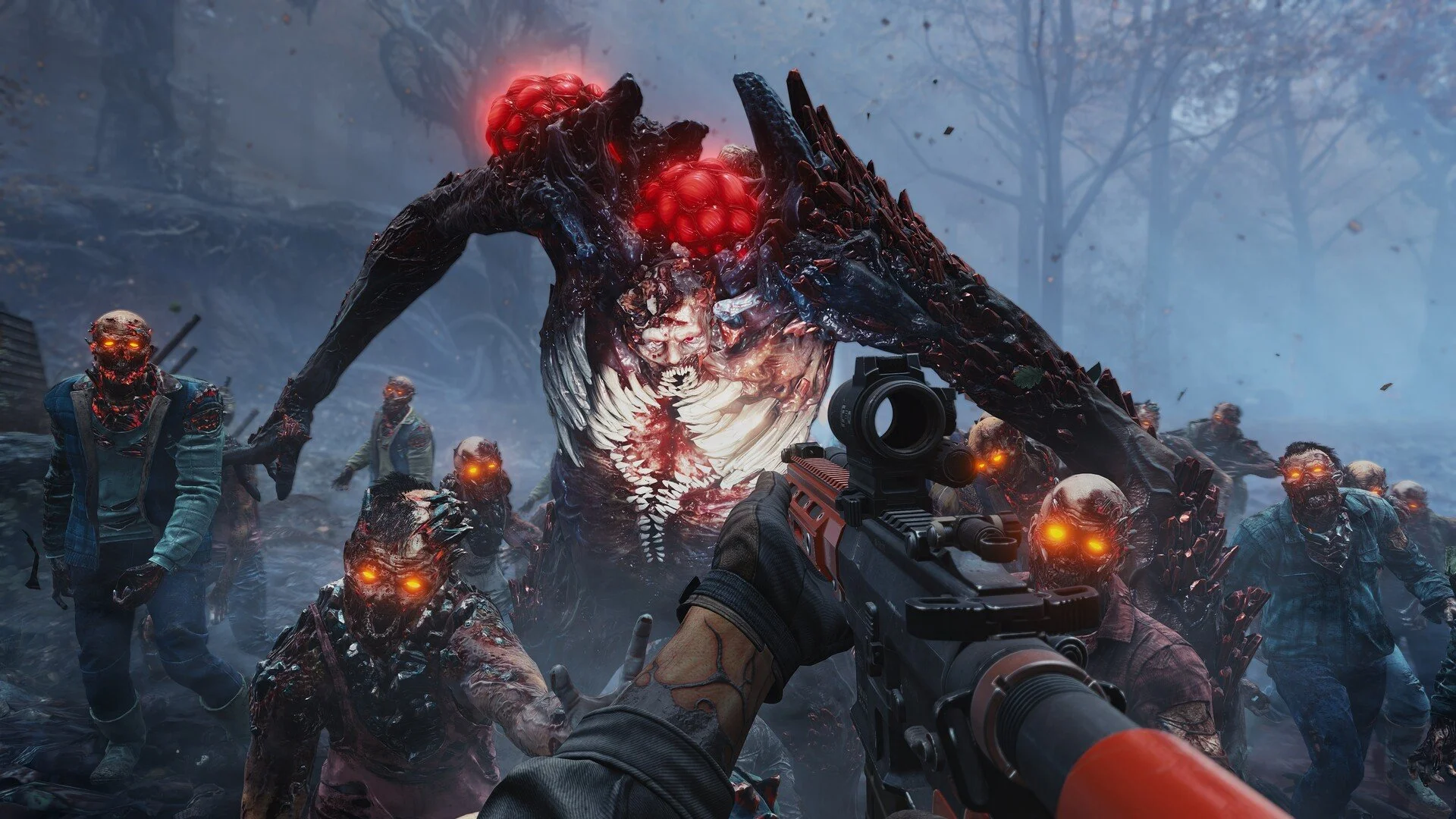
Large zombie hordes and explosive combat can push the system hard. Dynamic resolution helps maintain performance when lots of enemies appear on screen.
Players who prefer fast shooting and responsive controls will usually want to use this mode.
PS5 Quality Mode Details
Quality Mode targets a lower frame rate but increases visual fidelity.
The frame rate target is 30 FPS. Internal resolution runs higher than Performance Mode, typically around 1080p to 1440p dynamically before being upscaled to 4K.
This mode prioritizes sharper visuals and environmental detail. Lighting, shadows, and scene clarity generally appear more stable in this setting.
Players who care more about visuals than fast response time may prefer this option.
How The Game Handles Resolution
Toxic Commando uses dynamic resolution scaling. This means the internal resolution adjusts automatically while you play.
During calm sections of a mission, the resolution can sit near the upper range. When intense battles occur with dozens of enemies, the resolution may drop to maintain performance.
The final image is then upscaled to a 4K output for display.
Which Mode Should You Use
The best mode depends on how you play the game.
Performance Mode usually feels better during heavy combat because the higher frame rate makes aiming smoother and movement more responsive. This can be especially helpful when fighting large zombie waves.
Quality Mode looks cleaner visually, but the 30 FPS limit can make the gameplay feel slower during intense fights.
Most players will likely prefer Performance Mode for the smoother experience.
Final Blurb
John Carpenter's Toxic Commando runs well on PlayStation 5 with two graphics options designed for different priorities. Performance Mode delivers smoother gameplay with a 60 FPS target, while Quality Mode focuses on sharper visuals with a 30 FPS target.
Because the game throws massive enemy waves at players, the smoother frame rate in Performance Mode tends to provide the best experience for most players.
FAQ
Does Toxic Commando Run At 60 FPS On PS5
Yes. Performance Mode targets 60 FPS with dynamic resolution scaling.
What Resolution Is Toxic Commando On PS5
Internal resolution ranges roughly from 720p to 1440p depending on the graphics mode, with the final image upscaled to 4K.
Is There A Quality Mode On PS5
Yes. Quality Mode targets 30 FPS with a higher internal resolution range before upscaling.
Which Mode Is Better For Gameplay
Performance Mode usually feels better during combat because the higher frame rate provides smoother aiming and movement.