© gamerblurb.com | Published on 11/15/2025 at 8:42 PM CST (USA)
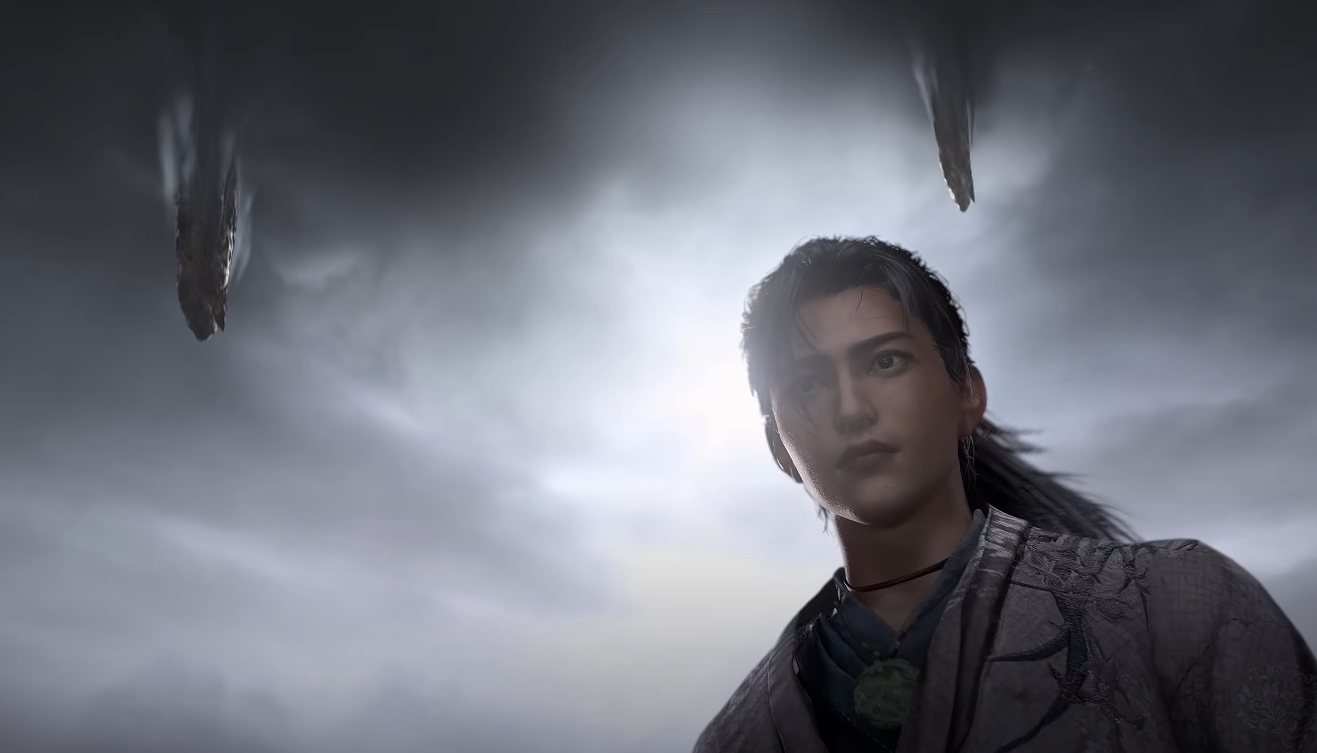
HDR is supposed to make Where Winds Meet’s world shine with richer lighting and deeper contrast, but right now, many players can’t even turn it on. If your PS5 or PC says HDR isn’t supported even when your display clearly supports it, here’s what’s actually going on and what you can do until it’s patched.
Why HDR Isn’t Working Right Now
At launch, HDR is disabled in Where Winds Meet due to a technical issue. On PS5, the HDR option in the Display menu appears greyed out, even when the console’s system HDR is set to Always On. The game incorrectly reports that your display doesn’t support HDR, even on top-end TVs.
PC players have it slightly better. Some have managed to toggle HDR through the brightness menu, but it doesn’t always respond to controller input. The current workaround is using a mouse and keyboard to enable it manually in settings.
How to Try and Enable HDR
You can test a few things while waiting for an official patch.
On PS5, go to Settings and change HDR from Always On to On When Available
Restart the console and relaunch the game
If still greyed out, you’ll have to wait for an update — HDR is currently disabled by the developers
On PC, navigate to Settings, then Brightness, and click the HDR option using your mouse, not the controller
Some players have reported the toggle only reacts to mouse input during setup or after restarting the game
Until HDR is officially restored, you can try improving brightness and contrast manually through your TV settings or the in-game gamma slider to get a closer look to HDR visuals.
What the HDR Bug Actually Does
When HDR is locked out, the game forces standard SDR output, which can make shadows look flat and bright areas overly white. Some TVs will exaggerate this even more since they’re expecting HDR data. This is why many players are reporting washed out colors or dim lighting.
The bug also affects auto-brightness calibration. Players on PS5 have noticed it prevents proper tone mapping or gb-proxy calibration, making dark areas nearly unplayable in night scenes. On PC, contrast issues are more random, sometimes fixing themselves after relaunching the game or switching window modes.
Final Blurb
Right now, HDR support in Where Winds Meet is temporarily broken across both PS5 and PC. The feature will return once the developers patch it in a future update. For now, use “On When Available” mode on console, tweak your brightness settings, and hang tight until the HDR option becomes active again. We’ll update this guide once the fix goes live.
FAQ
Why is HDR greyed out
It’s disabled by the developers due to launch issues and currently can’t be toggled normally.
Can I use HDR on PC
Sometimes, but only by clicking the option with a mouse in the brightness settings.
Does HDR work on PS5 Pro
Not yet, even though the console and TV fully support it.
Why does the game look dull without HDR
It’s stuck in SDR mode, which reduces contrast and color depth.
When will HDR be fixed
No official date yet, but reports suggest it will be restored in an upcoming patch.
© 2025 gamerblurb.com | Linking is welcome with credit to GamerBlurb.com. Copying or reproduction without permission is prohibited.
More Where Winds Meet