Where Winds Meet How to Emote Guide
© gamerblurb.com | Published on 11/15/2025 at 2:52 AM CST (USA)
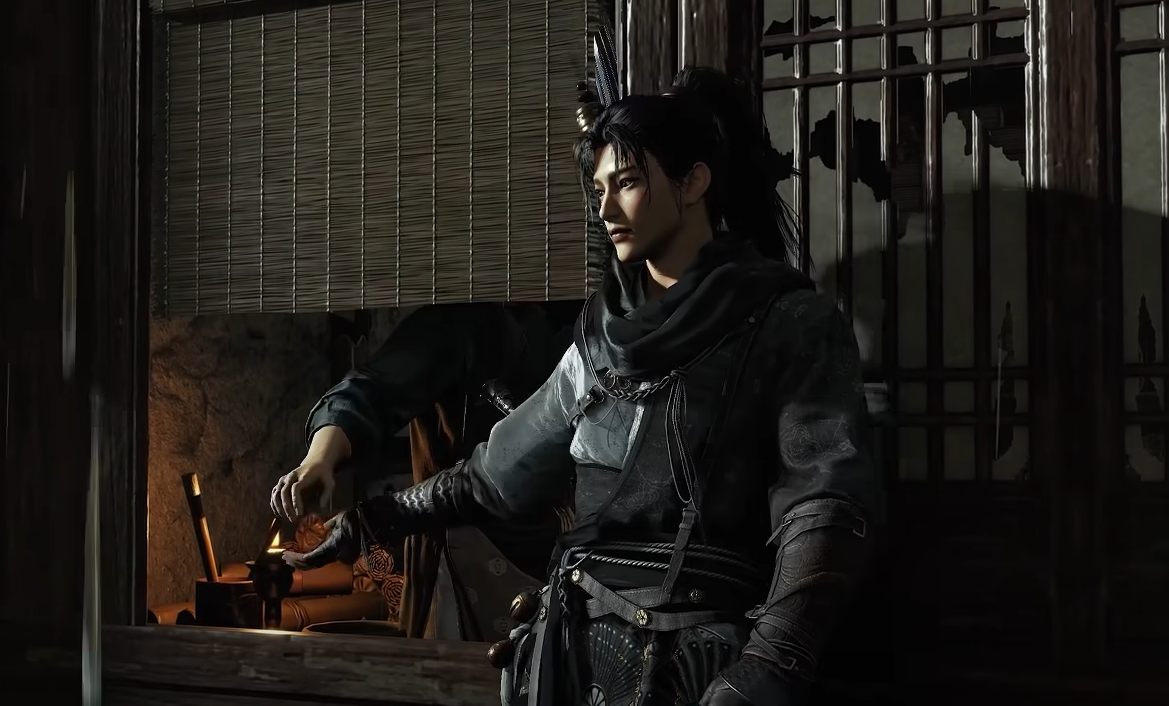
Emotes are one of the easiest ways to show some personality in Where Winds Meet, letting you bow, wave, or pose after a duel. You just need to know where to find the right menu.
How to Use Emotes
Open your Function Wheel to access all emotes and gestures.
On PS5, hold the Touchpad to bring up the wheel. On PC, press the default key set for Function Wheel, then move your cursor or stick to the emote you want. Release the button to perform it instantly.
How to Unlock More Emotes
You start with a few basic emotes like bow, sit, and cheer, but more unlock as you progress.
Completing certain quests rewards unique gestures
Participating in events sometimes adds seasonal poses
Story progress and social ranks like marriage or brotherhood unlock special ones
Visit the Cosmetics tab in the main menu to manage your emote list and choose which appear on your wheel.
Extra Controls and Tips
You can also trigger quick gestures mid exploration.
PS5: press L3 for basic interactions and crouching poses
PC: check the Keyboard tab in Settings to rebind emotes or shortcuts
Some emotes even interact with the world, such as kneeling near shrines or meditating at specific sites.
Final Blurb
Using emotes in Where Winds Meet is easy once you know the Function Wheel shortcut. Customize your favorites, unlock new ones through quests, and flex your martial arts attitude in every duel or photo scene.
FAQ
How do you open the emote wheel
Hold the Touchpad on PS5 or press the Function Wheel key on PC.
Are all emotes unlocked at the start
No, you gain more from quests, events, and social milestones.
Can I change which emotes show up
Yes, use the Cosmetics menu to select which gestures appear.
Do emotes cost anything
Basic ones are free, though some event or premium gestures come with outfits.
Can I use emotes in multiplayer
Yes, you can perform them freely while roaming or during co-op play.
© 2025 gamerblurb.com | Linking is welcome with credit to GamerBlurb.com. Copying or reproduction without permission is prohibited.
More Where Winds Meet