Where Winds Meet How to Switch to Solo Mode Guide
© gamerblurb.com | Published on 11/15/2025 at 7:39 PM CST (USA)
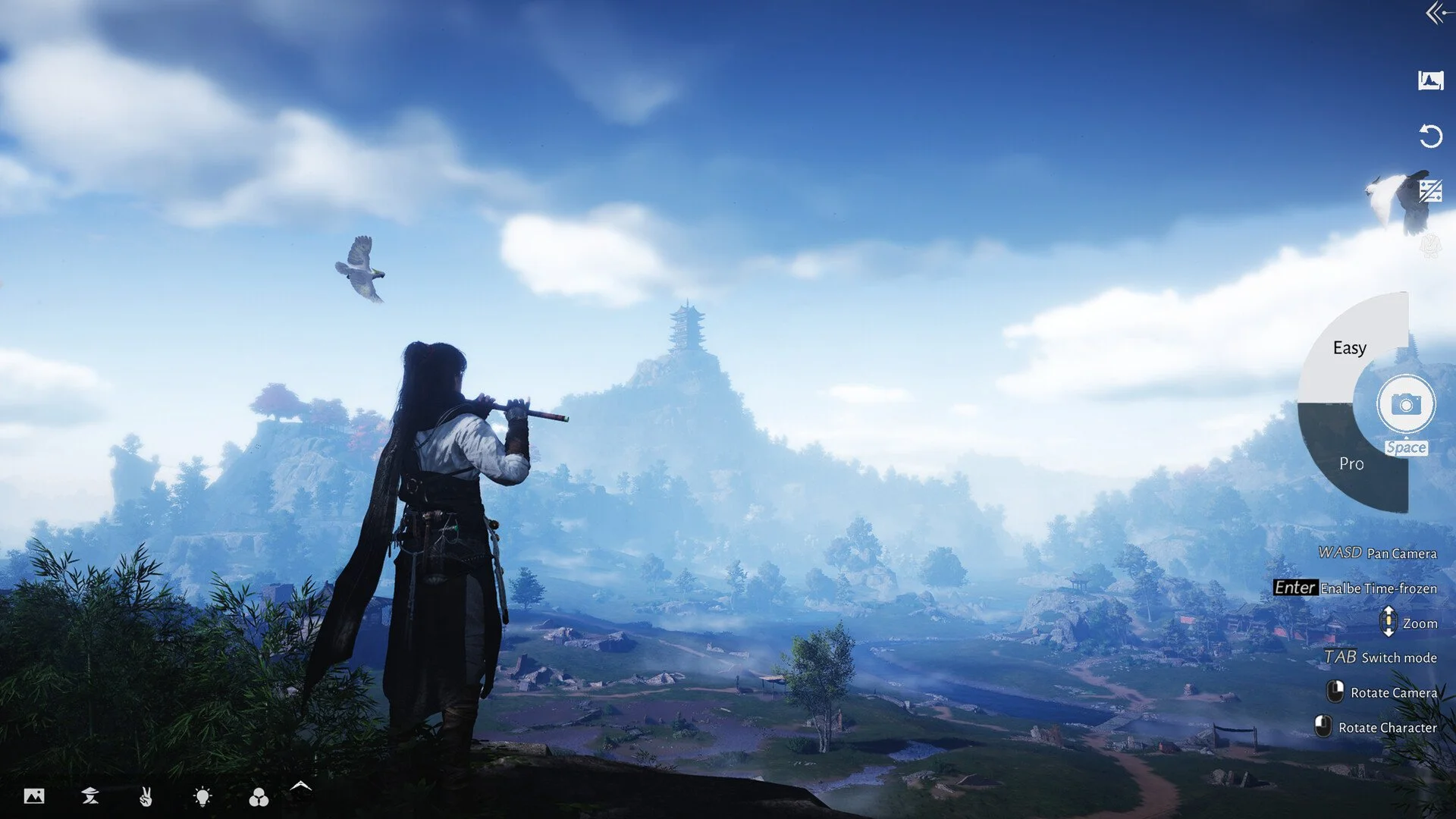
Some days you just want to wander Jianghu alone without other players running past you every few seconds. Luckily, Where Winds Meet lets you swap into Solo Mode anytime through a simple menu option.
How to Switch to Solo Mode in Where Winds Meet
Open the main menu from the game screen, then look for the small icon showing a person wearing a straw hat. That’s the Mode Switch option. Select it to bring up a short list of available play modes. Choose Solo Mode, then confirm your choice when the prompt appears. Your game will reload briefly before placing you into your own private world.
What Happens in Solo Mode
Solo Mode removes other players entirely, turning the game into a pure single-player experience. You can still explore every region, complete quests, and interact with NPCs normally. Story progress, inventory, and unlocked areas all carry over, so you don’t lose anything when switching between modes.
While in Solo Mode, you won’t see random players or receive co-op invites. You also can’t access multiplayer features like the Fellowship menu or shared chest rewards. The game world stays identical otherwise, just quieter and more focused on your journey.
When to Use Solo Mode
When you want to play without lag, gb-proxy issues, or server interruptions.
During story moments or exploration sessions you want to experience at your own pace.
When testing new builds, equipment, or combat skills without distractions.
If you’re taking screenshots or creating videos and need an empty world.
Final Blurb
Switching to Solo Mode in Where Winds Meet is perfect for anyone who wants the game to feel more like a classic RPG. You can flip back to Co-op or Online anytime through the same menu, but sometimes walking the quiet roads alone just feels right.
FAQ
How do I switch to Solo Mode
Open the main menu, select the straw hat icon for Mode Switch, and choose Solo Mode.
Can I switch back to Co-op anytime
Yes, you can return to Co-op or Online from the same menu without losing progress.
Does Solo Mode block rewards
No, all personal quests, loot, and story rewards still work normally.
Do I need to restart the game to change modes
No, switching takes just a few seconds and doesn’t reset your session.
Is Solo Mode available from the start
Yes, you can use it as soon as the Mode Switch menu becomes accessible.
© 2025 gamerblurb.com | Linking is welcome with credit to GamerBlurb.com. Copying or reproduction without permission is prohibited.
More Where Winds Meet