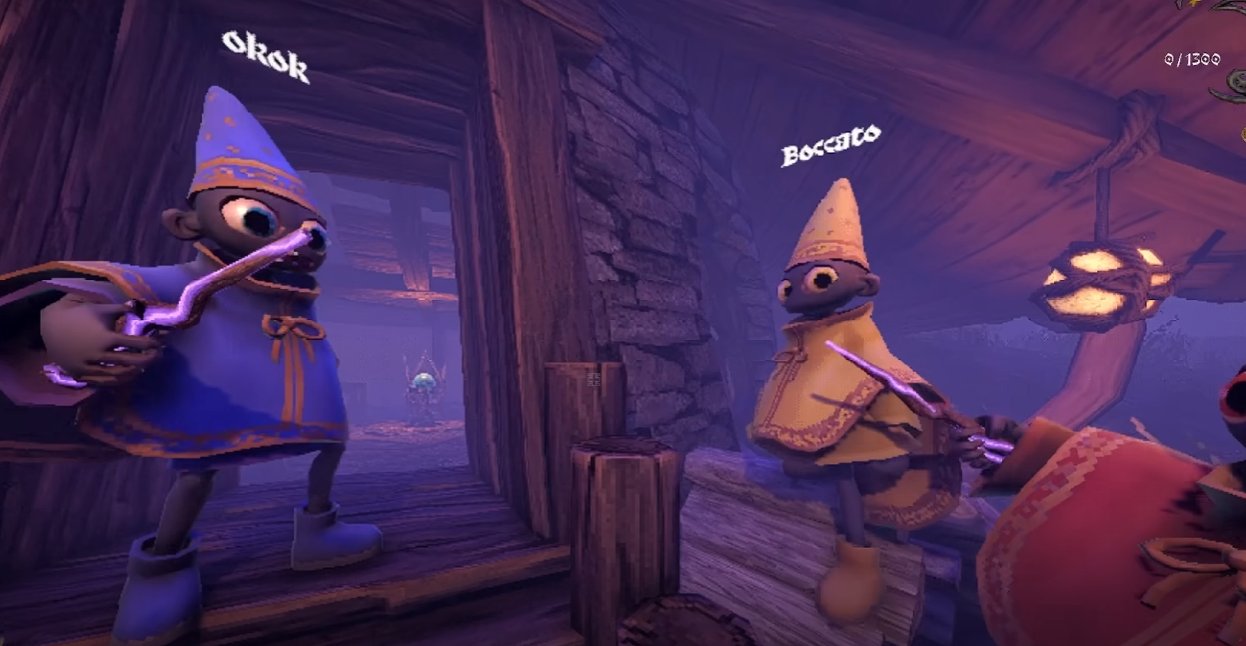
YAPYAP Crash Fix Guide: How To Stop Crashes After Starting A Game

YAPYAP can crash right after starting a game due to a launch bug tied to display mode. The most common cause is fullscreen mode, which can instantly crash the game even on high end PCs. Switching out of fullscreen makes the game playable right now, even if visuals still look a bit off.
This guide explains why YAPYAP crashes on startup and what actually works to stop it, without wasting time on generic PC advice.
Why YAPYAP Crashes After Launch
The crash happens when the game tries to start a session in fullscreen. This affects powerful systems as well, not weak hardware. The issue appeared after launch and did not affect the demo the same way.
When fullscreen is enabled, the game can crash as soon as a run starts. Windowed or borderless modes avoid this crash in most cases.
The Actual Fix That Works Right Now
This is the fix confirmed by players and tested in real sessions.
Disable fullscreen mode in graphics settings
Use windowed or borderless window instead
Apply settings before starting a new game session
Once fullscreen is off, the game should stop crashing and become playable. Visual clarity may still look slightly muddled, but the hard crash is avoided.
Graphics Looking Off After The Fix
After switching off fullscreen, some players notice the game looks softer or less sharp. This appears to be related to resolution scaling or display handling and not GPU power.
For now, this is cosmetic only. The game runs and does not crash, which is the tradeoff until a patch lands.
Other Checks That Can Help Stability
These do not fix the fullscreen bug itself, but they can prevent extra issues.
Restart the game after changing display mode
Restart Steam if crashes repeat
Make sure the game is allowed through firewall exceptions
If the game still crashes after disabling fullscreen, it may be a separate issue.
When To Contact Support
If YAPYAP still crashes even in windowed or borderless mode, the developers have asked players to submit logs through the official Discord bug channel. This helps them track edge cases beyond the fullscreen issue.
At that point, it is likely not something you can fix locally.
Final Blurb
YAPYAP crashing after starting a game is mostly caused by fullscreen mode right now. Turning fullscreen off is the fastest and most reliable fix. Until a patch improves display handling, windowed play keeps the game stable and lets you actually play instead of staring at your desktop.
FAQ
Why does YAPYAP crash as soon as I start a game
This usually happens when fullscreen mode is enabled. The game can crash instantly when a session loads in fullscreen.
Does this happen even on high end PCs
Yes. Strong hardware does not prevent this crash. It is a game bug, not a performance issue.
Is windowed mode the only fix
Right now, yes. Windowed or borderless mode avoids the crash in most cases.
Will this be patched
The issue has been reported and acknowledged. A future update is expected to address it.