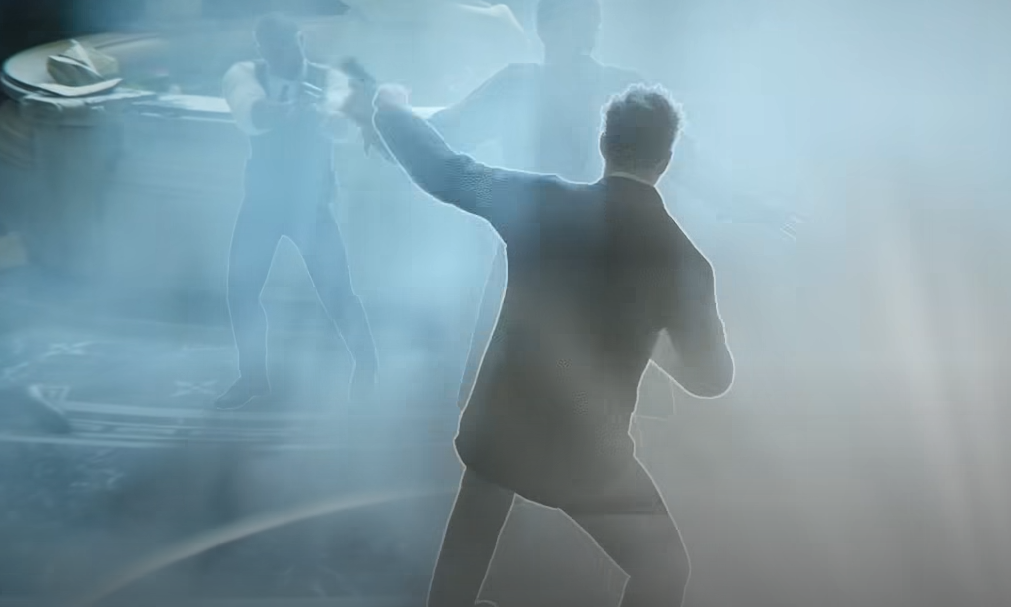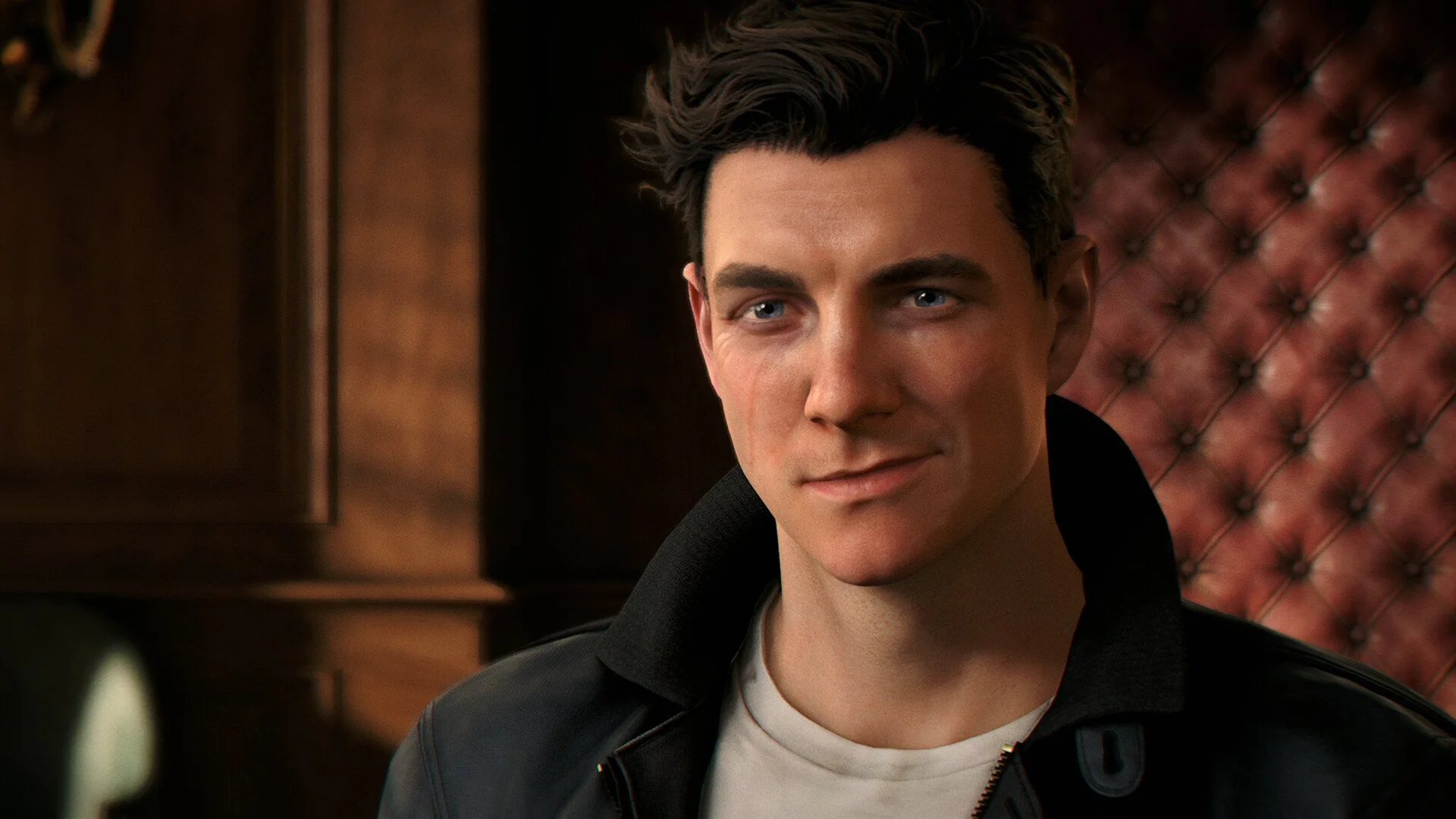
Changing outfits in 007 First Light is more limited than it first sounds, because Bond’s suits and alternate looks are mainly built around Tactical Simulations instead of normal Story Mode. The game has a large wardrobe, but it is not a full campaign costume system where every mission can be replayed with any suit from the menu.
Since outfits are mostly connected to replay and challenge progress, the 007 First Light full mission list is useful for tracking which missions are worth replaying for cleanup.
Jump To
How To Change Outfits In 007 First Light
To change outfits in 007 First Light, open Tactical Simulations from the main menu, finish the short TacSim intro with Selina, then use the wardrobe near the stairs to pick Bond’s outfit.
The wardrobe becomes available inside the Tactical Simulations hub. After entering TacSim, head down the steps and turn right to find the wardrobe area. Interact with it to view the outfits Bond has unlocked and select the one he should wear in Tactical Simulations.
The important catch is that outfits are mainly for TacSim. They do not work like a normal campaign wide costume toggle, so changing Bond’s look in the wardrobe does not mean that suit will carry into every Story Mode mission.
I would treat outfits as part of the game’s replay and challenge layer instead of the main campaign. The wardrobe is still worth checking, but anyone expecting to run the whole story in whatever suit looks best is going to be mildly betrayed by fashion. Very Bond, honestly.
Can You Change Outfits In Story Mode?
You cannot freely change and wear unlocked outfits in 007 First Light Story Mode.
Story Mode uses Bond’s intended mission outfits, with disguises or specific looks appearing when the mission itself allows them. The player owned wardrobe does not function as a free costume selector for the main campaign.
That means the tuxedos, suits, and other unlockable outfits are mostly used in Tactical Simulations. If Bond changes clothes during Story Mode, it is because the mission supports that outfit or disguise as part of the level design, not because the wardrobe has been manually applied to the campaign.
This is the main point that makes the outfit system feel more restrictive than expected. 007 First Light has plenty of outfits, but the game separates fashion unlocks from the story experience. Bond can dress up in TacSim, while Story Mode keeps the presentation locked to what the mission wants.
Where To Find The Wardrobe In TacSim
The wardrobe is inside the Tactical Simulations hub, down the stairs and to the right after the TacSim introduction.
After selecting Tactical Simulations from the main menu, the game gives a brief tutorial with Selina that explains how TacSims work. Once that intro is finished, Bond can move around the TacSim hub. Go down the steps, turn right, and look for the wardrobe interaction.
If TacSim itself feels awkward to exit after testing outfits or simulations, the 007 First Light how to leave TacSim guide explains the current main menu workaround.
| Step | What To Do |
|---|---|
| 1 | Return to the main menu. |
| 2 | Select Tactical Simulations. |
| 3 | Finish the short TacSim tutorial with Selina. |
| 4 | Head down the steps in the TacSim hub. |
| 5 | Turn right and interact with the wardrobe. |
| 6 | Select an unlocked outfit for TacSim use. |
The wardrobe is not buried deep in the mode, but it is easy to miss if the player enters TacSim expecting a simple menu list. The game makes the outfit selector part of the hub space instead of only using a flat customization screen.
Using The Customization Menu
007 First Light also has a Customization option from the main menu, which can be used to view and select outfits.
This is the faster route if the goal is only to check the wardrobe. Open Customization from the main menu and look through the outfits Bond has available. Since the outfits are still used for TacSim, going directly into Tactical Simulations can be more practical when the plan is to equip an outfit and immediately use it.
The main menu option is useful for checking unlocks without walking through the hub. The TacSim wardrobe is better when the player is already inside the mode and ready to run simulations.
| Method | Best Use |
|---|---|
| Tactical Simulations wardrobe | Best when entering TacSim and changing Bond’s outfit before playing. |
| Main menu Customization | Best for quickly checking available outfits and unlocks. |
How To Unlock More Outfits
More outfits in 007 First Light are unlocked through mission challenges, Intel purchases, DLC, and other outfit requirements.
Bond has more than 39 outfits available, but most of them are not handed over at the start. The wardrobe grows as more content is completed, with mission challenges being one of the main ways to build out the outfit list.
This makes TacSim challenges more useful than they first appear. They are not only score or mastery goals. They also feed into the customization side of the game, which gives completion focused players a reason to revisit missions and clean up optional objectives.
Challenge cleanup can be easier on a lower difficulty, and the 007 First Light best difficulty guide explains why Novice is safe for challenges while Intended is still the better first run choice.
| Unlock Source | What It Means |
|---|---|
| Mission Challenges | Complete challenge requirements to earn outfit rewards. |
| Intel Purchases | Use Intel connected unlocks to access some wardrobe items. |
| DLC | Some outfits may come from extra content or special editions. |
| Progression Rewards | Additional outfits can appear as the game’s systems open up. |
The best way to build the wardrobe is to focus on challenge cleanup after getting comfortable with missions. A first run is better used for learning routes and mechanics. Replay runs are where outfit unlocks start making more sense, because the player knows where the problem areas are and can chase specific challenge goals.
How TacSim Outfit Limits Work
Outfits in 007 First Light are limited to Tactical Simulations, while Story Mode keeps Bond’s clothing controlled by the campaign.
This split keeps Story Mode consistent but makes the wardrobe feel less flexible. TacSim is where the outfit system has room to breathe, because it works as a separate mode built around replay, scoring, challenges, and customization rewards.
That also explains why some players can unlock outfits and still feel like they cannot use them where they expected. The wardrobe is not broken. The game is just strict about where custom outfits apply.
If the goal is to see Bond in different suits, TacSim is the place to do it. If the goal is to replay normal campaign missions with full outfit freedom, that is not how the system currently works.
Common Outfit Mistakes
The most common outfit mistake in 007 First Light is assuming unlocked outfits can be worn freely in Story Mode.
The second mistake is looking for a wardrobe during normal missions. Story missions can include disguises and mission specific outfit changes, but the actual player wardrobe belongs to TacSim and the customization side of the game.
| Mistake | Better Play |
|---|---|
| Trying to equip outfits in Story Mode | Use Tactical Simulations or the main menu Customization option. |
| Thinking the wardrobe affects the campaign | Remember that custom outfits apply to TacSim. |
| Missing the TacSim wardrobe | Go down the steps and turn right after the Selina tutorial. |
| Expecting every outfit at the start | Unlock more through challenges, Intel purchases, DLC, and progression. |
| Ignoring mission challenges | Use challenge cleanup to build the wardrobe over time. |
The clean way to think about it is simple. Story Mode is Bond’s official wardrobe. TacSim is Bond’s closet of “sure, why not.” One is cinematic direction. The other is for replay value and showing up overdressed to a simulation like a professional.
Final Blurb
Outfits in 007 First Light can be changed through the Tactical Simulations wardrobe or the main menu Customization option, but they are only used in TacSim. Story Mode does not let Bond freely wear unlocked outfits across the campaign, outside of mission specific disguises or story controlled looks.
To change outfits, enter Tactical Simulations, finish the Selina tutorial, head down the stairs, turn right, and use the wardrobe. More outfits unlock through mission challenges, Intel purchases, DLC, and other requirements, so the wardrobe becomes more useful as replay progress builds. Bond has the drip. The campaign just refuses to let him abuse it everywhere.