How to Play With Friends on Hytale
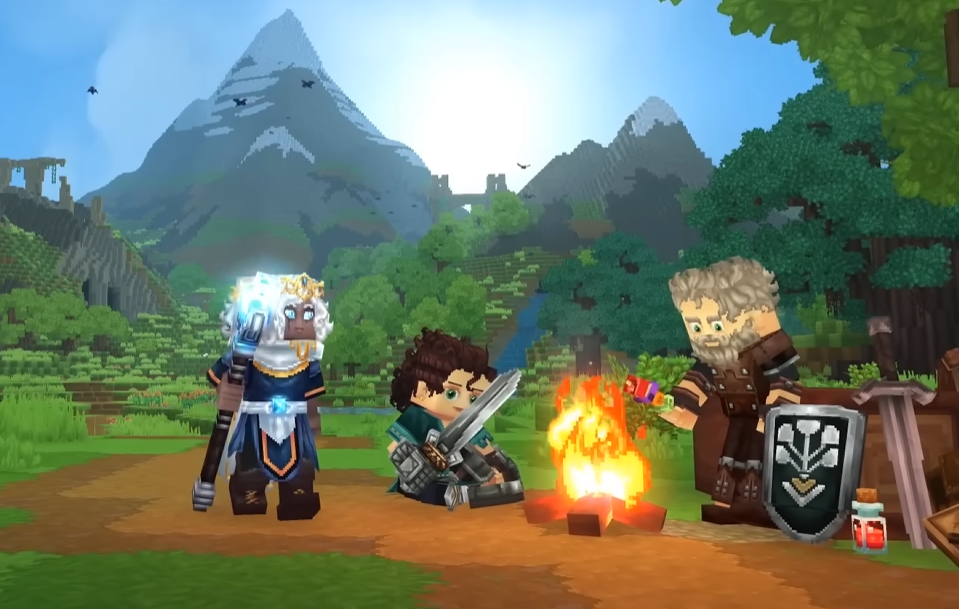
Playing Hytale with friends works through invite codes or full servers, and the setup is quick once you know where the buttons are. You can invite friends directly into your world for short sessions, or use a dedicated server if you want the world online all the time.
This guide explains how friend invites work, how joining a world feels in practice, and when it makes sense to use a dedicated server.
How Playing With Friends Works In Hytale
Hytale uses invite codes for normal worlds. One player hosts the world, and others join using a generated code from the Online Play menu. The host must be online for the world to exist.
Dedicated servers work differently. They stay online without the host and support more players, but they require setup or a paid host.
Inviting Friends To Your World
When you create a new world, it starts as a solo session. You can open it to friends from the pause menu.
Press Escape to open the menu
Select Online Play
Turn on allow other players to join
Select save to apply the change
Copy the generated world code
Share the code with your friend
You can also enable a password. If you do, select save again to generate a new code with a password attached.
World codes include your IP address. Only share them with people you trust, not random cave goblins from chat.
Joining A Friend’s World
Joining is fast if you already have the code.
Open the main menu
Select Servers
Choose join via code
Enter the world code
Select connect
If the host logs out, the world shuts down. That is normal behavior for non dedicated worlds.
World Hosting Limits And Performance
Standard hosted worlds depend on the host’s computer. The host renders the game and runs the world at the same time.
This can lower performance when more players join. It also means the world disappears when the host leaves.
If your group plays often or wants a persistent world, this is where dedicated servers come in.
Dedicated Servers Explained
Hytale supports dedicated servers, but the developers do not run public ones. You either rent a server or host one yourself.
Dedicated servers stay online 24 7 and handle performance better with larger groups. They also raise the player cap compared to normal hosted worlds.
Using A Server Host
Several third party hosts support Hytale servers. These charge a monthly fee and handle most of the setup for you.
This option is best if you want stability without dealing with server files or networking.
Hosting Your Own Server
You can host a dedicated server yourself using official documentation. This requires a strong PC or a spare machine you can leave running.
Self hosting gives full control but comes with setup time and maintenance. It is not recommended unless you enjoy technical tinkering or already run servers.
Final Blurb
Playing Hytale with friends is simple for casual sessions and flexible for long term worlds. Invite codes are perfect for quick adventures, while dedicated servers make sense for groups that play often. Pick the option that matches how serious your group is, and how much setup you want to deal with.
FAQ
Can friends play when the host is offline
No. Normal worlds only exist while the host is online. Dedicated servers are required for offline access.
Is sharing a world code safe
World codes include your IP address. Only share them with people you trust.
Do dedicated servers improve performance
Yes. Dedicated servers handle players better and remove rendering load from the host.
Can I switch from a normal world to a dedicated server later
Yes. World data can be moved, but the process depends on how the server is set up.
Are dedicated servers required to play with friends
No. They are optional and mainly useful for persistence and larger groups.
More Hytale Guides