Hytale: How To Roll And Dodge Attacks
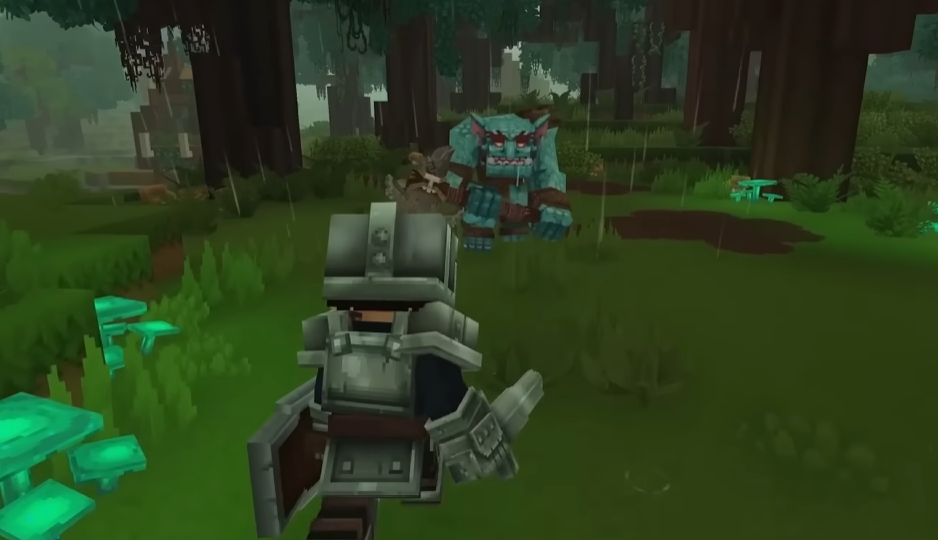
Rolling in Hytale is linked to the crouch and slide input, and it works as a fast movement action that helps you reposition during combat. You trigger a roll by pressing the correct key (left ctrl) while moving/falling from the right height, and it shares the same input as crouching and sliding by default.
This guide explains exactly how rolling works, how to trigger it consistently, and how to use it properly during fights and exploration.
How Rolling Works In Hytale
Rolling is not a separate keybind. It is part of the crouch and slide action. When you press the crouch key while falling, your character performs a quick roll instead of a stationary crouch.
The roll is directional. Your movement input determines where the roll goes, so timing and positioning matter.
Default Roll Controls On PC
By default, rolling uses the same key as crouch and slide.
Hold a movement key like W A S or D
Press Left Ctrl
If you are moving, your character rolls. If you are standing still, your character crouches instead.
When Rolling Triggers Instead Of Crouching
The game checks movement first. Rolling only happens if your character has active directional movement.
If you tap crouch without moving, no roll happens. This is why some players think rolling is not working at first.
Using Rolls During Combat
Rolling is most useful during close combat. It lets you avoid attacks, create space, or reposition behind enemies, and also lets you avoid fall damage.
It works best when used briefly and with intent. Spamming rolls without direction usually puts you in worse spots.
Minimum Height Requirement
Rolls only work when falling from a certain height.
Falls shorter than 9 blocks will not trigger a roll at all. The game treats these as normal landings.
This height requirement is the most common reason players think rolling is broken.
Rebinding Roll And Crouch
You cannot bind roll separately. It is always tied to the crouch and slide action.
You can rebind crouch to another key in the settings menu if Left Ctrl feels awkward. Many players move it to a mouse button or Caps Lock.
Roll Behavior In Different Situations
Rolling behaves slightly differently depending on terrain and momentum. Slopes and uneven ground can shorten or redirect rolls.
In tight spaces, rolls may stop early. This is normal and prevents clipping through objects.
Common Roll Mistakes
Most roll issues come from misunderstanding the trigger.
Pressing Left Ctrl while standing
Pressing Left Ctrl while running on flat ground
Falling from too low of a height
Expecting a combat dodge instead of a landing roll
Once you treat rolling as a fall mechanic, it becomes consistent.
Final Blurb
Rolling in Hytale is simple once you understand that it is movement based and not a standalone ability. Keep moving, tap the crouch key with intent, and use rolls to control space instead of panicking. Once it clicks, combat feels much smoother.
FAQ
Can I roll without crouching
No. Rolling and crouching use the same input and cannot be separated.
Why does my character crouch instead of roll
You are not moving when pressing the key. Rolling requires active movement input.
Can I roll backwards
Yes. Hold S and press the crouch key to roll backward.
Is rolling invincible
No. Rolling is for repositioning, not full immunity.
Can I change the roll key
You can rebind crouch and slide, which also changes the roll input.
More Hytale Guides