© GamerBlurb.com | Published on 11/26/2025 at 9:04 PM CST (USA)
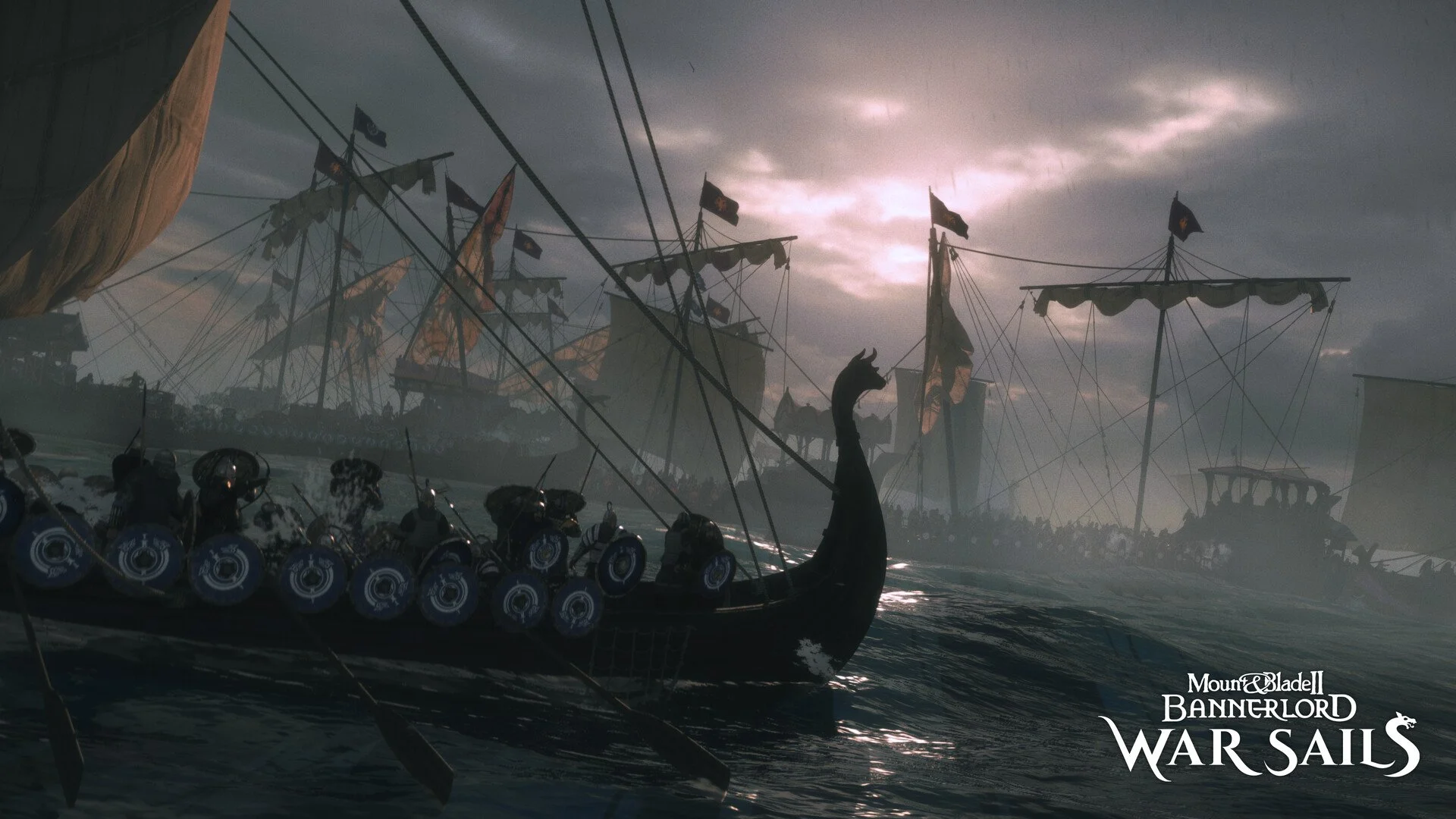
A lot of players are trying to jump into War Sails right now, and the launcher acting weird can make it feel like the seas are closed. Here’s a clean rundown of what actually fixes the current launch issue.
Fix For War Sails Not Launching
The developers pushed a new build that solves the deployment issue, but you need to fully restart Steam to trigger it.
What To Do Step By Step
Restart Steam For The New Build
Close Steam, wait a moment, then open it again. This forces the new Bannerlord and War Sails update to install. The launcher usually breaks when the older build is still cached.
Try Running The Game Directly
The team confirmed this as the main workaround. You can launch the game without the main launcher.
Go to your install folder
SteamLibrary, steamapps, common, Mount and Blade II Bannerlord, bin, Win64 Shipping Client
Run Bannerlord.Native.exe
This bypasses the launcher entirely and loads the game on its own.
Let The First Load Sit For A Long Time
War Sails loads a large chunk of DLC resources on first boot. That first startup can feel broken even when it’s actually loading.
Players report 3 to 5 minutes of nothing. Steam will say running but the screen stays empty. Let it sit. After the very first successful load, all future launches are normal.
Verify Files And Check Beta Options
Some players fixed it by verifying game files. Also make sure you are not opted into any Bannerlord beta branch.
Restart Your PC
The devs say a full restart resets the slow first load bug. After rebooting, the next launch is usually clean.
Slower Drives May Load Even Slower
The developers confirmed they are changing how DLC assets load so slower drives don’t choke before the window appears. That patch is planned, but not released yet.
So for now, if your drive is older or nearly full, the first load might take extra time.
If It Still Instantly Closes
If the launcher opens then shuts itself down with no loading window, the direct exe method above is the fix the devs recommend.
If It Loads But Takes Forever
This is normal for the current build. Once it loads once, it works fast afterward.
Final Blurb
War Sails had a rough deploy, but the fix is already out. Restart Steam, run the direct exe if needed, and let the first load crawl for a bit. Once you get through that first launch, you should be sailing normally again. If a later update rolls in, this whole process will get smoother.
FAQ
How long should I wait on the first boot
Some players needed 3 to 5 minutes before the window appeared.
Does running Bannerlord.Native.exe break anything
No, it just bypasses the launcher.
Do mods cause this
Most reports had zero mods installed. The issue came from the DLC build, not mod conflicts.
Do I need to reinstall the game
No. Restarting Steam and running the direct exe handles it.
Will an upcoming patch fix load times
Yes, the devs confirmed a resource load change is planned.
© 2025 GamerBlurb. Linking is welcome with credit to GamerBlurb.com. Copying or reproduction without permission is prohibited.
More Mount & Blade II: Bannerlord