© GamerBlurb.com | Published on 11/26/2025 at 9:21 PM CST (USA)
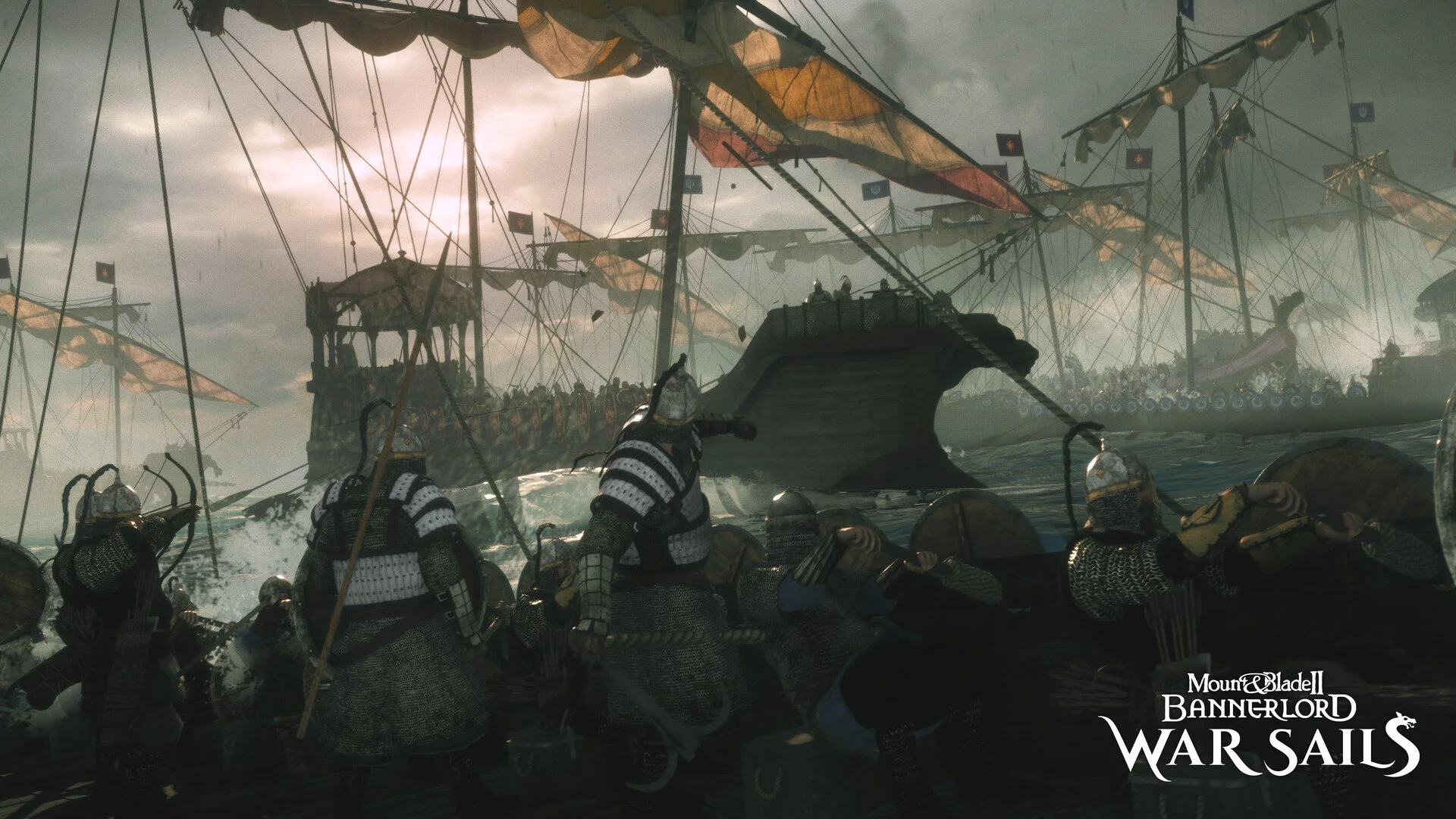
War Sails dropped with a bunch of fresh content, but some players are hitting crashes the moment they try to load in. Here’s a clean guide that focuses only on actual crash fixes, not launch delays.
Crash Fix For War Sails
The main cause of early War Sails crashes is often the DLC resource load failing during startup. A few simple checks usually stop it from breaking.
Steps To Stop War Sails From Crashing
Install The Latest Hotfix
The dev team already pushed a new build that fixes most crash points. Fully close Steam, then reopen it so the update installs. Steam sometimes stalls and won’t fetch the new files until you restart it.
Verify Game Files
Corrupted DLC bundles can instantly crash the moment the game tries to load naval assets. Do a file verify in Steam. This forces the broken War Sails files to re-download.
Check That You Are Not In Any Beta Branch
Some players who stayed opted into an old beta got constant crashes. Set Bannerlord to none under Betas in Steam.
Remove Or Disable Any Mods
Even if War Sails is new, old mods still load and crash during asset checks. Disable all mods first. Launch the game with a clean profile so you know the crash isn’t mod related.
Try Direct Launch Using The Native EXE
This avoids the launcher and skips some load points that can trigger a crash.
Go to your install folder
SteamLibrary, steamapps, common, Mount and Blade II Bannerlord, bin, Win64 Shipping Client
Run Bannerlord.Native.exe
If the launcher keeps crashing, this usually works.
Restart Your PC Before Testing Again
War Sails has a known issue where resource caching gets stuck until you reboot. A restart can fix crash loops for the first boot.
Give The First Load Time To Stabilize
Some players think the game crashes because the window disappears for a few minutes. If Steam says running, leave it alone. The first War Sails boot can take 3 to 5 minutes before it shows anything.
Make Sure Your Drive Has Free Space
Low free space causes DLC bundles to crash while decompressing. Clear a bit of storage and try again.
Lower GPU Overlays Or Capture Tools
Several crashes come from overlays like MSI Afterburner, Discord, Nvidia overlay, or ReShade. Disable them before launching.
Final Blurb
Crashes in War Sails are tied to DLC loading, mod conflicts, and old cached files. Update the game, verify files, reboot, and try the direct launch method. Most players get stable after that first clean load. Once it finally boots, the rest of the playthrough runs normally.
FAQ
Why does my game crash before the window appears
The DLC tries to load before showing anything. It can break instantly if the files are corrupted.
Can mods cause crashing even on day one
Yes, if they modify core Bannerlord files.
Why does Steam say running but I see nothing
The game might be loading slowly, not crashing. Let it sit for several minutes.
Does deleting the launcher fix crashing
Not needed. Running the native exe already bypasses the launcher.
Will future patches fix this
Yes. Devs confirmed more optimizations for War Sails loading are coming.
© 2025 GamerBlurb. Linking is welcome with credit to GamerBlurb.com. Copying or reproduction without permission is prohibited.
More Mount & Blade II: Bannerlord