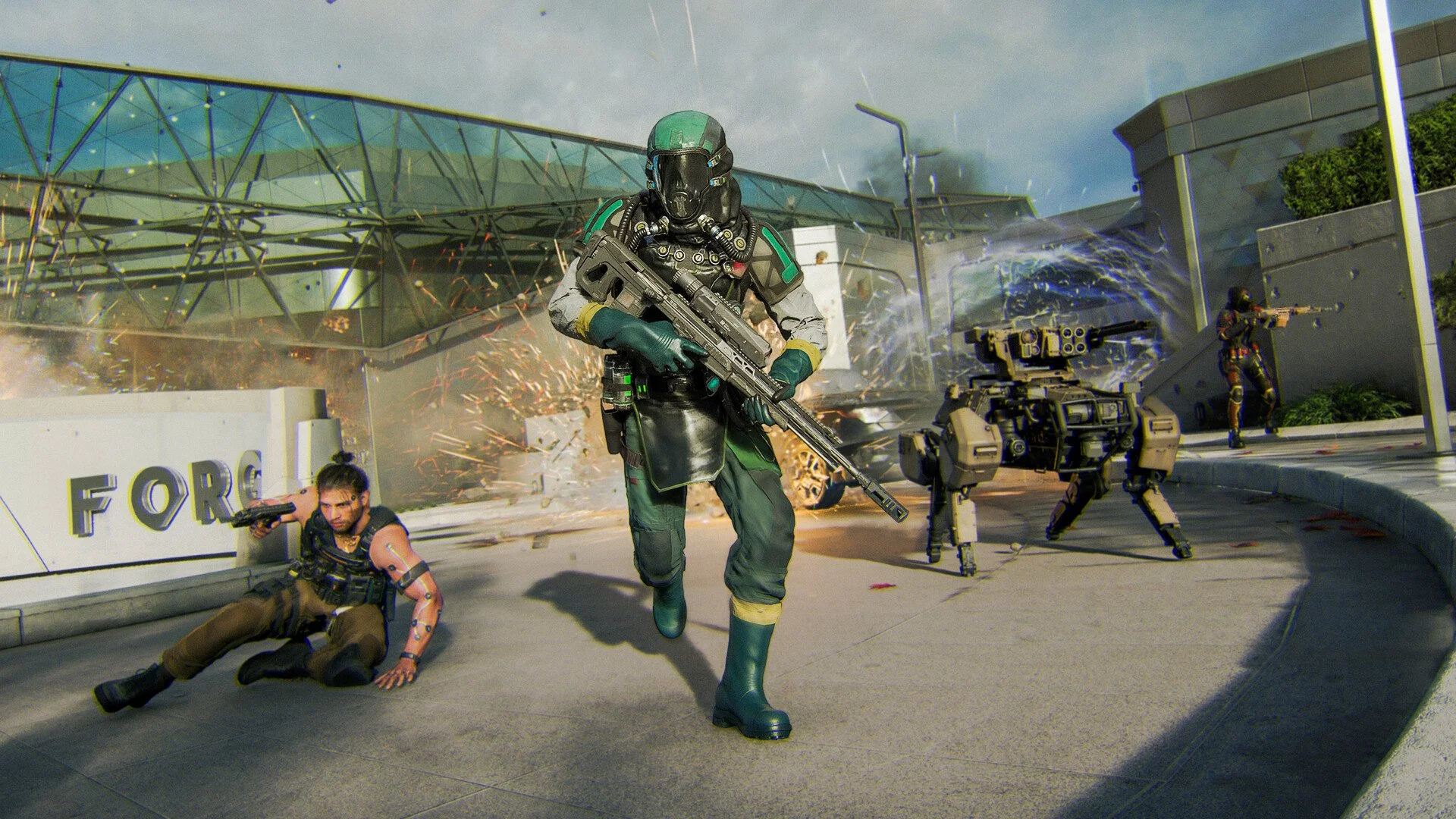
Black Ops 7 Best Graphics Settings PC
© gamerblurb.com | Published on 11/14/2025 at 2:24 AM CST (USA)

Here is a clean rundown for anyone searching Black Ops 7 best graphics settings PC so you can get high frames, clean visuals, and stable gameplay without digging through every menu yourself.
Best graphics settings for Black Ops 7 on PC
The best setup is a mix of low and medium settings for steady frames, with a few visuals kept higher for clarity. You want the game to stay sharp, readable, and consistent when fights get chaotic.
Display settings to change first
These settings control how smooth your game feels.
Fullscreen gives the best stability
Match your refresh rate to your monitor
Turn VSYNC off to avoid input delay
Cap your frame rate close to your monitor max if you want cooler temps, or leave uncapped for max FPS
Brightness around fifty to fifty five makes enemies easier to see
Reflex Low Latency works best on plus boost if your CPU is the bottleneck, or eco if your GPU is the bottleneck
Key quality settings for cleaner visuals and higher FPS
Here is the setup that works well for most mid to high end PCs.
Use your native resolution for the sharpest picture
Upscaling on FidelityFX set around ninety keeps things crisp
Turn off frame generation and gb-proxy to avoid added delay
Ray tracing off for max frames
Texture resolution on medium or normal depending on VRAM
Texture filter medium
Depth of field off so nothing blurs
Particle resolution low for cleaner fights
Bullet impacts on for info
Shadows medium so they are visible without draining frames
Screen space reflections off to help visibility
Terrain medium if your GPU is mid range, higher if you have extra power
Weather effects low
Best view settings for awareness
These settings make it easier to track movement.
FOV between one hundred and one hundred twenty works best
ADS FOV on affected keeps recoil visuals lower
Weapon FOV on wide for more screen space
Camera shake on least for every option
Motion blur off for both world and weapon
Color options that help visibility
These simple tweaks make enemies stand out better.
Switch to a custom color filter with filter two
Set target to both so the whole game gets saturated
Increase intensity until the map looks clear but not washed out
Adjust enemy color to a bright red or whatever stands out on your monitor
Extra interface settings to watch
These settings help you check performance while you tune things.
Turn on FPS counter
Turn on latency and packet loss
Turn on GPU time and CPU time so you can see what is slowing things down
Keep minimap on rotation so your directions feel natural
Final Blurb
If your main question was Black Ops 7 best graphics settings PC, the setup above gives you smooth frames and sharp visuals without overcomplicating your menu. Keep your FOV high, blur off, shadows simple, and everything will feel faster right away.
FAQ
Are these settings good for low end PCs
Yes, just lower textures and terrain to very low if frames dip.
Does ray tracing help the game
It improves lighting but drops frames too much for competitive play.
Should I use frame generation
Not recommended because it adds delay in fast paced fights.
Does changing FOV change recoil
Affected ADS FOV makes recoil look lighter.
Is FidelityFX the best upscaler
It is the simplest and cleanest for COD without extra delay.
© 2025 gamerblurb.com | Linking is welcome with credit to GamerBlurb.com. Copying or reproduction without permission is prohibited.
More Black Ops 7