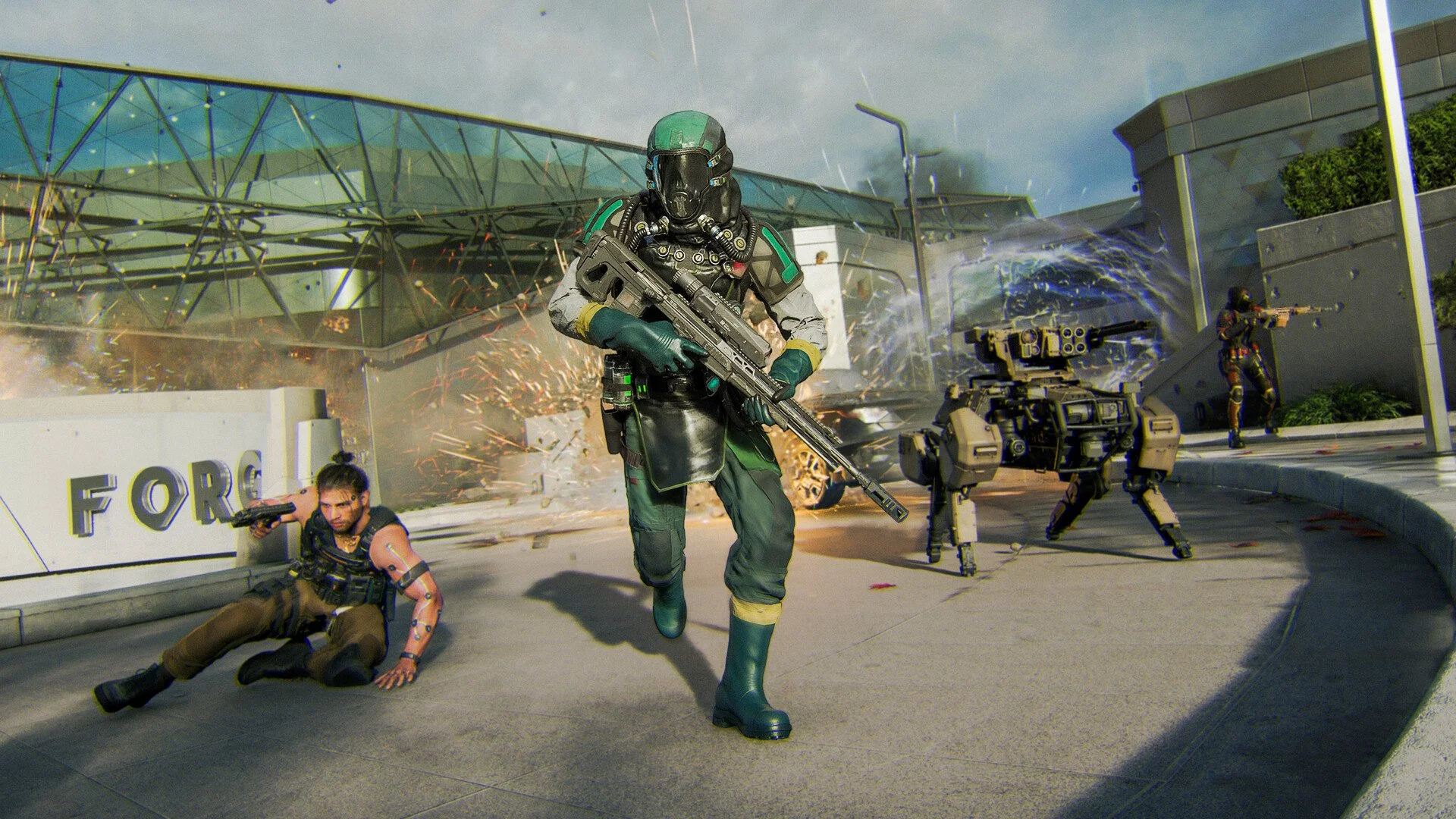
Black Ops 7 Best Settings Guide for Console and PC
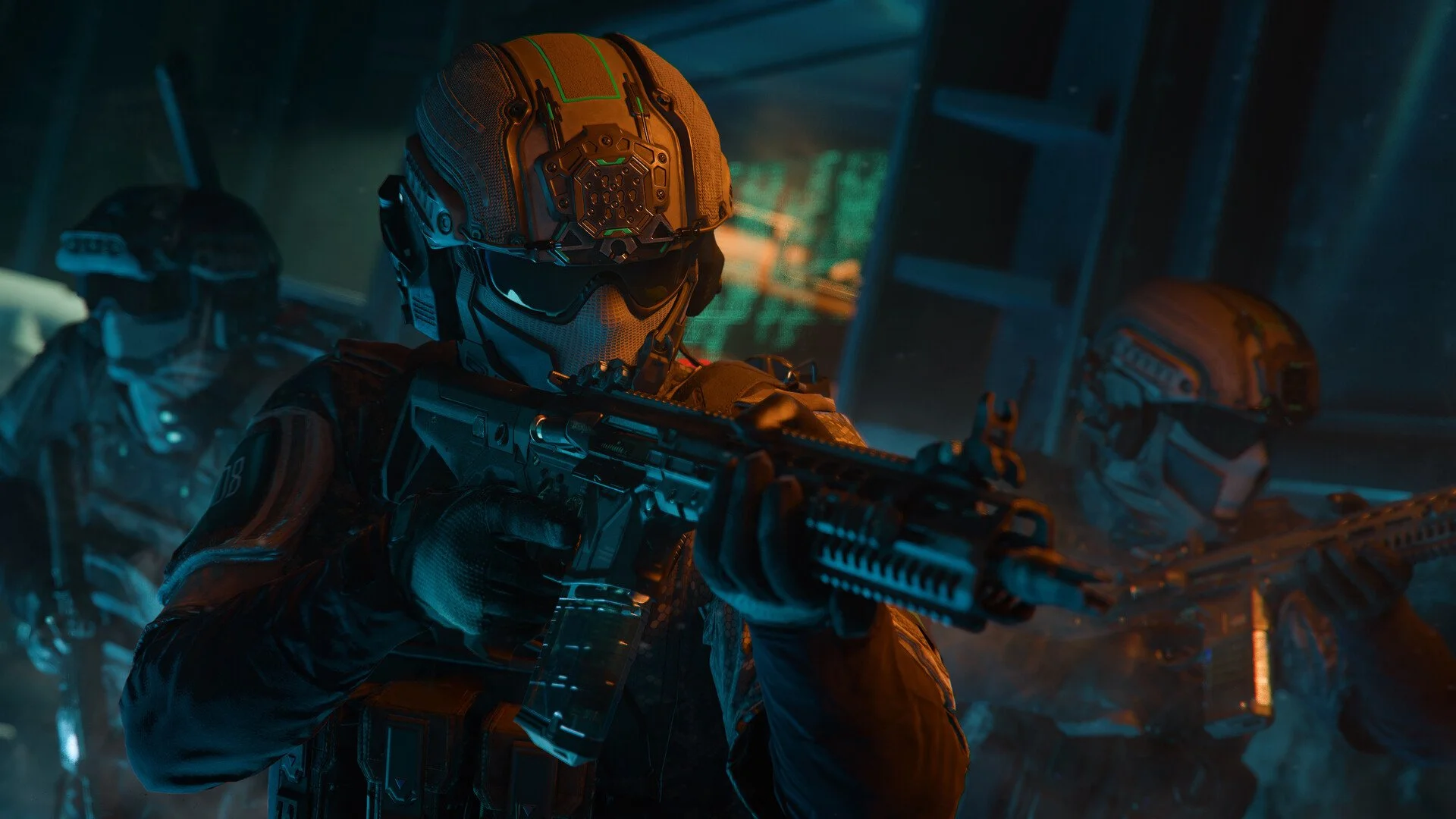
The Black Ops 7 beta gives you a mountain of menus, but the right setup can make gameplay smoother, aiming sharper, and visuals cleaner. Small tweaks can improve your performance instantly, regardless of whether you’re on console or PC. Use these optimized settings to get the best balance of speed, clarity, and control.
Best Black Ops 7 Settings
Lower controller dead zones to reduce drift
Turn off vibration and trigger effects
Use Dynamic aim curve with instant ADS
Disable motion blur and lower camera movement
Keep render resolution at 100 on PC
Turn off music, raise effects volume for footsteps
Enable FPS counter, latency, and packet loss
Best Controller Settings
Button layout: Tactical for easier crouch and drop shots
Sensitivity: 1.8 horizontal, 1.8 vertical for balance
Vibration: Off
Trigger effects: Off
Stick dead zones: Start at 0, raise slightly to counter drift
Triggers: Leave at 0 for fastest actuation
ADS transition: Instant
Aim response curve: Dynamic
Aim assist: On
Motion sensor aiming: Off
Best Movement Settings
Tap to slide for quicker response
Mantle assist off for full control
Tactical sprint: Single tap
Sprint door bash: On
Auto move: Off
Auto mantle: Off
Best Graphics Settings PC
Display mode: Full screen
Refresh rate: Match monitor
V-Sync: Off
Render resolution: 100
Dynamic resolution: Off
Upscaling: FidelityFX CAS or DLSS
Screen space reflections: Off
Motion blur: Off
Camera movement: Least
Textures: Medium or normal
Depth of field: Off
Bullet impacts and persistent effects: On
Best Audio Settings
Music volume: 0
Dialogue: ~75
Effects: High for footsteps and gunfire
Audio mix: Default works well for most setups
Tinnitus sound reduction: On
Licensed music: Mute
Best Interface Settings
Skip intro movies and disable tool tips
Enable FPS counter, server latency, and packet loss
Turn on network icons for connection clarity
Use color filters for better visibility on console
Adjust saturation to make enemies and objectives stand out
Keep HUD and minimap clean and uncluttered
Final Blurb
Black Ops 7 runs its best when you cut distractions and boost clarity. Lower your dead zones, turn off unnecessary visuals, and fine-tune audio for better awareness. With these settings, the game feels faster, smoother, and far easier to control.
FAQ
What is the best controller sensitivity in Black Ops 7?
1.9 horizontal and 1.8 vertical is a strong balance, giving steady aim without slowing you down.
Should I turn off motion blur in Black Ops 7?
Yes, turn off both world and weapon motion blur to make the game clearer.
What audio mix is best in Black Ops 7?
The default mix is reliable, as long as you turn off music and keep effects volume high.
What graphics setting gives the biggest FPS boost in Black Ops 7?
Turning off screen space reflections and lowering texture quality gives the best performance gain.
Should I use single tap sprint in Black Ops 7?
Yes, single tap sprint and tactical sprint make movement quicker and more responsive.
© 2025 GamerBlurb. Linking is welcome with credit to GamerBlurb.com. Copying or reproduction without permission is prohibited.
More Black Ops 7