

Blue Prince: HDR Support Explained
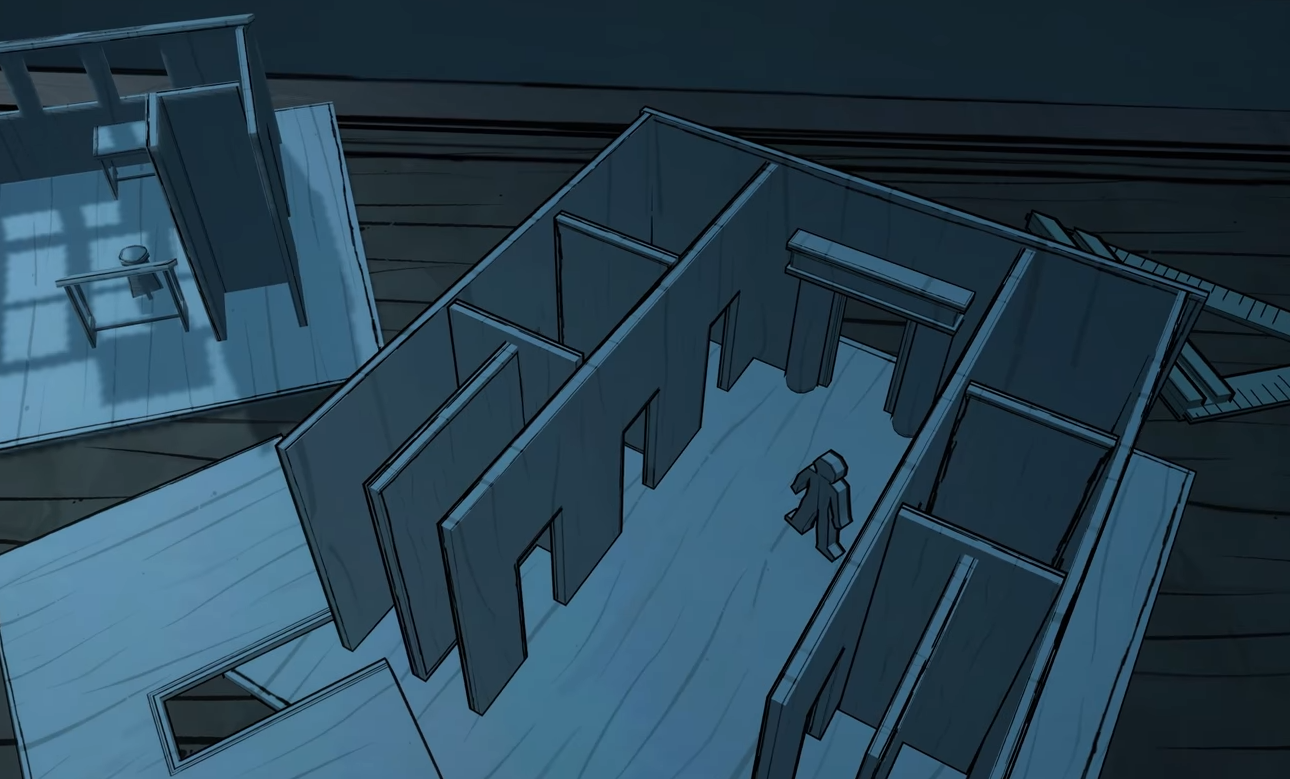
Image Credits: Dogubomb, Blue Prince
If you're poking around the menus in Blue Prince wondering what all the visual options mean, or more specifically if HDR is supported—here’s the short version: HDR is not currently supported in Blue Prince.
Right now, the game runs with standard dynamic range visuals only. That means no expanded contrast, no brighter brights or deeper shadows—at least not in the HDR sense. The moody blue color palette still looks great, but if you were hoping to test your OLED panel’s limits with glowing candelabras and deep shadows, you’ll have to wait.
Read More: Blue Prince Tips and Tricks
What Display Options Are Available?
There are some basic settings you can adjust:
Brightness and contrast (standard range only)
Camera sensitivity (and inversion)
Volume sliders
Resolution support (though oddly, 16:10 isn't supported yet)
Fullscreen or windowed mode
What's Missing?
No HDR toggle
No ultrawide support
No in-game color grading settings
No display calibration options
Is HDR Coming?
The devs at Dogubomb haven’t officially announced HDR support yet. But given that they’ve already confirmed work on controller remapping, widescreen support, and color assist modes, there’s a chance HDR could make its way in later updates. For now, though, you’re limited to regular SDR visuals—and a whole lot of eerie blue lighting.
Final Blurb
If you’re looking to crank up HDR and marvel at haunted hallways in dazzling ultra-contrast, Blue Prince isn’t quite there yet. But if you’re into spooky mansions and clever puzzles, the lack of HDR might be the least mysterious part of the experience.
Recommended | View all Blue Prince


