

Blue Prince: Log into Network Password Guide
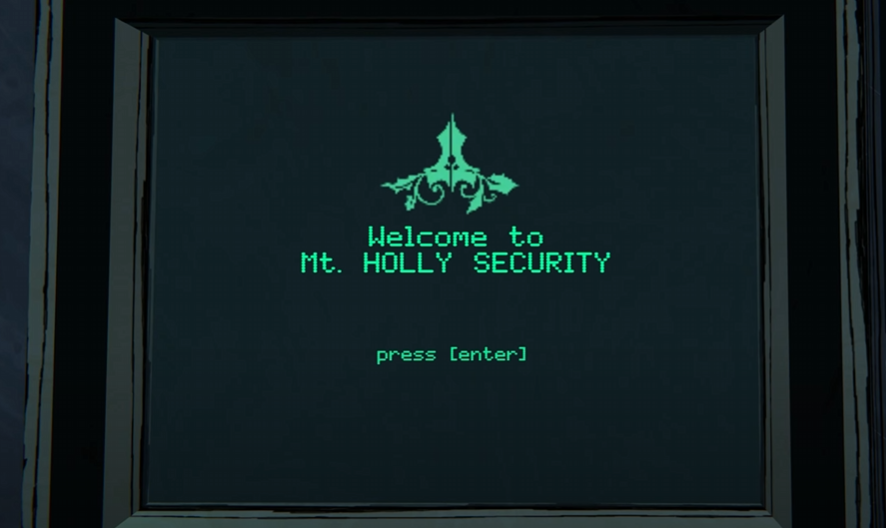
Image Credits: Dogubomb, Blue Prince
In Blue Prince, scattered throughout the manor are old, crusty computer terminals. They’re not just for decoration—once you log in, you unlock all sorts of features: emails, glossary entries, remote tools, and the always-thrilling ability to check the date. But first, you’ll need the password.
Where to Find the Terminal Password
Your hunt begins in the Security Room. Look for the bulletin board next to the coffee station. There’s a note labeled “Staff Notice.” That’s your target.
Unfortunately, someone’s tried to scratch out the password. Classic.
You’ll need a special item to reveal it:
Wood and Brass Magnifying Glass
Can be found in the Parlor (on a table), Bedroom (on a dresser), or purchased at the Commissary.
Use the magnifying glass on the crossed-out word. This reveals the password, hidden under someone's poor attempt at security.
What’s the Password?
If you just want the answer and don’t feel like playing junior detective:
Password: SWANSONG
It’s universal. Works across all computers, all runs, all timelines. You don’t need to capitalize it—it does that for you.
How to Log In
Walk up to any terminal (they’re in rooms like Security, Office, Laboratory, and Shelter)
Choose “Login to Network”
Type in SWANSONG
Boom—you’re in
Some terminals will have limited options, but here’s what you might see:
Staff Services
Remote Terminal Access
Electronic Mail
Data Transfers
Glossary of Terms
Log Out
Final Blurb
Logging into the network in Blue Prince feels like hacking into a haunted school’s yearbook. All you need is a magnifying glass, a mysterious word, and a terminal that still somehow works. Once you're in, poke around… There’s weird stuff hiding in those inboxes.
Recommended | View all Blue Prince


