

Blue Protocol Star Resonance Auto Play System Guide
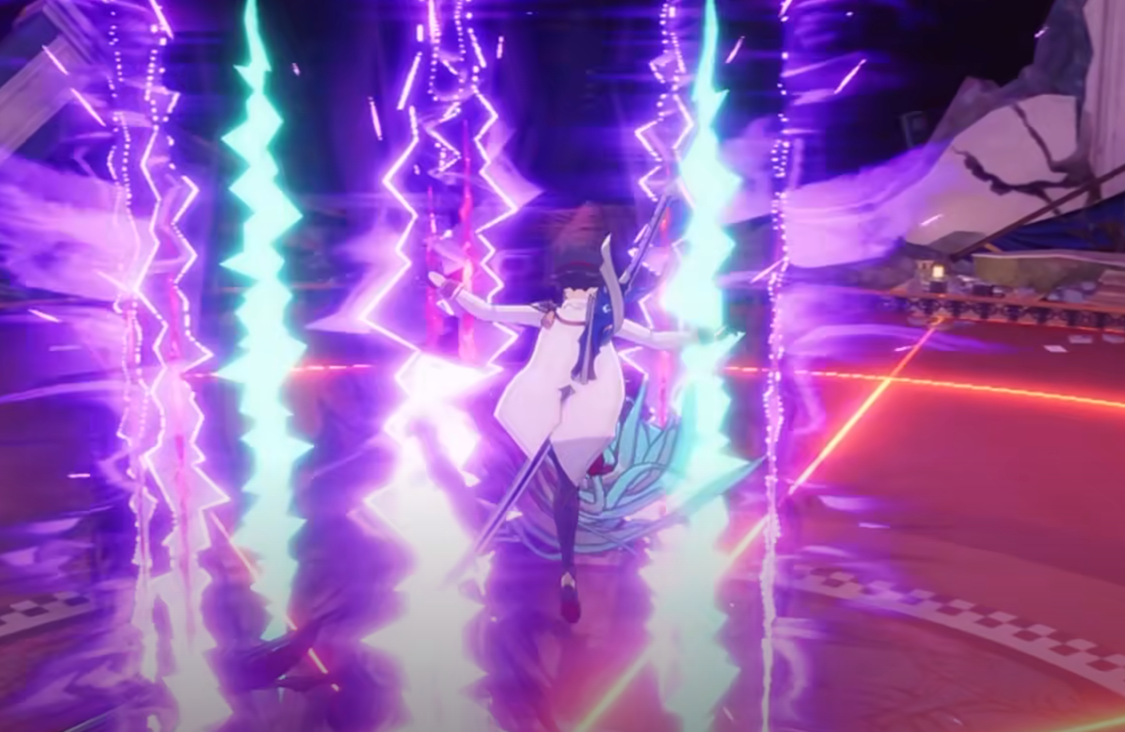
Many mobile MMOs rely on auto play, and Blue Protocol Star Resonance is no exception. The feature lets your character fight automatically during light grinding or exploration, but it has big limits you’ll want to know before using it.
Does Blue Protocol Star Resonance Have Auto Play
Yes, Blue Protocol Star Resonance includes an auto play feature called Auto Hunt or Auto Battle. It becomes available early in the game once you obtain a tutorial book around level 5. After learning it, you can toggle auto play from the quick command menu or your settings interface.
How Auto Play Works
When active, your character automatically targets nearby enemies and performs basic attacks and skills. The system is mostly designed for low-risk content such as mob-hunting missions or gathering materials in the open world. It does not automatically dodge, heal, or reposition during fights.
Auto play stops if your character dies, leaves range, or runs out of eligible targets. You can also disable it anytime from the same menu where it was activated.
When To Use Auto Play
• Grinding mob-hunting quests that require large kill counts.
• Farming weaker enemies while multitasking or stepping away.
• Completing routine content such as fetch or material tasks.
• Leveling early characters without heavy attention.
Avoid using auto play in dungeons, boss fights, or high-level areas since your character will not dodge or react properly. In most combat zones, manual control still performs better and earns more rewards.
Auto Play Tips
• Turn it off before starting co-op or story dungeons.
• Recheck your skills after enabling it to make sure the right ones are assigned.
• Use it in safe open-world regions with easy enemies.
• Watch your EXP rate, as auto kills give reduced experience.
• Remember that some devices may drain battery faster with auto play on.
Final Blurb
Auto play in Star Resonance is more of a background helper than a full combat system. It’s fine for light farming but not a substitute for real gameplay. Treat it as a convenience tool and you’ll get the most from it without ruining the fun.
FAQ
Can you turn off auto play
Yes, you can disable it from the quick access or combat settings menu at any time.
Does auto play work in dungeons
Not effectively. It can’t dodge or block, so you’ll die quickly if you rely on it in higher difficulty areas.
Is auto play required
No, it’s completely optional. The game can be fully completed through manual combat.
© 2025 GamerBlurb. Linking is welcome with credit to GamerBlurb.com. Copying or reproduction without permission is prohibited.
More Blue Protocol: Star Resonance


