

Blue Protocol Star Resonance FPS and Performance Fix Guide
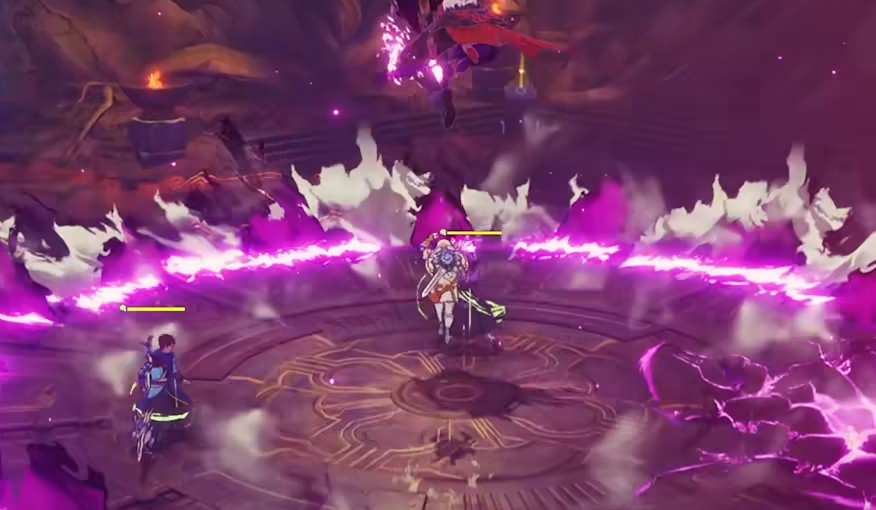
If your setup easily handles modern games but Blue Protocol Star Resonance still stutters or dips below 60 FPS, you’re not imagining it. The PC version currently suffers from poor optimization, inconsistent frame pacing, and GPU underutilization across a wide range of systems. Here’s how to improve FPS and reduce stutter without wrecking image quality.
How to Improve FPS in Blue Protocol Star Resonance
These settings and tweaks can stabilize performance and push the frame rate higher on most GPUs.
Set the Display Mode to Windowed (Borderless) or use Borderless Gaming for smoother frame pacing.
Lock the game at 60 FPS through in-game options if it’s fluctuating wildly.
Disable V-Sync and enable G-Sync or FreeSync in your GPU control panel instead.
Lower Post-Processing and Shadows; these two cause the biggest FPS drops.
Keep Anti-Aliasing on Medium. High settings don’t look much better but cost frames.
Set Ambient Occlusion to Low. It has minimal visual impact.
Leave Texture Quality on High if you have at least 8 GB of VRAM. It barely affects FPS.
GPU and CPU Optimization
Blue Protocol often leaves GPUs running at low power draw because of a built-in frame limiter. You can override it using your GPU software.
For NVIDIA users, open the Control Panel and:
Set Power Management Mode to Prefer Maximum Performance.
Disable Vertical Sync.
Enable Low Latency Mode.
For AMD users, open Radeon Settings and:
Set Radeon Chill to Off.
Use Boost and Anti-Lag for extra responsiveness.
If you’re on a laptop GPU like an RTX 3070 Ti Mobile, switch Windows Power Mode to High Performance. Laptops often throttle GPU wattage under Balanced mode, cutting performance in half.
How to Unlock Higher FPS
The game’s internal limiter caps at 60 FPS, but it can be adjusted by editing a config file.
Go to Documents > Blue Protocol Star Resonance > Config.
Open the file named settings.json using Notepad.
Look for
"FrameRateLimit": 60and change it to your preferred number, for example120.Save the file and set it to Read-Only.
If the file resets after relaunching, the game is overriding it through its launcher, meaning you’ll need to reapply the change each time.
Extra Tips
Avoid DLSS Ultra Performance, it causes blur and frame inconsistencies.
Keep background overlays (Discord, Steam, NVIDIA GeForce Experience) disabled during play.
Update your GPU drivers to the latest version before launching.
If FPS is still locked at 45 regardless of settings, check your refresh rate in Windows Display Settings and ensure it’s set to 60 or 120 Hz.
Final Blurb
Blue Protocol Star Resonance currently runs below expectations even on strong PCs. Most frame drops come from a weak engine limiter rather than your hardware. Use the configuration edit to lift the FPS cap, tweak your GPU settings for full utilization, and stick with Borderless mode for smoother gameplay until an official patch arrives.
→ Best DPS in Blue Protocol Star Resonance Guide
FAQ
Why is my FPS so low even with a high-end GPU?
The game doesn’t fully utilize your GPU due to frame caps and limited optimization.
Can I raise the FPS limit above 60?
Yes, by editing the config file and changing the FrameRateLimit value.
Does lowering graphics settings help?
Not much. Most settings have a small effect on FPS because the bottleneck comes from CPU-side performance.
Is there a permanent fix?
Not yet. The developers will need to push an optimization update for stable performance across all systems.
© 2025 GamerBlurb. Linking is welcome with credit to GamerBlurb.com. Copying or reproduction without permission is prohibited.
More Blue Protocol: Star Resonance


