

Blue Protocol Star Resonance Full Screen Fix Guide
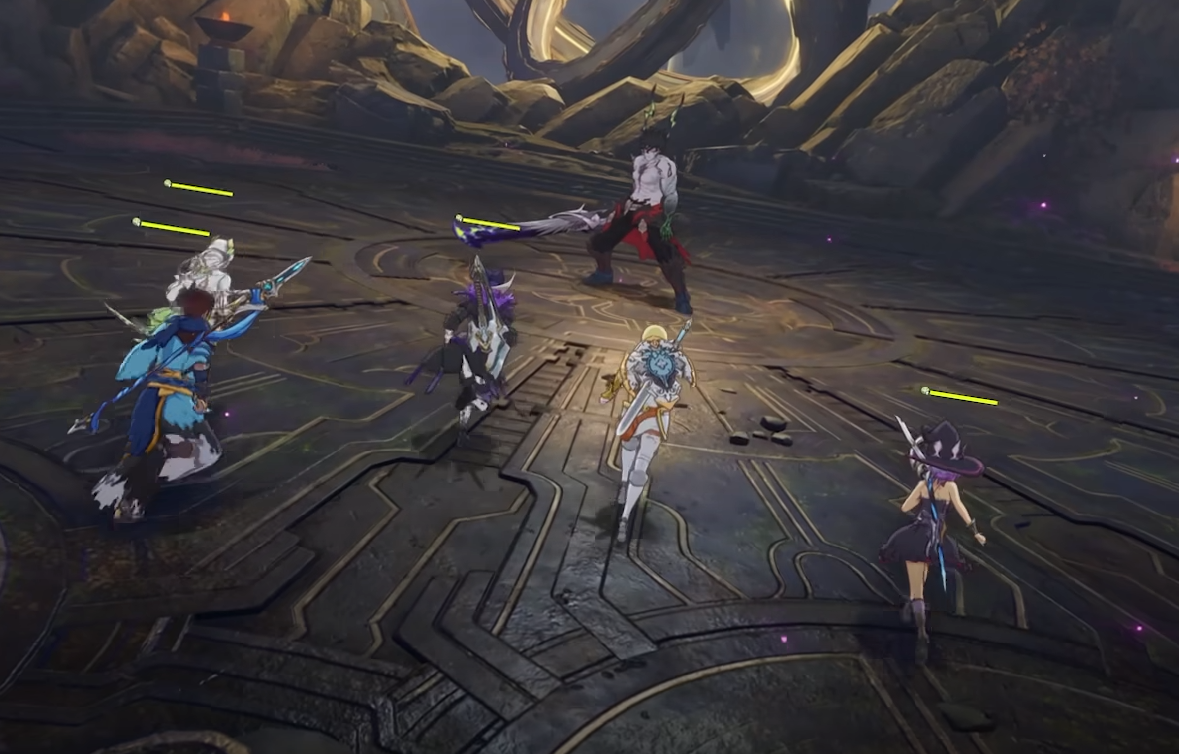
Trying to play Blue Protocol Star Resonance in full screen at 1920x1080 but stuck in windowed mode? It seems that many players found that the full screen toggle only works when the game is set to its highest resolution, leaving 1080p users locked out. Luckily, there’s a simple fix that forces a real full screen without needing to run 4K.
How to Play Blue Protocol Star Resonance in Full Screen at 1080p
The in-game settings only allow full screen when your resolution matches your monitor’s max setting. For everyone else, the game defaults to borderless windowed or plain windowed mode. To fix this, you’ll need to use a small tool that forces borderless full screen.
Here’s what to do:
Set your resolution to 1920x1080 inside the game.
Change Display Mode to Windowed.
Download and install Borderless Gaming from Steam or GitHub.
Launch Borderless Gaming and add Blue Protocol Star Resonance to the list.
The program will automatically stretch the window to cover your entire screen.
This gives you a true full screen experience at 1080p, removing borders and mouse-edge drag issues.
Why This Happens
Blue Protocol Star Resonance doesn’t properly support lower full screen resolutions. The full screen toggle is locked behind your monitor’s native resolution, which can force the game into odd behaviors if you try to downscale. The developers likely did this to avoid scaling bugs, but it ends up frustrating players with mid-range setups.
Until this is patched, the only way to get full screen on 1080p is through external software like Borderless Gaming or Windows’ built-in window resizing shortcuts.
Optional Workarounds
If you don’t want to use a third-party app, you can:
Use Alt + Enter while in windowed mode to force pseudo-full screen.
Manually drag the window edges to fit your screen, then lock scaling in Windows display settings.
Run your monitor at a lower desktop resolution before launching the game, then switch back afterward.
These aren’t perfect, but they’ll help in a pinch if you prefer not to install anything.
Final Blurb
Blue Protocol Star Resonance currently lacks proper full screen support for 1080p displays, but tools like Borderless Gaming solve the problem instantly. Set your game to windowed, run the tool, and enjoy full screen visuals without losing frame rate or resolution.
Hopefully, the developers add native support soon for all resolutions.
→ Beginner Guide | Blue Protocol Star Resonance
FAQ
Why can’t I enable full screen at 1080p?
The game only offers full screen for your monitor’s maximum resolution.
Does Borderless Gaming affect performance?
No, it simply stretches the window to fill your screen. FPS remains the same.
Can I use Alt + Enter instead?
Yes, it works for some players, but doesn’t always remove window borders completely.
Will this be fixed officially?
Developers haven’t confirmed a fix yet, but community feedback is loud enough that it’s likely to come in a future patch.
© 2025 GamerBlurb. Linking is welcome with credit to GamerBlurb.com. Copying or reproduction without permission is prohibited.
More Blue Protocol: Star Resonance


