

Blue Protocol Star Resonance How to Leave Party
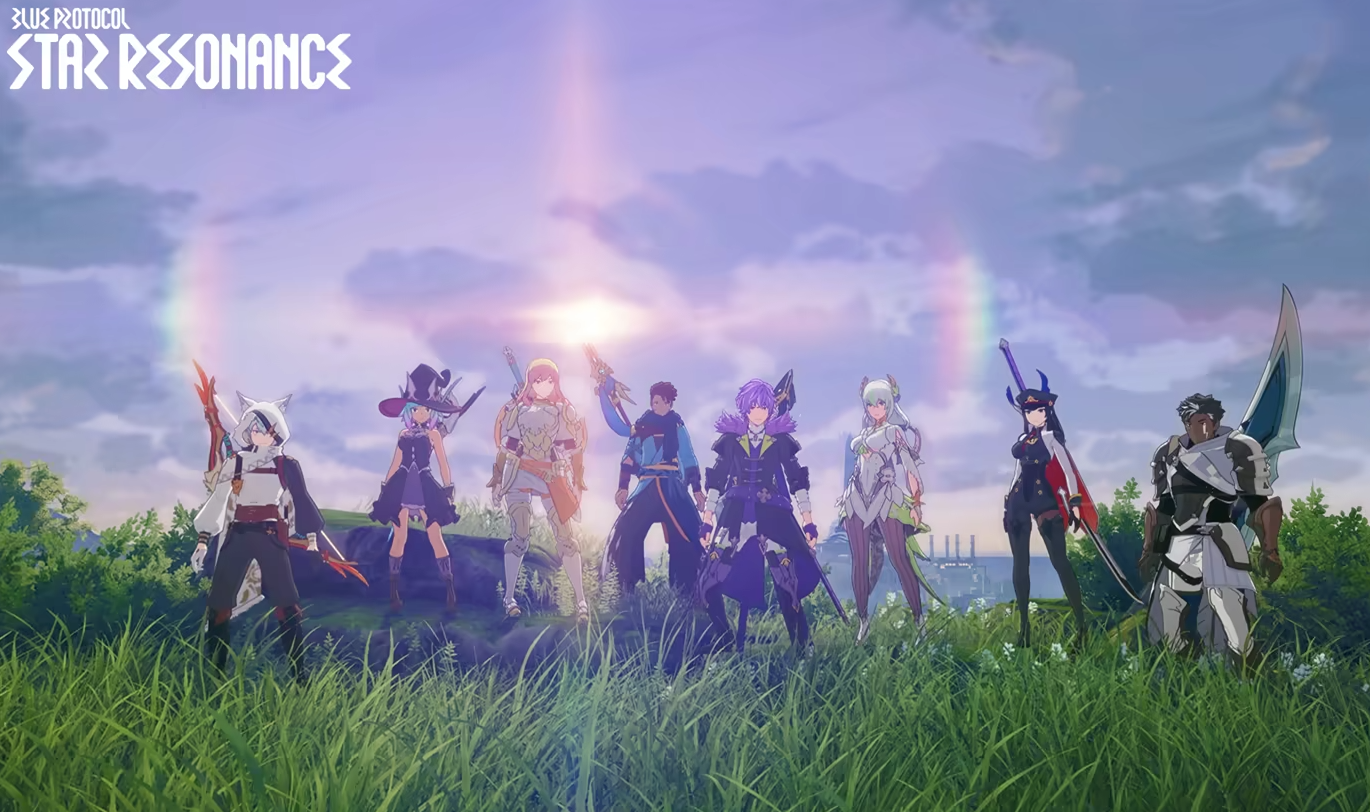
Leaving a party in Blue Protocol Star Resonance isn’t as simple as it should be. The game’s UI hides most group options behind small icons, which makes it confusing for new players trying to solo again or get unstuck after a dungeon.
How To Leave a Party
There are a few ways to leave a group depending on whether you’re in a dungeon or open world.
Open the main menu and go to the Party tab from the top bar
Click on your own name or portrait in the list
Choose the bottom option that removes you from the group
If that fails, return to the title screen and re-enter the game
If your character remains stuck in a dungeon after leaving, you’ll need to relog. The system sometimes holds the session open even after leaving through the menu.
What To Do If It Doesn’t Work
Some players have reported that the Leave Party button doesn’t appear or fails to respond. In that case:
Open your system menu and return to the main screen
Log back into your account and select your character again
The group should be gone once you’re reloaded into the world
It’s clunky, but this method always works until the devs fix the UI bug.
Final Blurb
If the Leave Party button isn’t working in Blue Protocol Star Resonance, don’t waste time searching the UI. Open the Party tab, click your own name, and select the leave option.
If you’re still stuck in a dungeon or can’t exit, log out and back in to reset your session.
FAQ
Where is the Leave Party option located
Inside the Party tab on the top bar. Click your name to see it at the bottom of the list.
What if the button doesn’t do anything
Log out and back in. That forces the system to remove you from the group.
Why does the game not show an obvious Leave Party button
It’s just poor interface design right now. The devs may update it later since it’s a common complaint.
© 2025 GamerBlurb. Linking is welcome with credit to GamerBlurb.com. Copying or reproduction without permission is prohibited.
More Blue Protocol: Star Resonance


