

Blue Protocol Star Resonance No Start Button Fix Guide
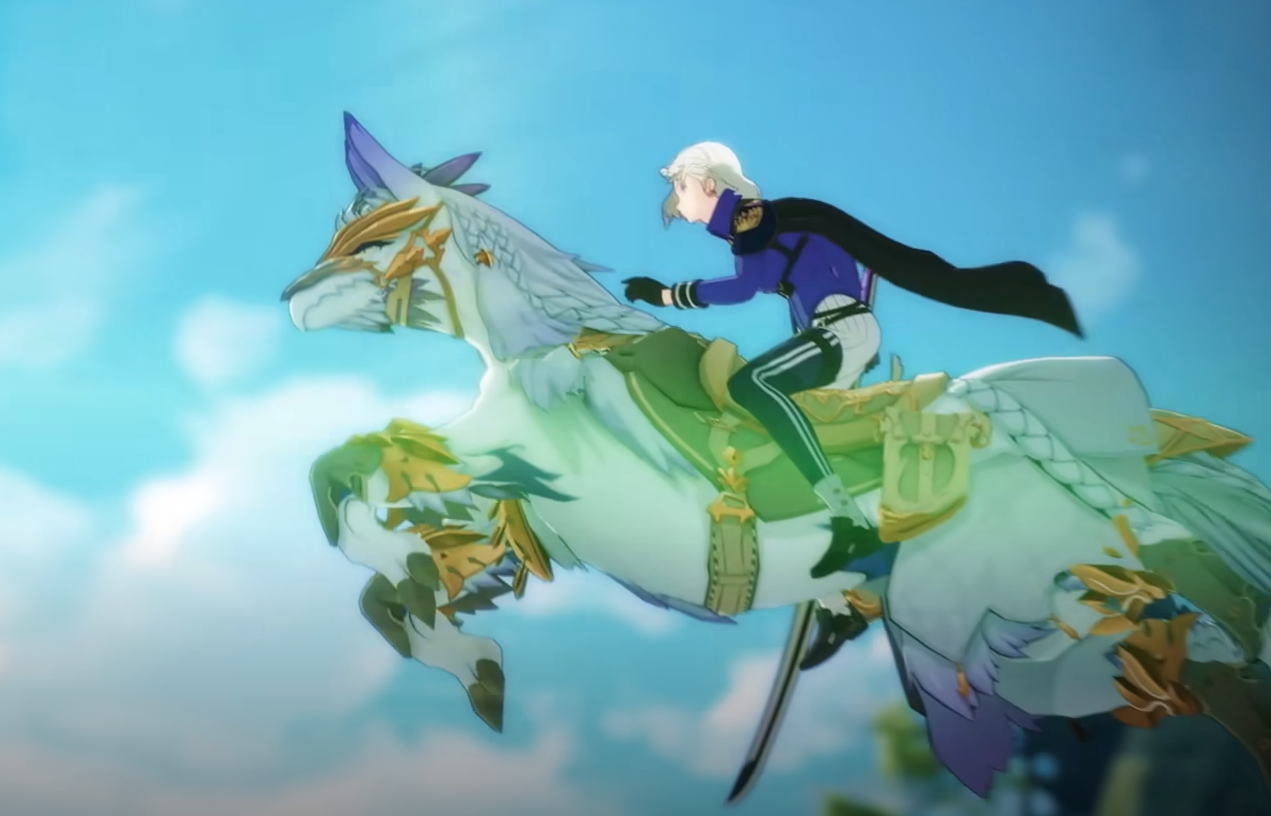
Some players are stuck at the title screen in Blue Protocol Star Resonance, unable to press Start or log in at all. The issue often comes from broken login bindings between Steam, Crunchyroll, or APlus accounts. Here’s what’s really happening and what you can try while Bandai works on a server-side fix.
No Start Button
If the Start button never appears or the login options keep failing, it’s usually because the game can’t validate your linked account. Players are reporting the same screen when trying to sign in with Crunchyroll or Google. The error 400 redirect_uri_mismatch also shows up for Gmail and Apple sign-ins.
What’s Causing It
The problem isn’t your PC or settings, it’s server-side. Login tokens from APlus and Crunchyroll aren’t being accepted by Blue Protocol’s authentication servers. The game basically can’t confirm your identity, so it freezes on the title screen. Even users who could play briefly have been kicked out within minutes.
Temporary Workarounds
While there’s no guaranteed fix yet, some players have had luck with these steps:
Close the game completely, then relaunch Steam and run as administrator
Switch your connection temporarily (VPN or mobile hotspot) to trigger a new login request
Clear the Blue Protocol cache folder in AppData, then restart Steam
Try a different sign-in method (Crunchyroll, Gmail, or Apple) if one keeps failing
Log in successfully on the Blue Protocol website first, then retry the client
Wait and retry after a few hours, since this issue is recurring with server resets
If you’re stuck on a guest or linked Steam account and can’t swap to another login, note that the game currently lacks any “Unlink” or “Logout” button on PC. You can only unlink from Android for now.
Logout or Unlink Missing on Steam
Players have noticed there’s no actual logout button on the Steam version. Once linked, your Steam account stays tied to your APlus or Crunchyroll login. There’s no menu option to de-link or switch. You can only “Exit” from the escape menu, which doesn’t reset account bindings.
On mobile, the logout option exists under Settings, but not on PC. This limitation makes it impossible to switch accounts until Bandai adds proper unlink support or resolves the binding error.
Final Blurb
At the moment, the missing Start button and failed login issues in Blue Protocol Star Resonance aren’t on your end. They’re tied to broken account verification servers and Steam binding logic. Your best bet is patience, or trying again later once maintenance clears up. If you need to swap accounts, Android is the only way to fully log out for now.
FAQ
How do I fix the “something went wrong Yuzu nibbling on wires” message?
It’s a login failure between Crunchyroll and APlus. Wait for the servers to stabilize or try another login option like Gmail.
Can I unlink my Steam account from Blue Protocol?
Not yet. The game doesn’t include an Unlink button on PC, only mobile has it.
Why does it say “redirect_uri_mismatch”?
That’s an authentication error on Blue Protocol’s servers, not your fault. It happens when login URLs don’t match their expected tokens.
Is this issue being fixed?
Yes, developers have confirmed recurring server problems affecting all login methods. Expect a patch or maintenance soon.
© 2025 GamerBlurb. Linking is welcome with credit to GamerBlurb.com. Copying or reproduction without permission is prohibited.
More Blue Protocol: Star Resonance


