

Borderlands 4 How to Turn on Frame Generation
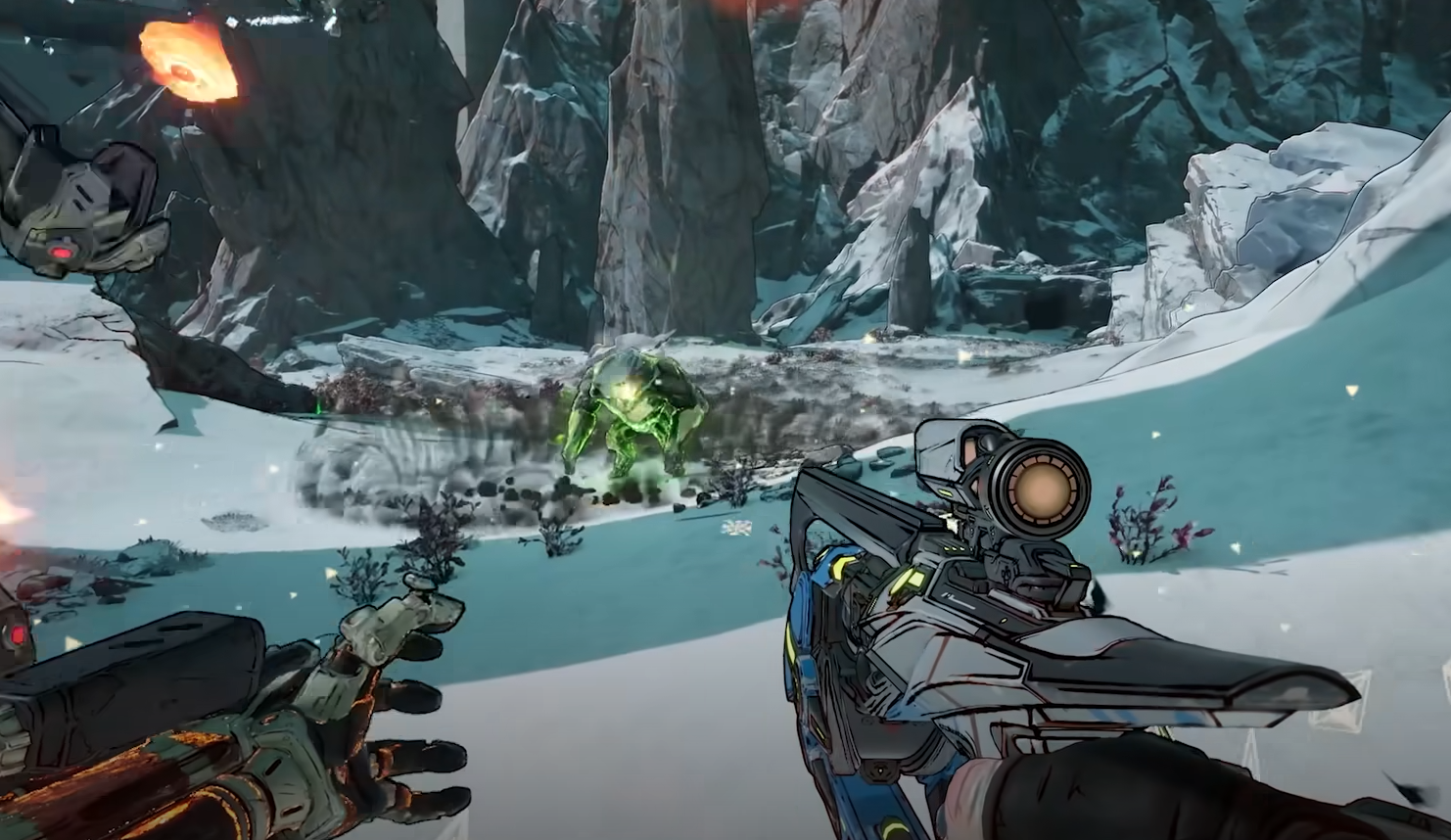
Borderlands 4 supports frame generation for smoother performance, but many players find the option locked or grayed out. Enabling it takes a few system tweaks outside the game before it can be turned on in the video settings. This guide shows exactly how to unlock and use frame generation in Borderlands 4.
How to Enable Frame Generation
Go to the game’s video settings and check the advanced graphics menu. If frame generation is available, you can toggle it on directly. If the option is locked or grayed out, follow the fixes below to make it work.
Fix Frame Generation Grayed Out
Open Windows settings.
Go to System, then Display.
Scroll down and select Graphics.
Open Advanced Graphics Settings.
Turn on Hardware-Accelerated GPU Scheduling.
Once this setting is enabled, restart your PC. Launch Borderlands 4 again, go to advanced video settings, and you should now be able to turn on frame generation.
Extra Steps if It Still Doesn’t Work
If the option is still unavailable, close the game fully and relaunch. Make sure your graphics drivers are updated through Nvidia or AMD software. Also, confirm you are using DLSS (for Nvidia) or FSR (for AMD) in the upscaling settings, since frame generation requires these options to be active.
Final Blurb
To turn on frame generation in Borderlands 4, enable Hardware-Accelerated GPU Scheduling in Windows, restart your system, and then select DLSS or FSR in the video settings. Once those are active, the frame generation toggle will unlock in the advanced graphics menu.
FAQ
Why is frame generation grayed out in Borderlands 4?
It is disabled if Hardware-Accelerated GPU Scheduling is off or if your drivers are outdated.
Do you need DLSS or FSR for frame generation?
Yes. You must have one of these upscaling methods active for frame generation to work.
Does frame generation work on all GPUs?
No. It only works on supported Nvidia RTX 40 series and select AMD cards.
Do you need to restart the game after enabling it?
Yes. Restarting Borderlands 4 after changing system settings ensures the option unlocks.
More Borderlands 4


