Car Service Together: How To Change Tires Guide
Changing a flat tire in Car Service Together is quick once you know the tools and the order of operations. You need to lift the car, remove the flat wheels, replace the tires, balance them, and reinstall everything. If you skip a step, the game will absolutely let you know later.
This guide walks through the exact in game process using proper tools and correct tire sizing. Nothing fancy here, just clean shop work and no wasted clicks.
How Tire Replacement Works In Car Service Together
A flat tire is shown by an orange or amber wheel when the car is lifted. Green wheels are fine and can be ignored unless the job says otherwise.
You cannot install a new tire without unmounting the old one, and you cannot install a wheel without balancing it first. The game enforces this, so follow the order unless you enjoy redoing steps.
Lifting The Car And Finding The Flat Tires
Move the car into the garage and lift it once so the wheels are accessible. Look closely at each wheel color.
Flat tires will glow orange or amber. Green wheels are good and do not need to be touched.
Removing The Flat Wheels
Click on the flat wheel to interact with it. Hold Control and left click each bolt to unscrew them.
Once all bolts are removed, take the wheel off the car. Do this for every flat tire before moving on.
Buying The Correct Replacement Tires
Inspect the wheel size before ordering anything. The size is shown directly on the wheel, for example 14 in.
Go to the computer, open Car Part Store, then Tires. Buy only the tire, not a rim.
The order does not specify summer or winter tires, so either type is acceptable. Just make sure the size matches exactly.
Using The Tire Machine
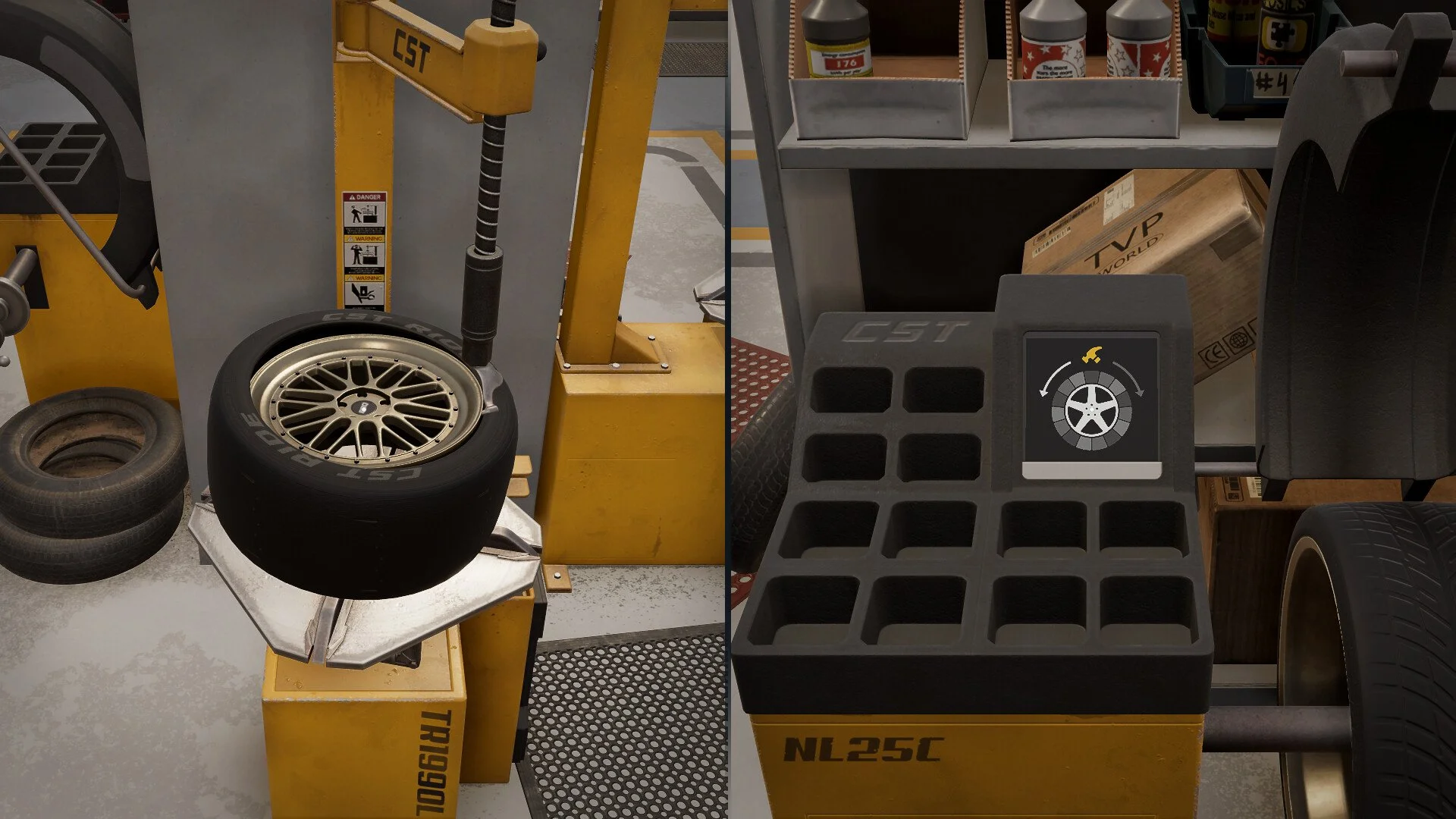
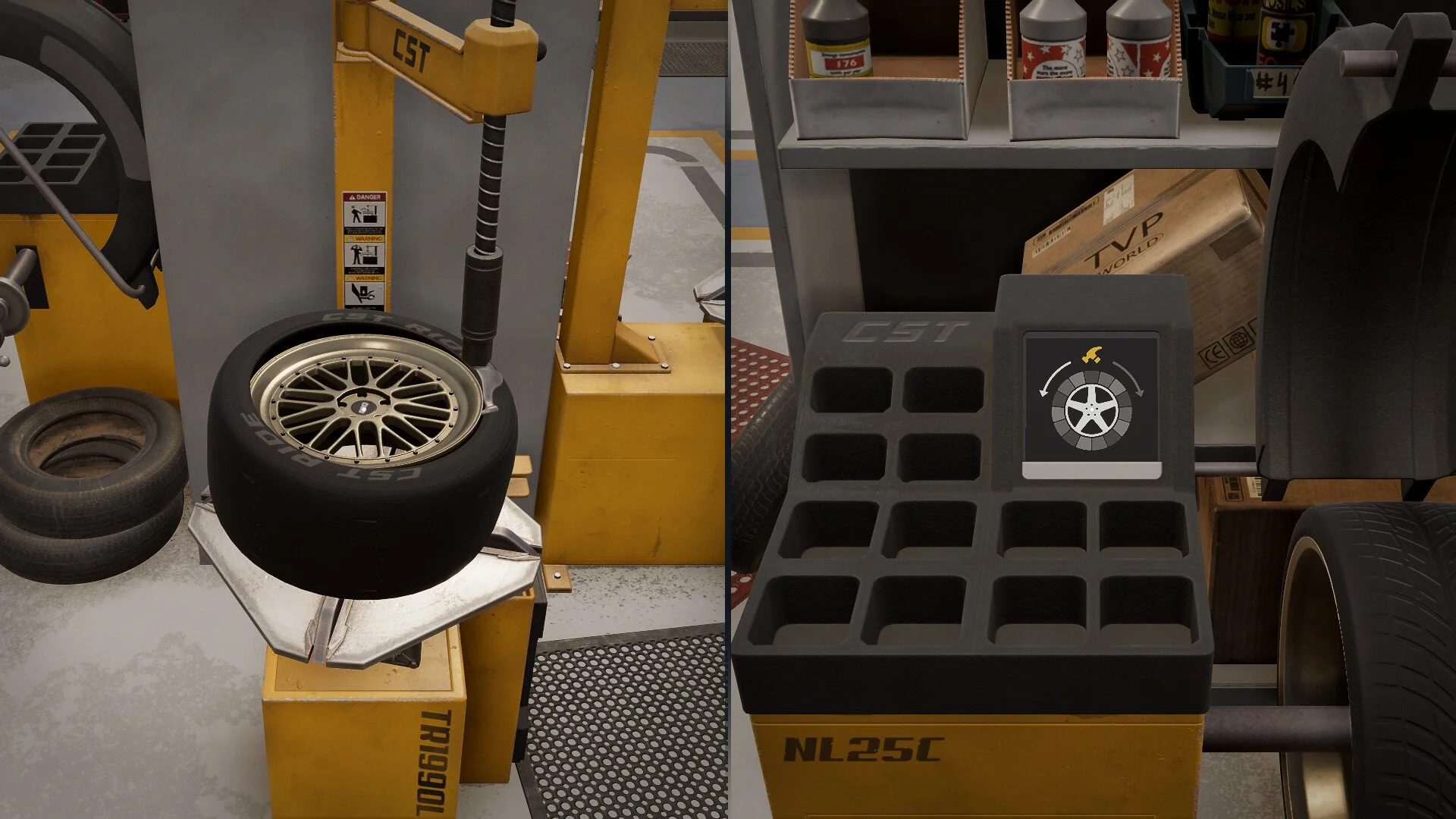
If you do not have a tire machine, place one using a building slot. Bring the removed wheels to the tire machine.
Choose Unmount Parts and select the correct wheel size. Make sure you are unmounting the right wheels, the game will happily let you mess this up.
After unmounting, select Mount Parts. Choose the same rim and the newly purchased tire of the correct size.
Repeat this process for each flat wheel.
Balancing The Tires Before Installation
You cannot install the wheels yet. Take each mounted wheel to the tire balancer.
Left click to start the machine. Watch which side flashes and press A or D to match it.
Press Space when prompted. You may need to repeat this two or three times until the wheel is balanced.
Pick up the balanced wheel and repeat for the remaining ones.
Reinstalling The Wheels
Bring the balanced wheels back to the car. Place the wheel onto the hub.
Screw all bolts back in by holding Control and left clicking each one. Repeat this for every replaced tire.
Once finished, lower the car and the job is complete.
Final Blurb
Tire changes in Car Service Together are simple once you respect the workflow. Lift, remove, replace, balance, reinstall, in that order every time. Do it right once and you will never have to redo a job because of a skipped machine.
FAQ
How do I know which tire is flat
Flat tires glow orange or amber when the car is lifted. Green wheels are fine.
Do I need to buy a new rim
No. You only need to buy a new tire and reuse the existing rim.
Does tire type matter
No. The job does not require a specific type, so summer or winter tires both work.
Why can’t I install the wheel after mounting the tire
The wheel must be balanced first using the tire balancer or the game will not allow installation.