Clair Obscur Expedition 33 Controller or Keyboard?
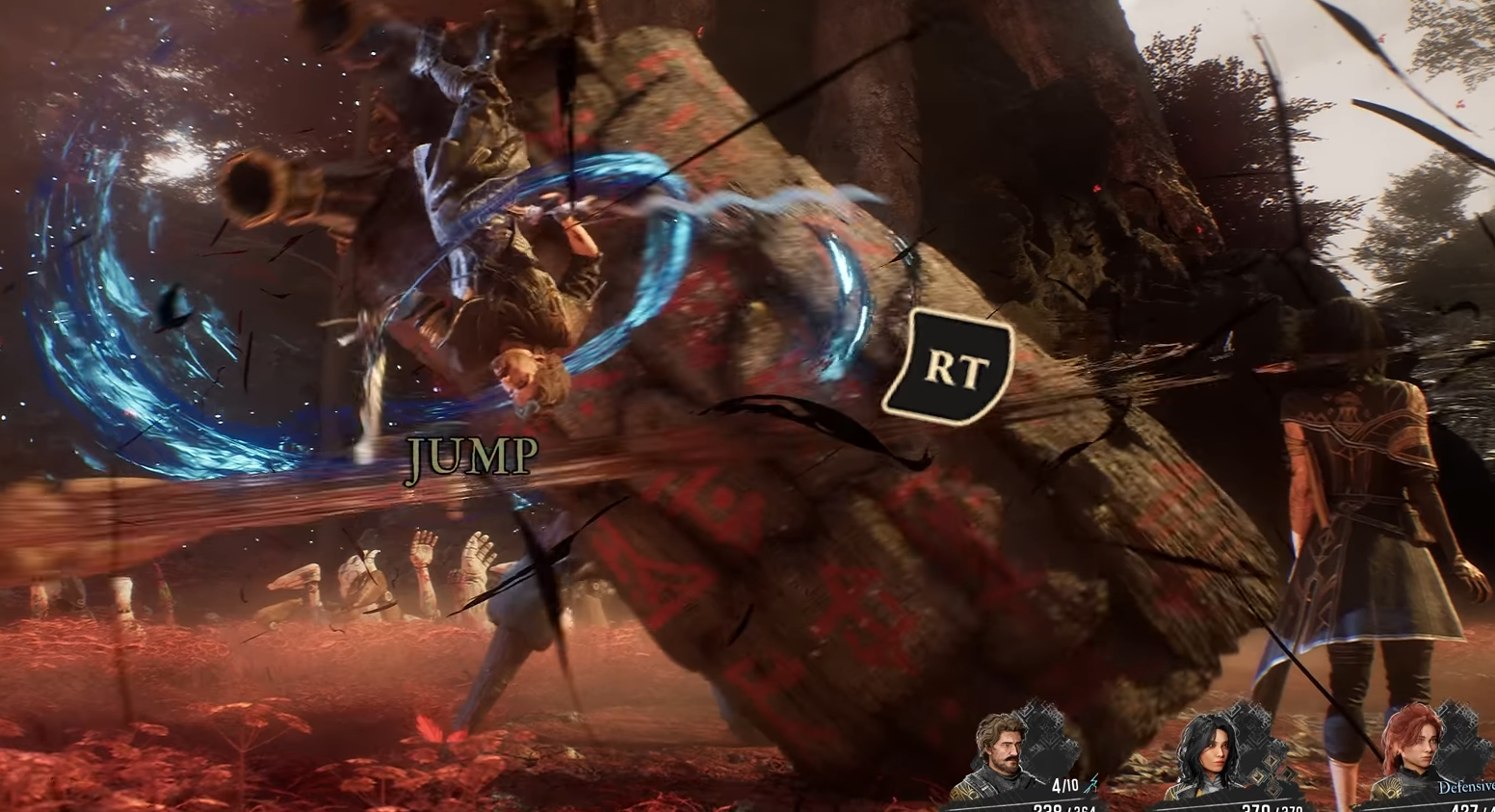
Image Credits: Sandfall Interactive
So, you're standing at the grand crossroads of gaming: controller or mouse and keyboard. In Clair Obscur: Expedition 33, both roads lead to pain if you can't parry—but let’s talk about which one might hurt a little less.
Is a controller needed? Or is using a keyboard fine?
You won’t explode if you play on mouse and keyboard. In fact, some players (including myself) actually prefer it. Shocking, I know.
Mouse & Keyboard (M&K):
Works just fine.
There may be little quirks like sometimes needing to press W twice for skills. Is that a bug? Probably. Is it annoying? Definitely.
Parrying and dodging feels responsive, but there are reports of occasional key inputs not registering. So if your character eats a sword to the face, you can totally blame your keyboard.
Good if you like precision aiming when shooting weak spots.
Controller:
Comfortable, especially if you enjoy leaning back and pretending you're not stressed.
There’s a tiny bit of input lag when it comes to parries and dodges, but nothing you can't adjust to after a few “YOU DIED” screens.
Doesn’t magically make dodging easier—sadly, it won’t turn you into a reflex god.
The Parry/Dodge Debate
No matter what you use, people agree on one thing: the parry and dodge windows in this game are brutal. It's less "react to what you see" and more "hope your muscle memory kicks in before you get flattened."
If you like clear visual cues, well... good luck.
Some say it's bad design. Others say it's part of the challenge. Either way, expect to whiff a few parries and blame your setup.
Final Blurb
At the end of the day, Clair Obscur: Expedition 33 doesn’t care if you're using a high-end controller or a keyboard from 2003—it just wants you to suffer equally. Both options are totally viable, so pick whatever feels right for your hands (and patience levels).

Reommended | View all Clair Obscur: Expedition 33