Cozy Caravan How to Save
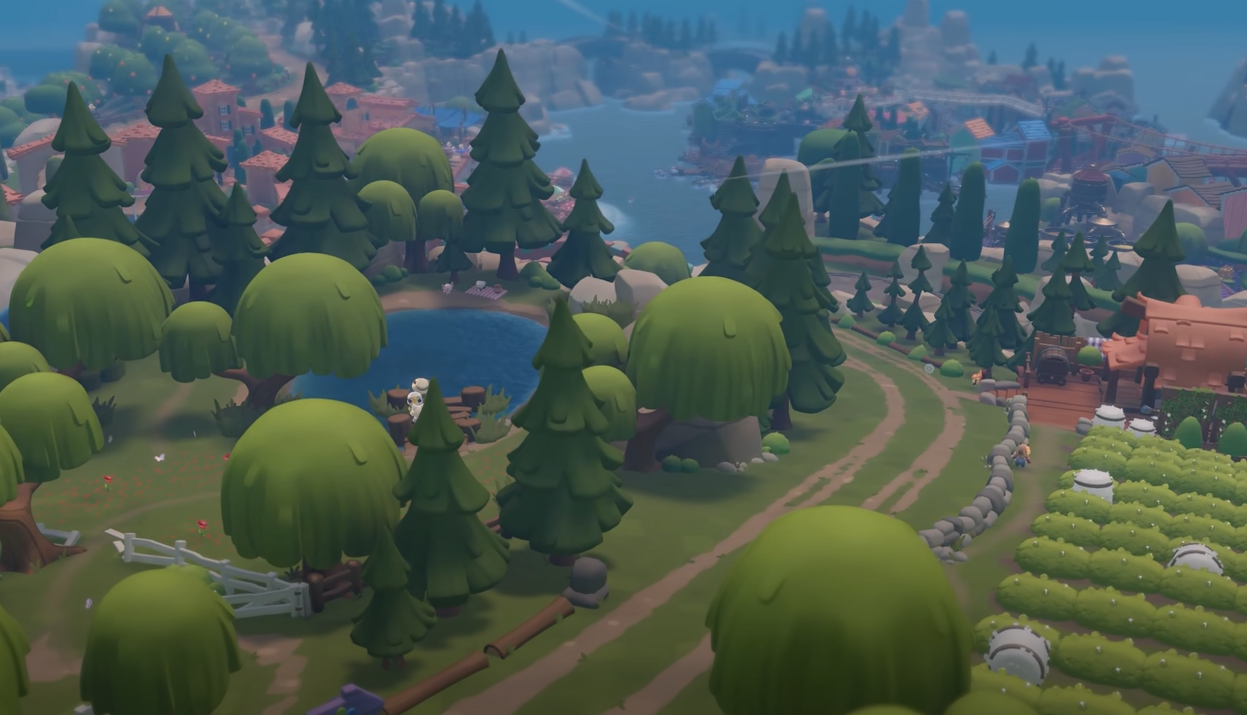
Saving in Cozy Caravan is simple: Progress is protected through automatic triggers instead of a manual save button, which causes confusion early on.
How Saving Works In Cozy Caravan
Cozy Caravan uses an automatic save system. You cannot manually save from a menu option. The game writes progress at specific moments during normal play.
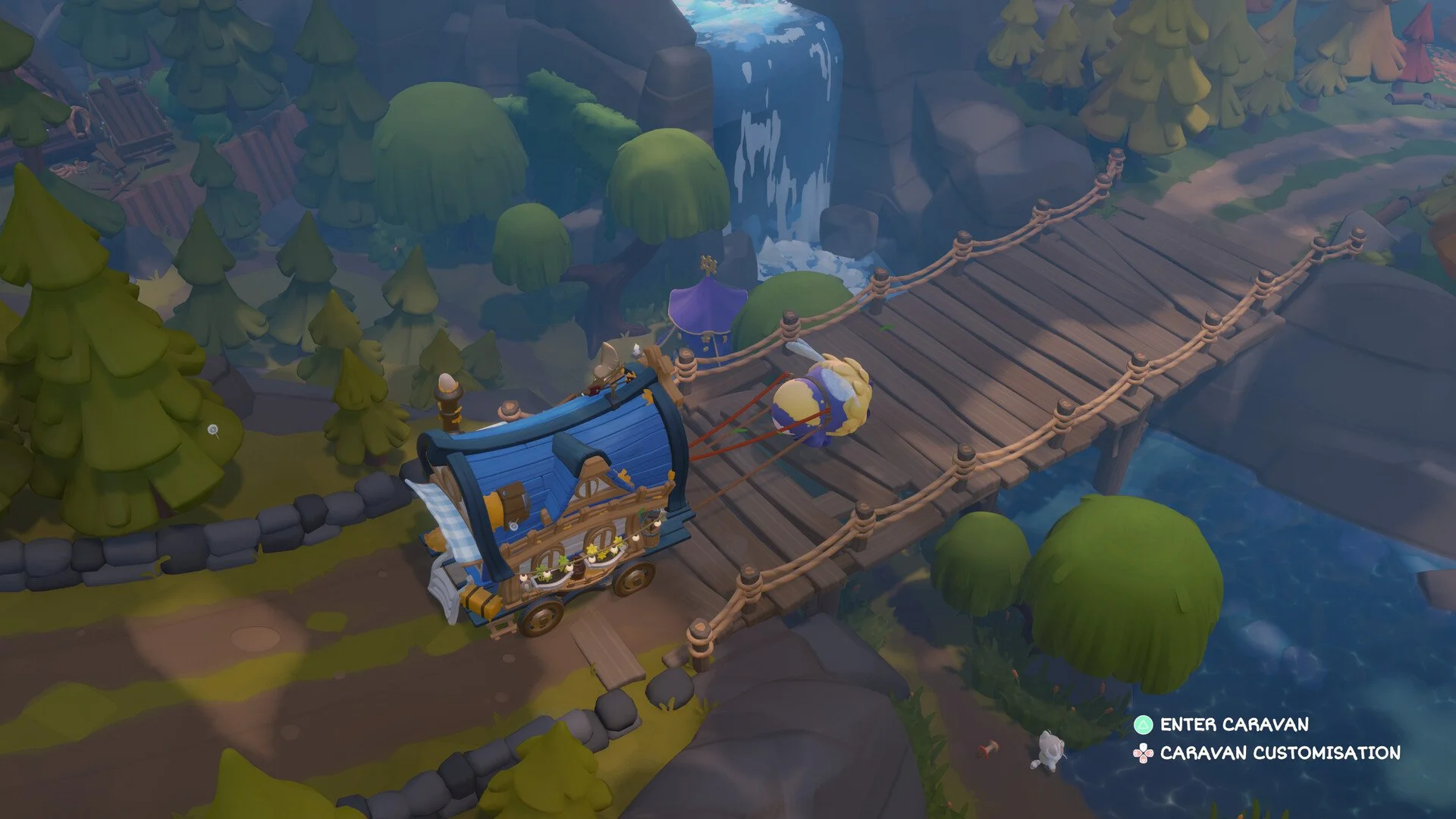
Saving happens when you interact with your caravan. Entering the caravan triggers a save. Arriving at a new location also triggers a save.
Exiting the game properly is also important. Using Exit to Menu or Exit to Desktop allows the game to save before closing. Force closing the game can prevent the save from completing.
When The Game Autosaves
Entering your caravan
Arriving at a new region or location
Exiting through the pause menu using Exit to Menu or Exit to Desktop
These actions are enough to protect your progress. There is no visual save icon, so the save happens quietly in the background.
What Does Not Trigger A Save
Walking around without entering the caravan does not save. Leaving the game by force closing the window can interrupt the save process. Crashing or alt F4 closing can also cause progress loss.
If you are unsure, step into the caravan once before quitting. That guarantees a save has occurred.
Final Notes
Cozy Caravan relies fully on autosaves tied to movement and proper exits. There is no manual save button to press. Treat the caravan like your save point and always quit through the menu to stay safe.
FAQ
Is there a manual save button
No. Saving is fully automatic and tied to specific actions.
Does entering the caravan always save
Yes. Entering the caravan triggers a save every time.
Can I lose progress
Yes. Force closing the game or crashing before an autosave can cause progress loss.
Is saving tied to markets
Indirectly. Traveling to markets saves progress, but selling items alone does not guarantee a save.