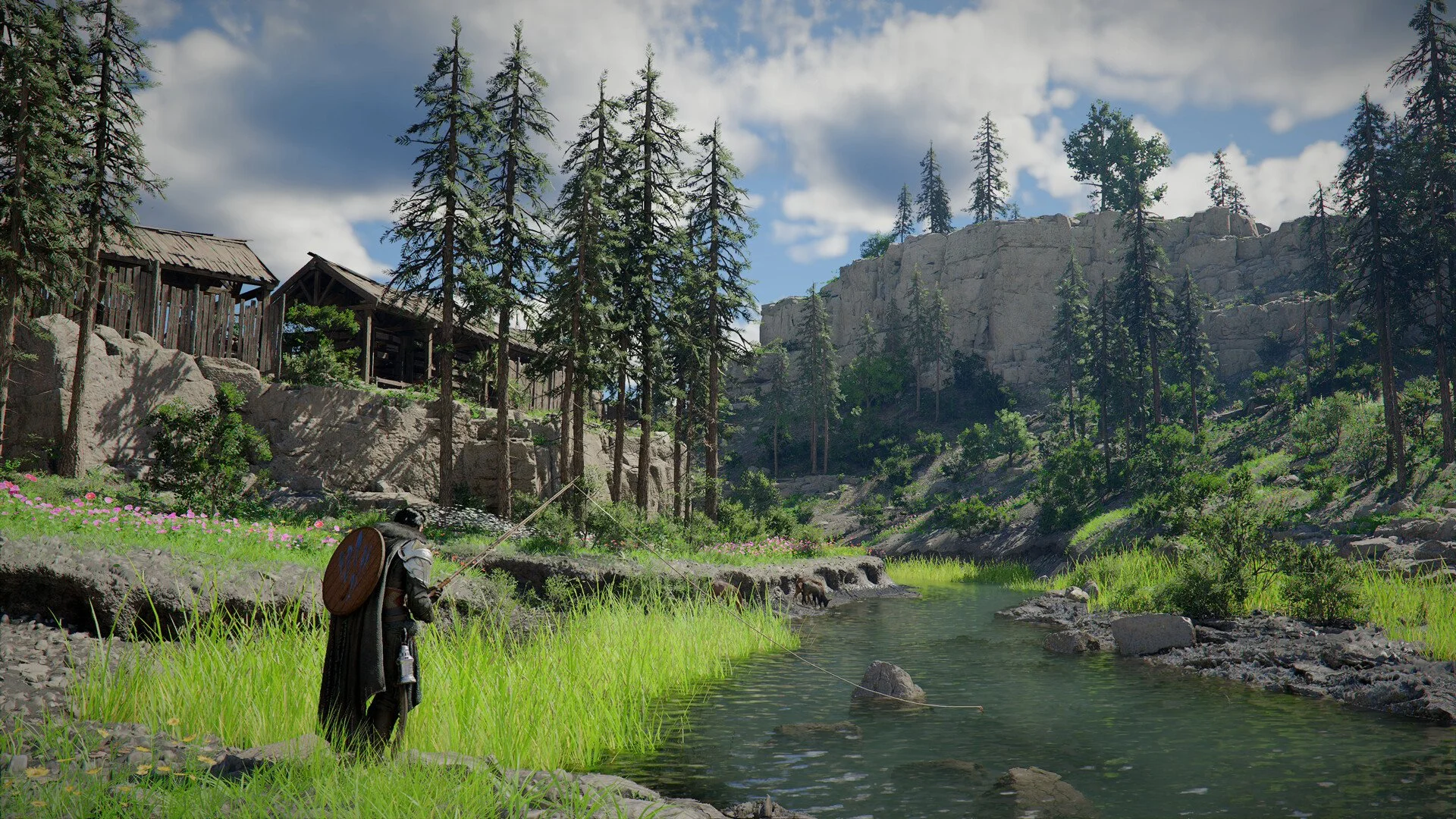
Crimson Desert Controls: Keyboard, Keybinds, Controller
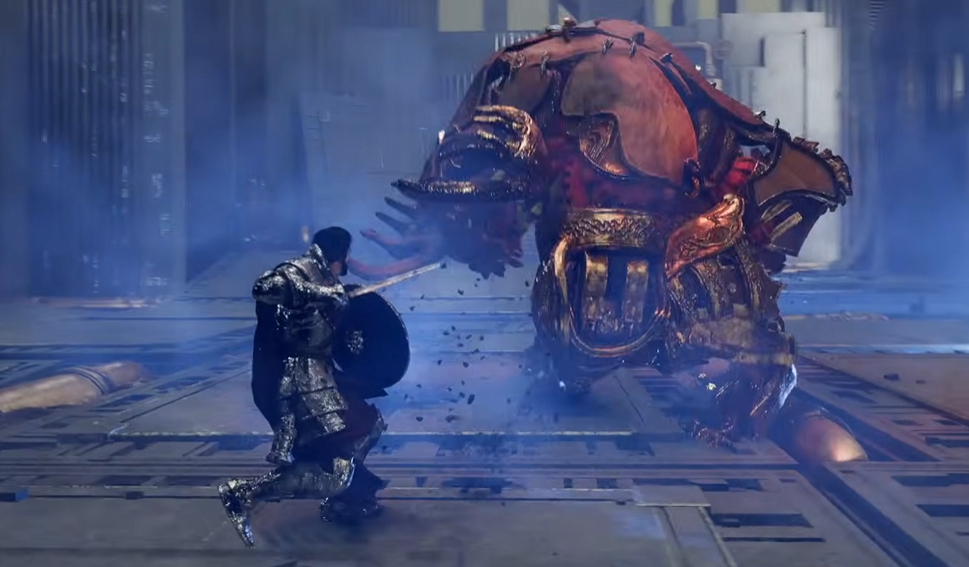
Crimson Desert controls can feel rough early because the game stacks inputs, combos, and holds on top of each other. Once you understand the layout and adjust a few keybinds, everything becomes much easier to handle.
Crimson Desert Controls Explained
Crimson Desert uses combo based inputs with layered controls, meaning most actions require timing and multiple buttons instead of single presses.
That is why it feels harder than most games at first.
Crimson Desert Keyboard Controls And Keybinds
Here are the most important default keyboard controls you will actually use.
Movement And Basics
Move with WASD
Jump with Space
Sprint with Shift
Dodge or evade with Alt
Camera with mouse
These are standard, but movement ties into combat timing.
Combat Controls
Light attack with left click
Heavy attack with right click
Block or parry with Control
Aim with Q
Weapon swap with Z
Most skills come from combining these inputs.
Interaction Controls
Hold Control to interact
Use E or R during interactions
Call mount with H
Use items through quick slots
Interaction is multi step, not one button.
Axiom Force Controls
Hold Tab to aim
Release to attach
Use inputs to move objects
Used mainly for puzzles.
Crimson Desert Controller Controls
Controller layout feels smoother overall.
Core Controls
Move with left stick
Camera with right stick
Jump with Square or X
Sprint with X or A
Dodge with Circle or B
Movement and combat flow better on controller.
Combat Controls
Light attack with R1 or RB
Heavy attack with R2 or RT
Block with L1 or LB
Aim with L2 or LT
Combos still use multiple inputs.
Can You Change Controls In Crimson Desert
Yes, you can change controls on keyboard, but controller remapping is very limited.
How To Change Keybinds
Open menu
Go to Others
Select Options
Open input settings
Edit key mapping
You can rebind most keyboard inputs here.
Best Keybind Changes To Make
Default controls are not ideal.
Move evade off Alt to something easier
Move Axiom Force off Tab for faster access
Change lock on to a more reachable key
These improve comfort immediately.
Controller Vs Keyboard In Crimson Desert
Both work, but feel different.
Controller is smoother for combat
Keyboard is more precise but clunky
Some abilities are easier on controller
Most players end up preferring controller.
Common Control Problems And Fixes
Controls Feel Clunky
Caused by combo inputs and timing
Improves with practice
Input Delay On Keyboard
Can happen with default binds
Fix by adjusting keybinds
Too Many Buttons To Press
Focus on core combos first
Ignore advanced inputs early
Controls Switching Randomly
Happens when using both inputs
Stick to one input type
Tips To Make Controls Feel Better Fast
Adjust keybinds early instead of later
Learn 2 or 3 combos first
Do not switch between controller and keyboard
Practice timing instead of spamming inputs
Small changes make a big difference.
Final Blurb
Crimson Desert controls feel complicated at first, but once you learn the core system and adjust a few keybinds, they become much more manageable. Focus on the basics, tweak what feels awkward, and the game starts to flow the way it should.
FAQ
What are the controls in Crimson Desert
They use combo based inputs with multiple buttons for combat and skills.
Can you change controls in Crimson Desert
Yes on keyboard, but controller remapping is limited.
What are the keyboard controls in Crimson Desert
Movement uses WASD, combat uses mouse buttons, and abilities use combo inputs.
Is controller or keyboard better in Crimson Desert
Controller feels smoother for most players.
Why do the controls feel hard to use
They rely on timing and layered inputs instead of simple button presses.