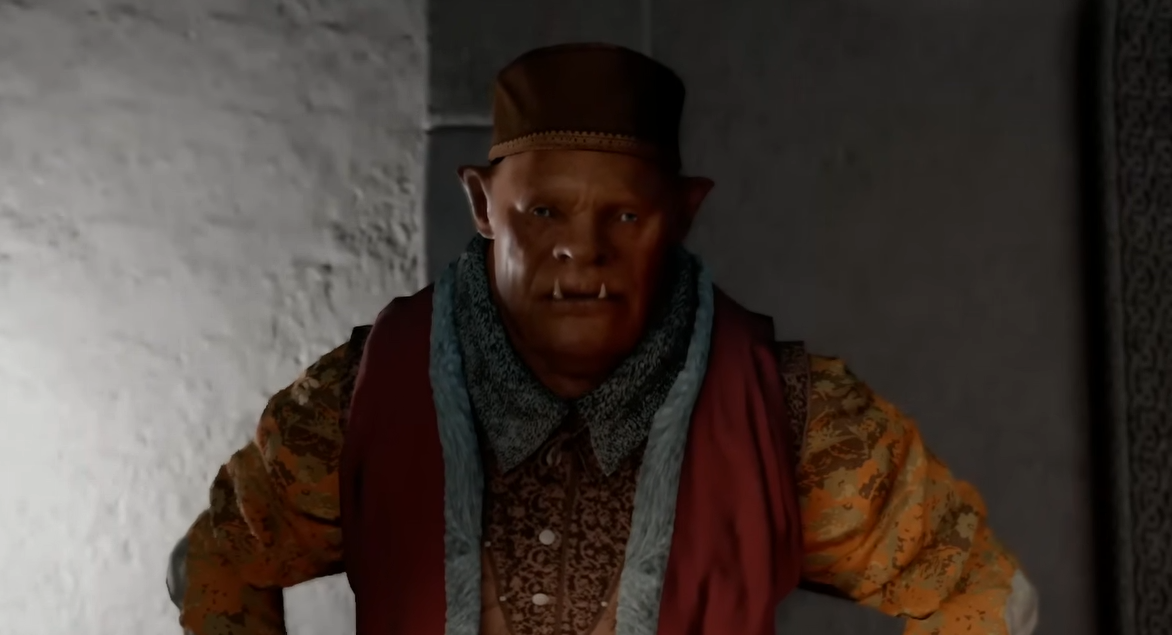
Crimson Desert Blurry Fix Guide
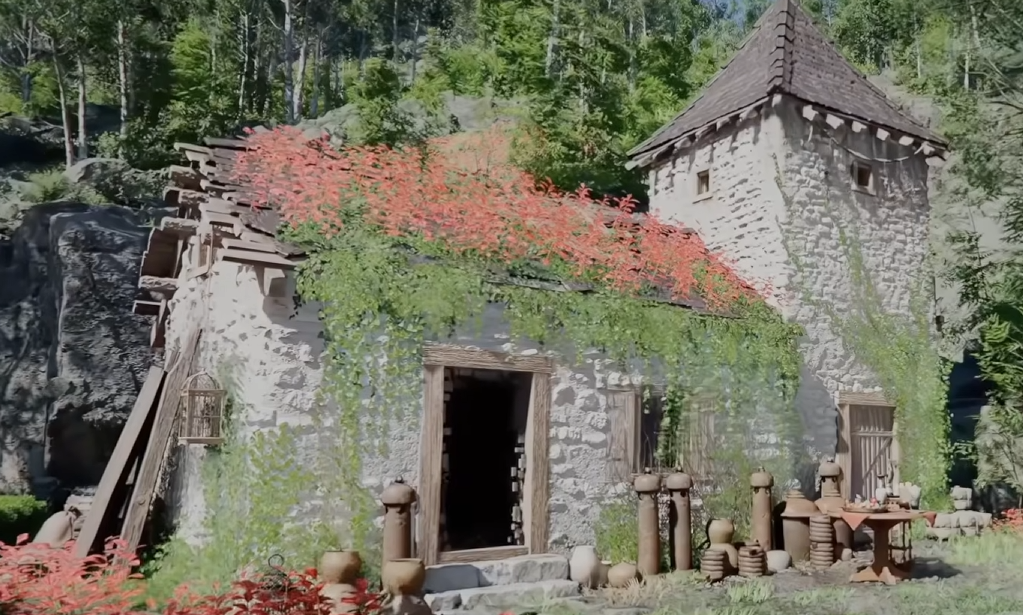
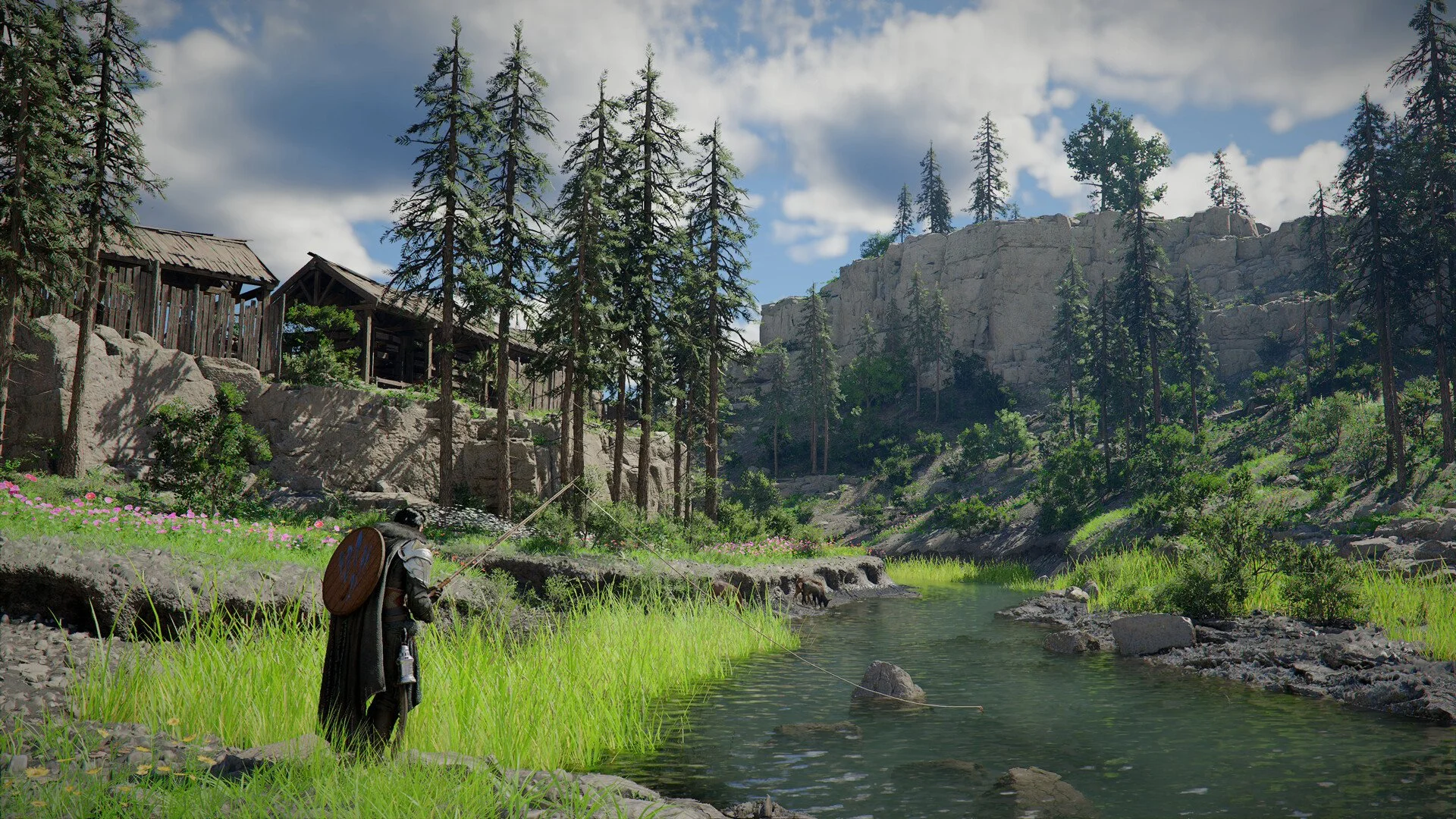
Crimson Desert can look blurry right away, especially on console or with certain settings turned on. The good news is this is usually not a hardware issue, it is caused by a few settings that can be fixed quickly.
How To Fix Blur In Crimson Desert
The biggest fix for blur in Crimson Desert is turning off 120Hz mode on console and adjusting a few key visual settings like motion blur and upscaling.
This alone can completely change how the game looks.
PS5 And Console Blur Fix
This is the most important fix right now.
Go to PS5 Settings
Open Screen and Video
Go to Video Output
Turn off Enable 120Hz Output
This forces the game to run at higher resolution instead of lowering it for performance.
Many players report this instantly removes the heavy blur.
In Game Settings To Fix Blur
After fixing console settings, adjust these in game.
Turn off Motion Blur
Lower or disable Depth of Field
Reduce Screen Shake
Lower Particle Effects if needed
These settings can make the image look soft or smeared.
DLSS And Upscaling Blur Fix On PC
If you are on PC, blur often comes from upscaling.
Use DLSS Quality instead of Performance
Try native resolution if your system can handle it
Avoid low render resolution
Lower settings can reduce clarity, not just performance.
Why Crimson Desert Looks Blurry
There are a few main causes.
120Hz mode lowering resolution on console
Motion blur and post processing effects
Aggressive upscaling settings
Lighting noise and soft shadows
It is usually a combination of these.
Other Fixes That Can Help
Make sure the game is fully updated
Try switching between performance and quality modes
Adjust VSync if you see tearing with blur
Restart after changing system settings
Updates have already improved visuals for some players.
Final Blurb
Blur in Crimson Desert is not permanent and can be fixed with a few quick changes. Turning off 120Hz mode and cleaning up visual settings makes a huge difference, especially on console.
Once adjusted, the game looks much closer to what you expect.
FAQ
Why does Crimson Desert look blurry
It is usually caused by 120Hz mode, motion blur, or upscaling settings.
How do you fix blur on PS5 in Crimson Desert
Turn off 120Hz output in the console settings.
Does motion blur cause blur in Crimson Desert
Yes, turning it off can make the image much clearer.
Is DLSS causing blur in Crimson Desert
Lower DLSS modes can reduce image quality and make things look blurry.
Will the blur be fixed in updates
It may improve, but current settings already fix most of the issue.