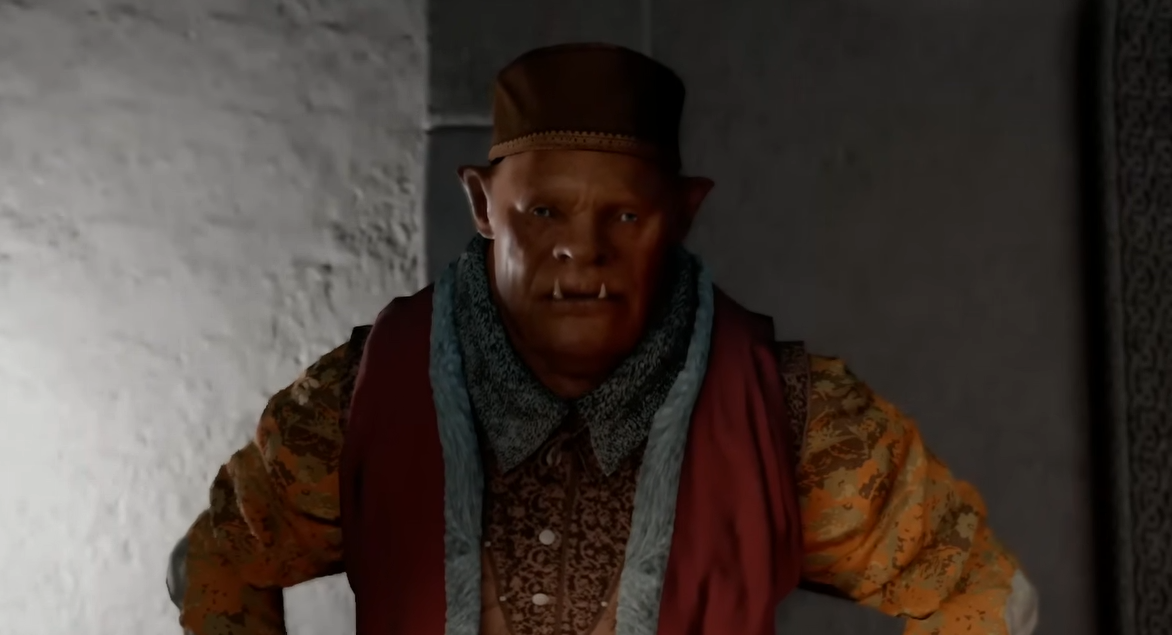
Crimson Desert First Person Mode: How To Use It And What It Does
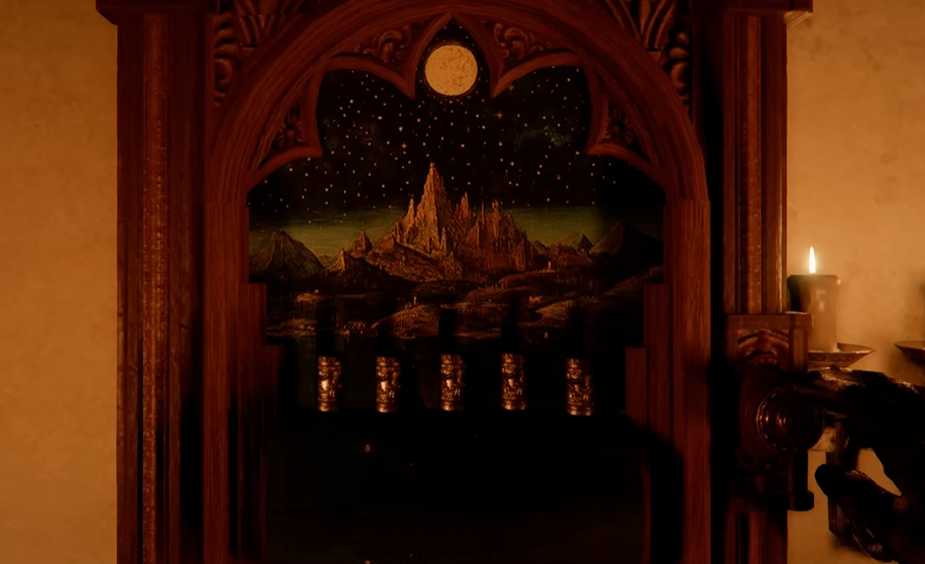
First person mode in Crimson Desert is available right away, but the game never really explains how it works or when you should use it. It is not meant for combat, but it does have a few useful situations where it helps a lot.
How To Use First Person Mode In Crimson Desert
You can enter first person mode by using the camera toggle, which switches your view from third person into first person.
Here are the controls:
Xbox, press the View button
PlayStation, press the Touchpad
PC, scroll the mouse wheel
Keep cycling the camera until you enter first person view.
What First Person Mode Actually Does
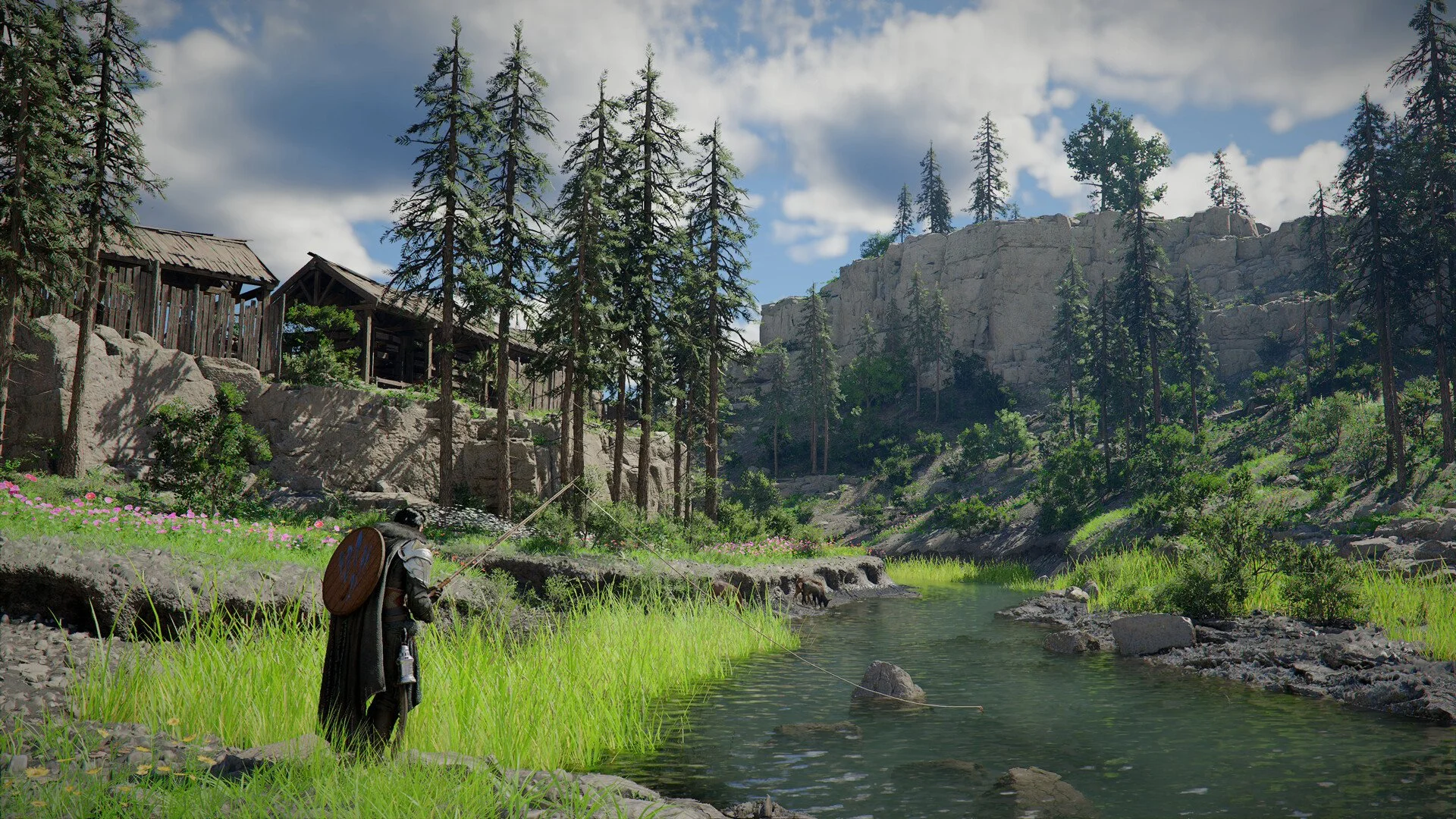
First person mode changes your perspective so you see directly through Kliff instead of behind him. It is mainly used for exploration and interacting with the world.
It lets you get a closer look at objects, environments, and smaller details that are harder to see in third person.
When To Use First Person Mode
There are a few situations where first person mode actually helps.
Looking at small objects or clues
Reading notes or inspecting items
Exploring tight indoor areas
Checking environmental details more clearly
It is especially useful during slower sections of the game where you are not fighting anything.
Why You Cannot Use First Person In Combat
First person mode does not work during combat.
The game is built around third person combat, with dodging, combos, and positioning. Using first person would make it harder to see enemies and react properly, so it is disabled.
If combat starts, the game will force you back into third person automatically.
Why First Person Mode Feels Limited
First person mode exists more as a utility feature than a full gameplay style.
You are not meant to play the entire game this way. It is there to help with immersion and inspection, not fighting or movement.
Final Blurb
First person mode in Crimson Desert is simple to use but easy to overlook. Toggle the camera to switch into it, use it when you need a closer view, and expect to go back to third person as soon as combat starts.
FAQ
How do you go into first person in Crimson Desert
Use the camera toggle, View button, Touchpad, or mouse scroll.
Can you play Crimson Desert in first person
Only for exploration, not for full gameplay or combat.
Why does first person mode turn off
It disables automatically when combat starts.
What is first person mode used for
Exploring, inspecting objects, and seeing details up close.
Is first person mode useful
Yes for exploration, but not for combat.