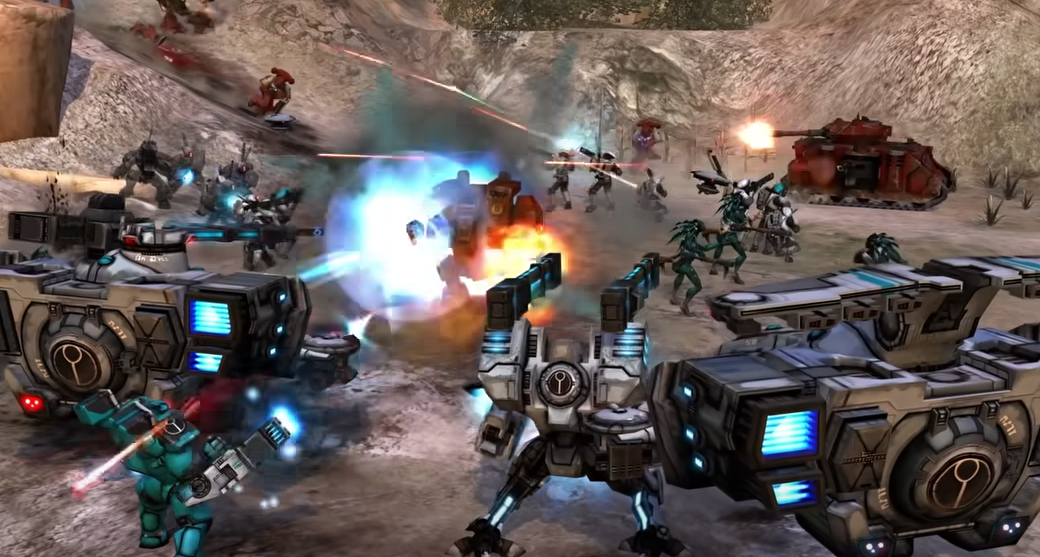
Dawn of War Definitive Edition Controls Guide
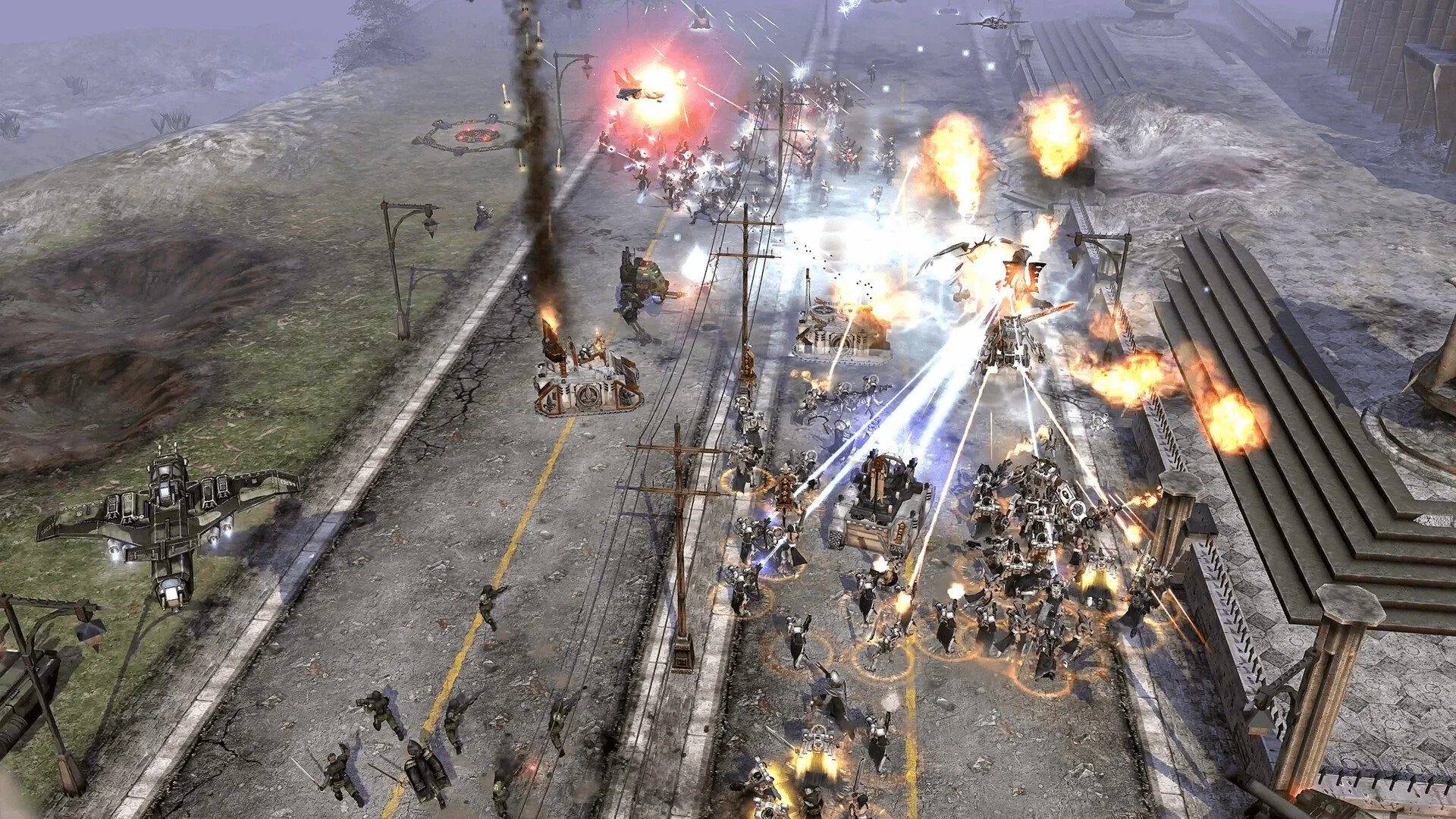
Warhammer 40,000: Dawn of War – Definitive Edition sticks closely to the original control setup, meaning there’s no native WASD camera movement or full key rebinding yet. Instead, players rely on the traditional mouse-driven interface, arrow key camera movement, and a full set of hotkeys for unit control.
While the developers have mentioned they are looking into rebinding options, at launch the system works much like the 2004 version. Below is a complete breakdown of the confirmed control layout in Dawn of War – Definitive Edition.
Mouse Controls
Left click to select units.
Left click and drag to select multiple units.
Ctrl + number keys to assign control groups.
Press assigned number to reselect that group.
Screen Layout Controls
Top Left
Resource display shows Requisition, Power, and Ork resources.
Team info shows current units and unit cap.
Top Right
Menu bar for objectives, diplomacy, and main menu access.
Strategic UI for captured points, objectives, and relics.
Bottom
Mini map on the far left.
Unit health and squad strength indicators.
Squad controls for reinforcements and upgrades.
Unit command buttons for build, attack, and other actions.
Camera Commands & Controls
Backspace resets camera.
Alt + mouse movement rotates camera.
Mouse wheel zooms in and out.
Arrow keys or moving the mouse to the screen edge pans the view.
Keyboard Hotkeys & Controls
Global
Ctrl + P for ping.
Ctrl + E to toggle ping type.
Shift queues commands.
Pause pauses the game.
F10 opens pause menu, F11 objectives, F12 diplomacy.
Enter for allied chat, Shift + Enter or Ctrl + Enter for all chat.
Space cycles event queue, comma cycles idle military, period cycles builders.
Ctrl + R cycles research.
Ctrl + O toggles overwatch, Ctrl + K cancels overwatch.
Engagement Stances
F1 hold area.
F2 stand ground.
F3 burn down.
F4 cease fire.
F5 attack.
Weapon Stances
F6 assault stance.
F7 ranged stance.
Unit Commands
Q stop.
V move.
A attack move.
Z melee attack.
B build.
T attach or detach.
G attack ground.
Delete scuttle.
N unload.
R reinforce.
L leader.
E repair.
Multiple Selection
Ctrl + Tab focuses primary selection.
Tab selects next primary unit.
Shift + Tab selects previous.
Ctrl + left click removes a unit from the selection.
WASD and Key Rebinding
WASD camera movement is not supported at launch.
The game uses arrow keys for camera movement.
Players can use third-party tools like AutoHotkey to remap movement keys.
Developers have stated they are reviewing feedback for rebinding options.
Final Blurb - Dawn of War Definitive Edition Controls
Dawn of War – Definitive Edition keeps its classic control scheme intact, offering mouse selection, arrow key camera movement, and a wide set of hotkeys for fast play. While WASD movement and in-game key rebinding are not yet available, the core system remains quick once mastered, and future updates may add customization options.
FAQ
Does Dawn of War Definitive Edition have WASD camera movement?
No, it uses arrow keys for camera movement by default.
Can you rebind keys in-game?
Not fully at launch, though developers are considering adding the option.
Can you still use control groups?
Yes, assign them with Ctrl + number keys.
Is the control scheme the same as the original?
Yes, with only minor quality-of-life updates.
Can third-party tools enable WASD?
Yes, programs like AutoHotkey can remap keys for camera movement.
More Warhammer 40k: Dawn of War - Definitive Edition