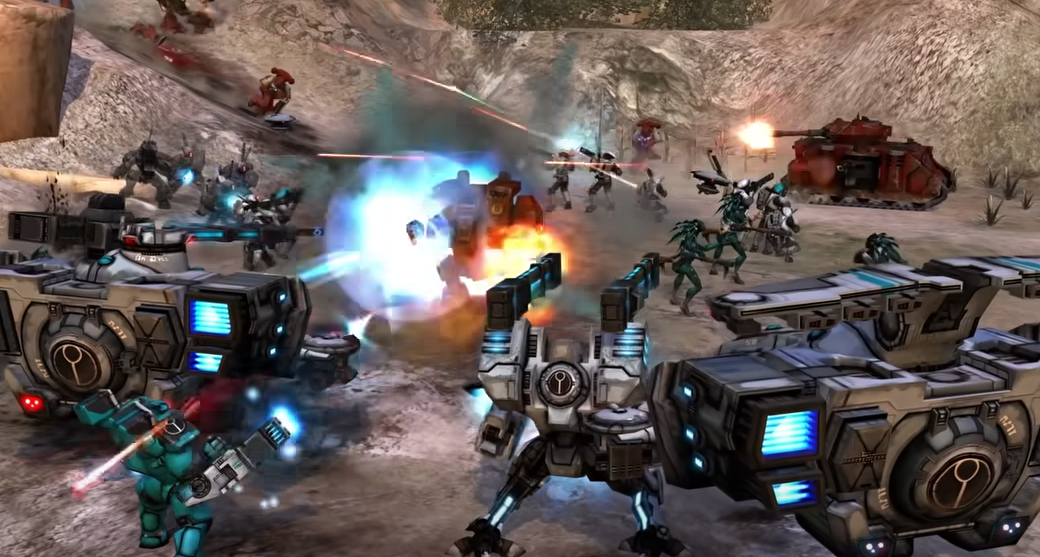
Dawn of War Definitive Edition Crashing Fix Guide
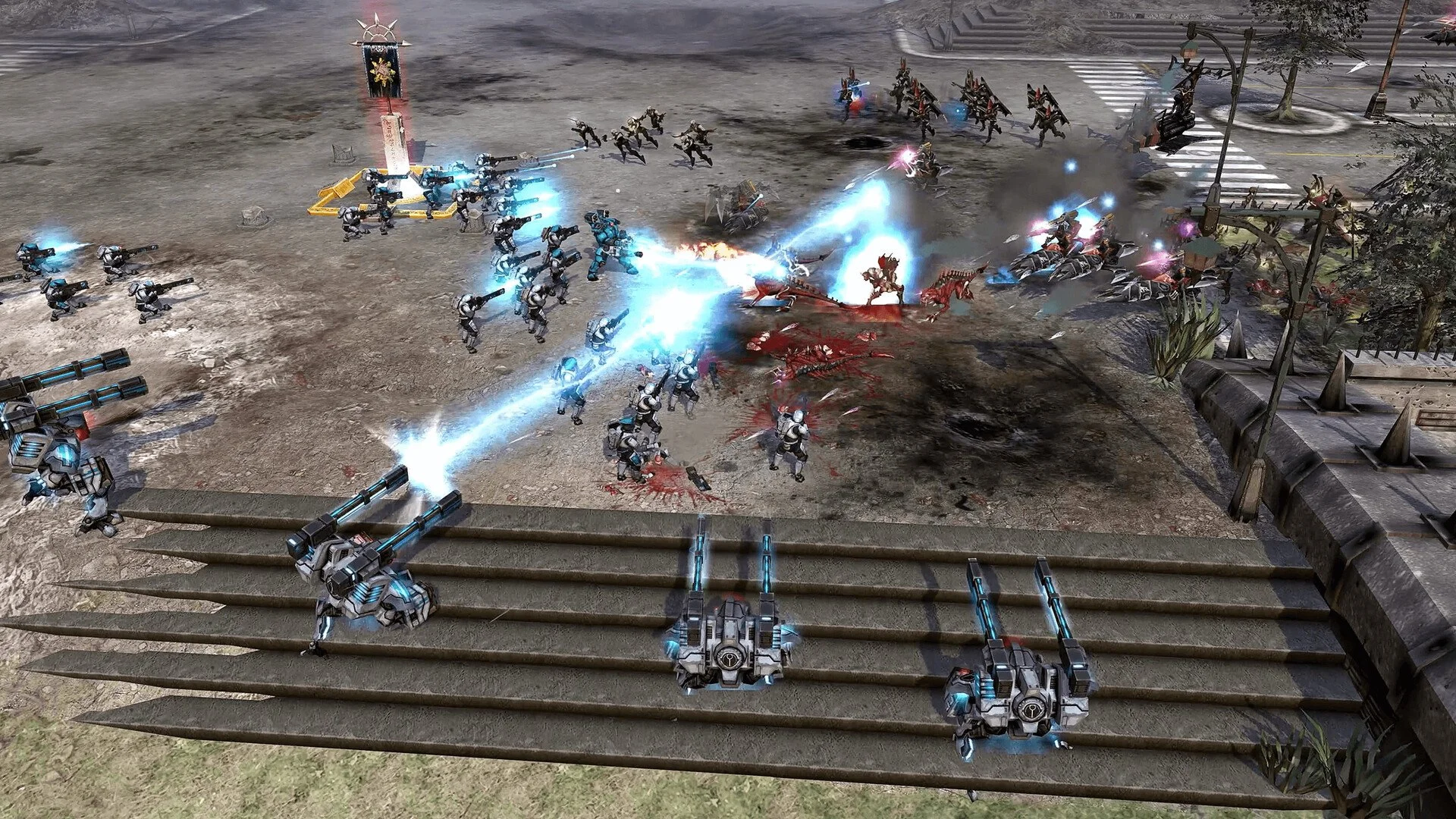
Dawn of War – Definitive Edition can crash for several confirmed reasons, from hardware conflicts to in-game triggers. Most are temporary issues that Relic plans to patch between August and September 2025, but you can reduce crashes right now by avoiding known triggers and applying simple fixes.
How to Fix Crashes in Dawn of War Definitive Edition
CPUs Without AVX Support
Crashes on startup occur if your CPU lacks AVX support.
Fix: Add
-nomoviesto the game’s launch options.
Automatch Failures
The game can crash if Automatch runs for around 20 minutes without finding a match.
Fix: Use the Automatch menu instead of Quick Automatch, and avoid leaving it running too long.
Loading Screen Click Spamming
Repeated clicking during loading can cause a crash.
Fix: Avoid rapid clicking until the game fully loads.
Multi-Monitor and Window Resizing
Moving the game between monitors or resizing after Alt+Tab can cause crashes or distortion.
Fix: Use fullscreen mode and restart the game after monitor changes.
Out-of-Bounds Vehicle Pathing
Placing buildings at the map edge can trap large vehicles, leading to crashes.
Fix: Keep base structures away from map borders.
General Stability Tips
Keep GPU, CPU, and sound drivers updated.
Lower graphics settings on lower-spec machines to prevent overload in large battles.
Avoid leaving the game minimized for long periods on Windows 11.
Remove or update outdated mods to match the Definitive Edition’s file structure.
Upcoming Official Fixes
Late August patch will focus on crash sources, hardware compatibility, and performance stability.
September patches will address pathfinding crash scenarios, modding stability, and UI fixes.
Final Blurb
While Dawn of War – Definitive Edition has some launch-day crash issues, most have clear short-term fixes. Avoiding known triggers and keeping your system updated can keep you playing until Relic’s stability patches roll out.
With multiple updates scheduled through September, the game’s stability should steadily improve.
FAQ
What is the most common crash cause?
Startup crashes on CPUs without AVX support are the most frequent confirmed issue.
Does -nomovies fix all crashes?
No, it only prevents startup crashes on non-AVX CPUs.
Can mods cause crashes?
Yes, especially older mods with outdated HUD or UI files.
Is Automatch crashing fixed yet?
Not yet, but it is scheduled for a post-launch patch.
Will stability improve after patches?
Yes, Relic has confirmed multiple stability-focused updates for August and September.
More Warhammer 40k: Dawn of War - Definitive Edition