Dawn of War Definitive Edition Linux and Steam Deck Guide
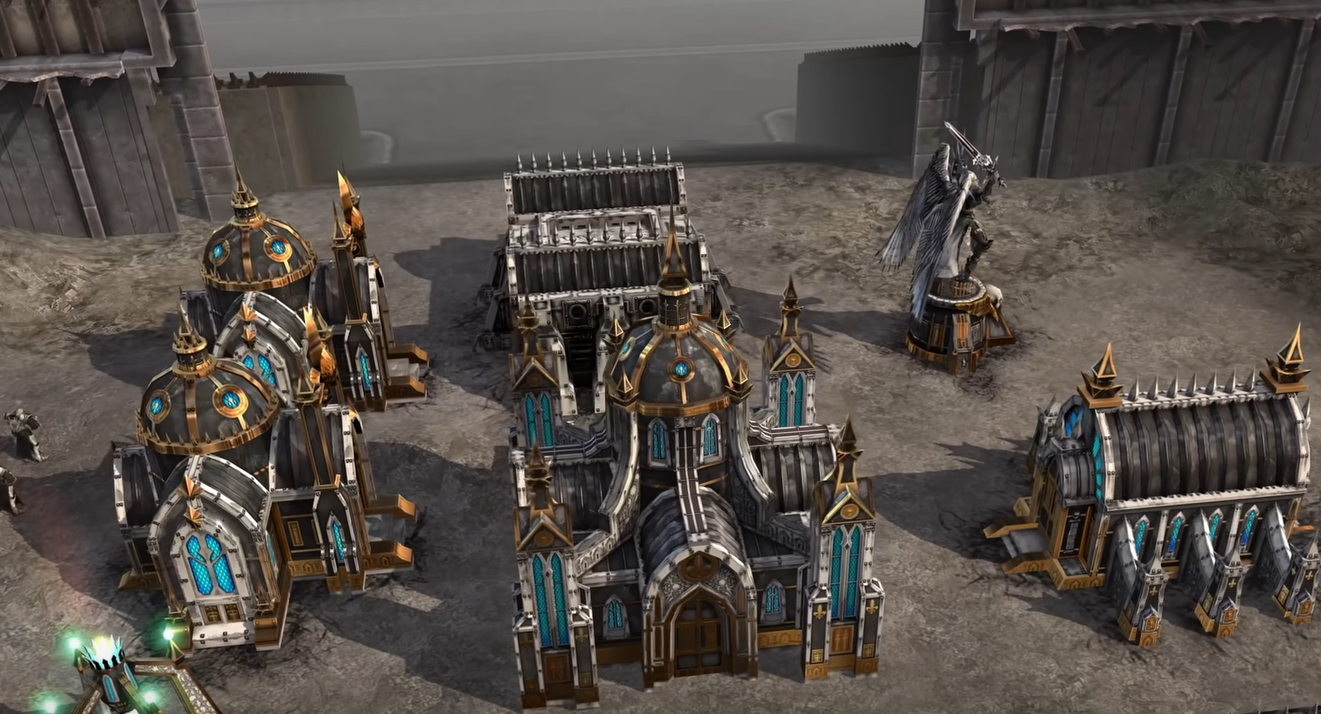
The newly released Dawn of War Definitive Edition works out of the box on most Linux setups and Steam Deck using Proton. Single-player runs well, but multiplayer has a major sync error that kicks players within minutes. This happens consistently across distros and Deck.
Below is a full breakdown of compatibility, setup tips, and the current workaround for multiplayer.
Single-player performance on Linux and Steam Deck
Runs without additional tweaks on Proton Experimental or Proton-GE.
Stable framerates even with multiple AI opponents.
No official controller support, so use keyboard and mouse or Steam Deck trackpads.
WASD movement is not supported in-game. Camera movement is handled with edge scrolling or remapped keys via Deck input settings.
Multiplayer sync error issue
Sync error occurs within 2–15 minutes for most Linux players.
Happens regardless of Proton version tested, including 9.0-4, Experimental, and hotfix builds.
Older fixes for Dawn of War or Soulstorm (like vcrun2005 installs) do not solve the issue here.
Current workaround: anti-sync script
Players have had success using the community-made DoW-DE Anti-Sync Error Script:
https://github.com/isorokuYam/DoW-DE-anti-sync-error-script
To use it:
Download the script.
Open it in a text editor.
Change the Steam path in the script to:
STEAM_PATH=${STEAM_ROOT}/steamapps/compatdata/3556750/pfx/drive_c/windows/system32Adjust
STEAM_ROOTif your Steam directory is different, for example:STEAM_ROOT=~/.steam/steamRun the script in your terminal.
Reports show that it allows some players to complete multiplayer matches without desyncs, though stability can still vary between sessions.
Other notes for Linux and Deck
If you want to remap keys like Z to Y for QWERTZ keyboards, switching the system keyboard layout to English is the simplest option.
Hotkey files in the Proton prefix may not apply changes in-game.
On Deck, you can bind controls directly through Steam Input to emulate certain keys, though in-game hotkeys remain unchanged.
For better multiplayer stability, report the issue directly to the developer at https://help.relic.com
Final Blurb
Dawn of War Definitive Edition is mostly smooth on Linux and Steam Deck for single-player, but multiplayer is currently unreliable due to a persistent sync error. Until Relic releases an official fix, the anti-sync script is the best option for those wanting to play with friends. Even then, expect occasional disconnects.
FAQ
Does Dawn of War Definitive Edition have native Linux support?
No, it runs through Proton.
Does it work on Steam Deck?
Yes, single-player works well using Proton Experimental or Proton-GE.
Is there controller support?
No, only keyboard and mouse. Steam Deck users can set up custom bindings.
Is there a fix for the multiplayer sync error?
The GitHub anti-sync script is the most reliable workaround so far, though not perfect.
Can you change hotkeys in-game on Linux?
Direct edits to hotkey files often do not apply. Changing your system layout or using Steam Input is the best alternative.
More Warhammer 40k: Dawn of War - Definitive Edition