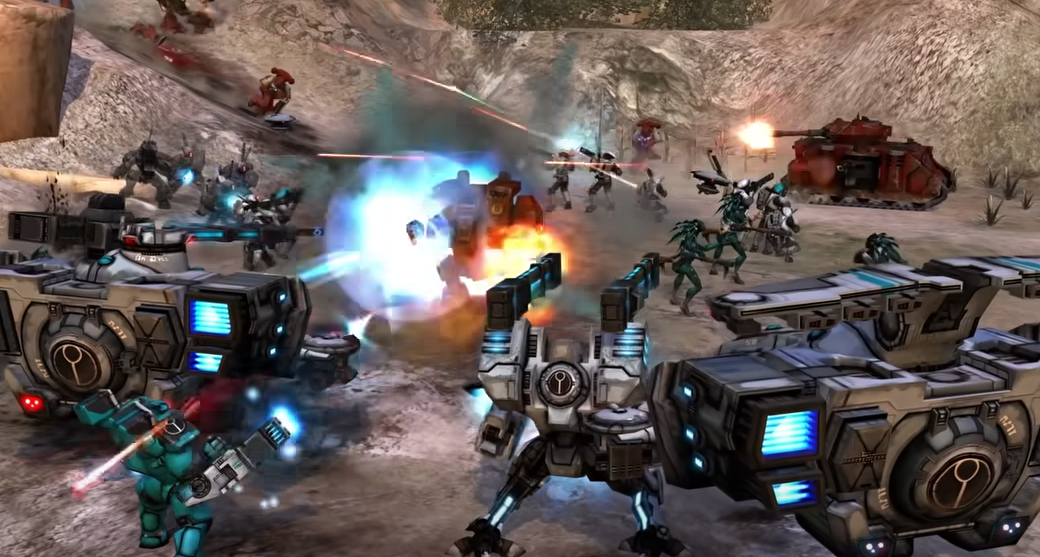
Dawn of War Definitive Edition Mouse Lock Fix Guide
If your mouse keeps escaping to other monitors while playing Dawn of War Definitive Edition, you are not alone. This is a known launch issue where the in-game “block mouse to game window” setting does not reliably work, especially after using Alt+Tab. Once it happens, your cursor can slide right off the screen during gameplay, which can ruin camera control in intense battles.
Here is how to keep your mouse locked to the game screen until Relic releases a permanent fix.
Why the bug happens
The current version of the game has a cursor lock issue that stops working if you Alt+Tab out of the game. This is listed in the official known issues list under “Lock Cursor,” and the developers have confirmed a fix is in progress.
Temporary workarounds
Avoid using Alt+Tab. If you need to switch windows, use the Windows key instead.
Disable additional monitors using Windows key + P, then select “PC screen only.” This is more of a band-aid than a true fix.
Use a third-party tool such as DMT (Dual Monitor Tools) to force cursor lock to one screen.
The old Dawn of War method of clicking the middle mouse button after loading a match does not work in this edition.
Developer status
Relic has confirmed they are aware of the bug and are working on a solution. Until the patch arrives, these workarounds are the only way to stop your cursor from drifting off-screen.
Final Blurb
The mouse lock bug in Dawn of War Definitive Edition is a frustrating but temporary problem. With a patch on the way, these workarounds will help keep your camera control stable and your mouse where it belongs.
FAQ
Why does my mouse keep leaving the screen in Dawn of War Definitive Edition?
Because the in-game cursor lock option does not always work, especially after using Alt+Tab.
Is there a permanent fix yet?
Not yet. Relic has confirmed they are working on a patch.
What is the best temporary solution?
Using Windows key + P to disable other monitors or using a tool like Dual Monitor Tools to lock the cursor.
Does middle mouse click still lock the screen like in the old version?
No. That method does not work in the Definitive Edition.
More Warhammer 40k: Dawn of War - Definitive Edition