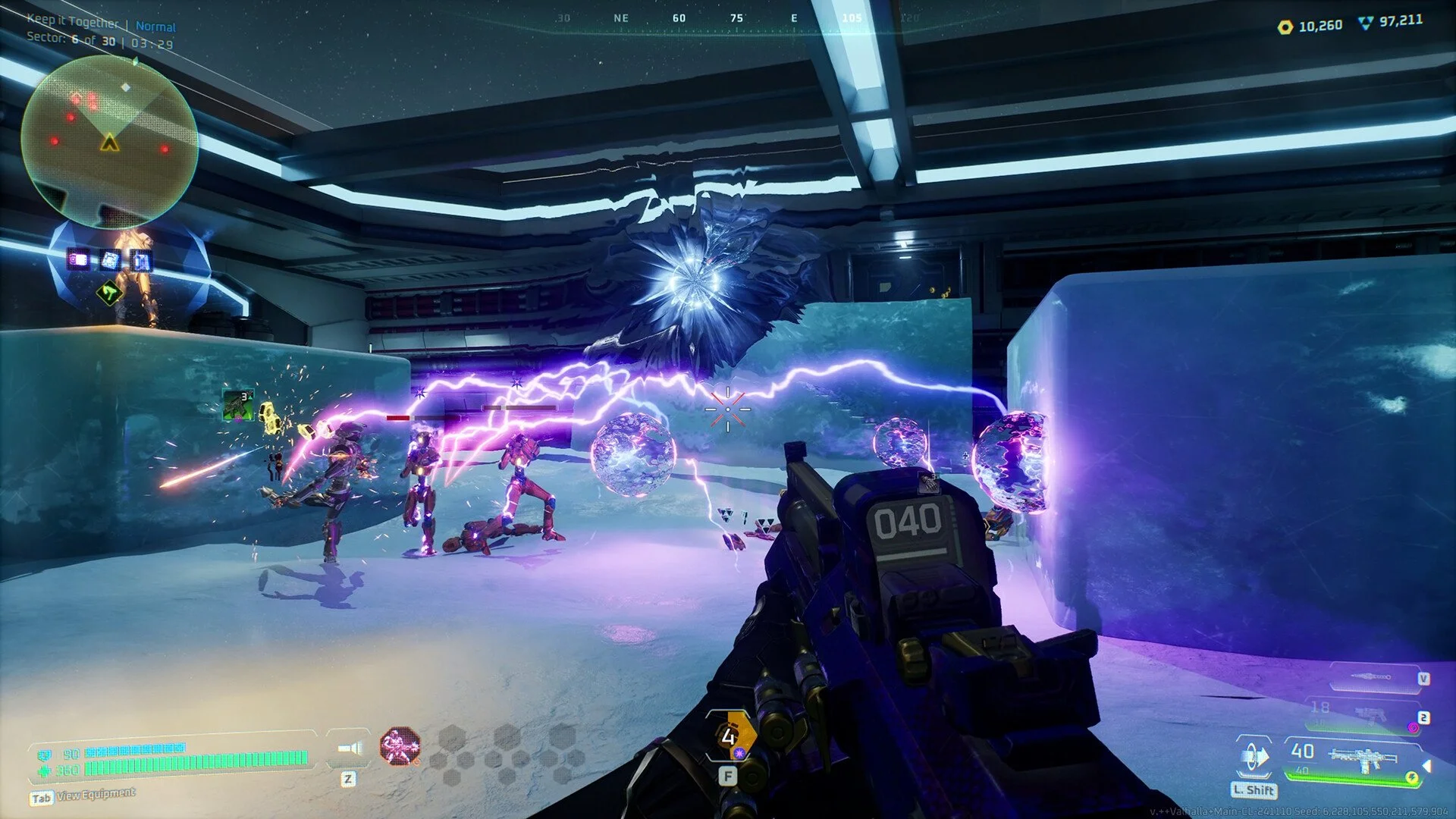
Deadzone Rogue can crash for a number of reasons, ranging from driver conflicts to bad EXE launches. Some players report GPU errors, constant shutdowns, or crashes tied to certain zones. The good news is most issues can be fixed with a few simple steps.
Quick Fixes for Deadzone Rogue Crashes
Run the game as Administrator.
Make sure you are launching the correct EXE from:
C:\Program Files (x86)\Steam\steamapps\common\Deadzone Rogue\Valhalla\Binaries\Win64Roll back Nvidia drivers to a stable release. The March 05 version has been confirmed to work better than the newest ones.
Verify game files through Steam to repair any corrupted installs.
Lower graphics settings, especially shadows and post-processing, which are known to cause stability issues.
Disable overlays (Steam, Discord, GeForce Experience) as they can trigger GPU crashes.
Advanced Deadzone Fixes
Lock your framerate to reduce load spikes. Running unlocked FPS can cause system instability.
If you are on Windows 11, try compatibility mode with Windows 10.
Avoid updating Nvidia drivers unless needed. If a recent update started the crashing, use Display Driver Uninstaller (DDU) to fully remove and reinstall an older version.
Check RAM and CPU stability. Even small memory timing errors or overclocks can trigger crashes.
Use the in-game crash reporter to help developers identify exact problems.
General PC Game Crash Troubleshooting
If Deadzone Rogue keeps crashing, go through standard PC fixes used for unstable games:
Update chipset, audio, and network drivers from your motherboard’s support page.
Run
sfc /scannowin Command Prompt to repair damaged Windows files.Make sure your PSU delivers stable power under heavy load.
Test RAM with Windows Memory Diagnostic or MemTest86.
Close background apps, overlays, and recording tools.
Reinstall the game only after system checks, since reinstalling alone rarely solves driver-level crashes.
When It’s a Game Issue
Some players encounter repeat crashes in Zone 2 caused by shader handling with specific GPUs. If the game only fails in one zone and you’ve already tried driver fixes, this is most likely a game-side problem that will need a patch.
Final Blurb
Deadzone Rogue crashes usually come from driver problems, GPU load, or corrupted installs. Rolling back to a stable Nvidia driver, verifying files, and disabling overlays solve most issues. If crashes continue only in specific zones, the cause is in the game itself and will require a developer fix.
FAQ
Why does Deadzone Rogue crash when no other game does?
The engine may trigger hardware or driver conflicts that other games never hit.
Can the game damage Windows?
No, but repeated forced shutdowns after crashes can corrupt Windows files, which is why sfc /scannow often finds errors afterward.
Which Nvidia driver works best?
Players report the March 05 driver release runs more stable than the newest versions.
Do I need to reinstall Windows?
No, reinstalling Windows is not required. Focus on GPU drivers, file verification, and system checks first.
What if it only crashes in Zone 2?
That is a known shader issue tied to certain GPUs. It requires a game update to fully resolve.
More Deadzone Rogue