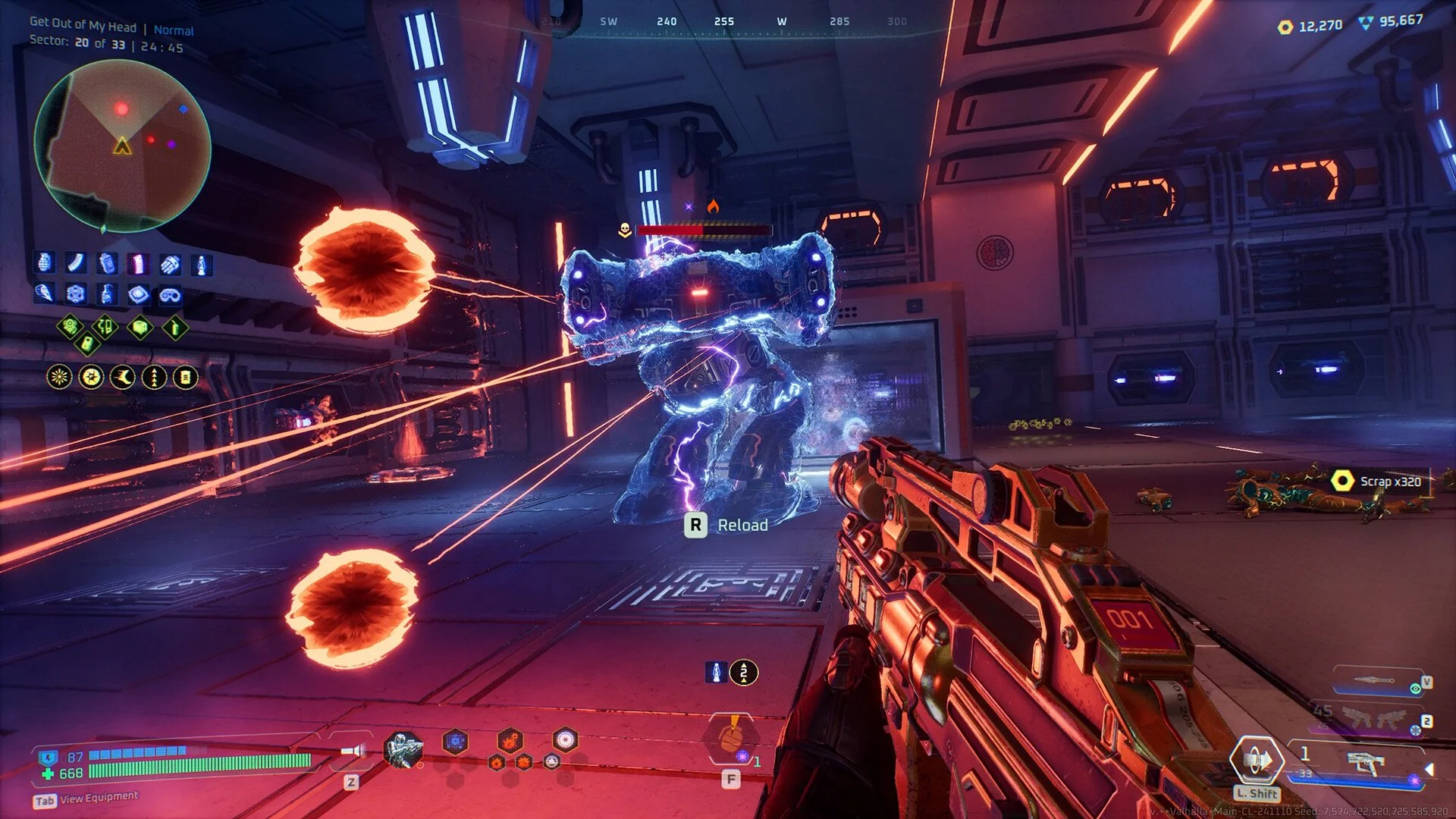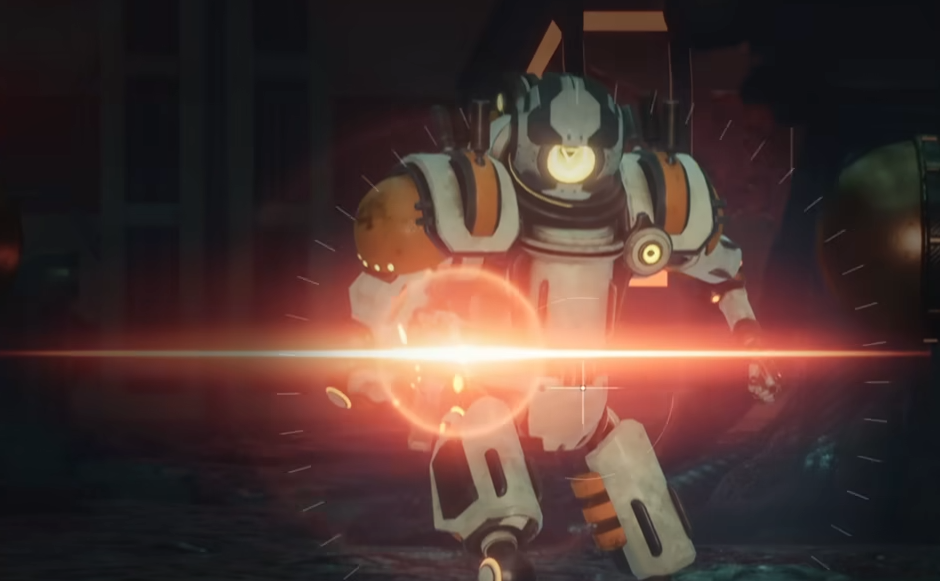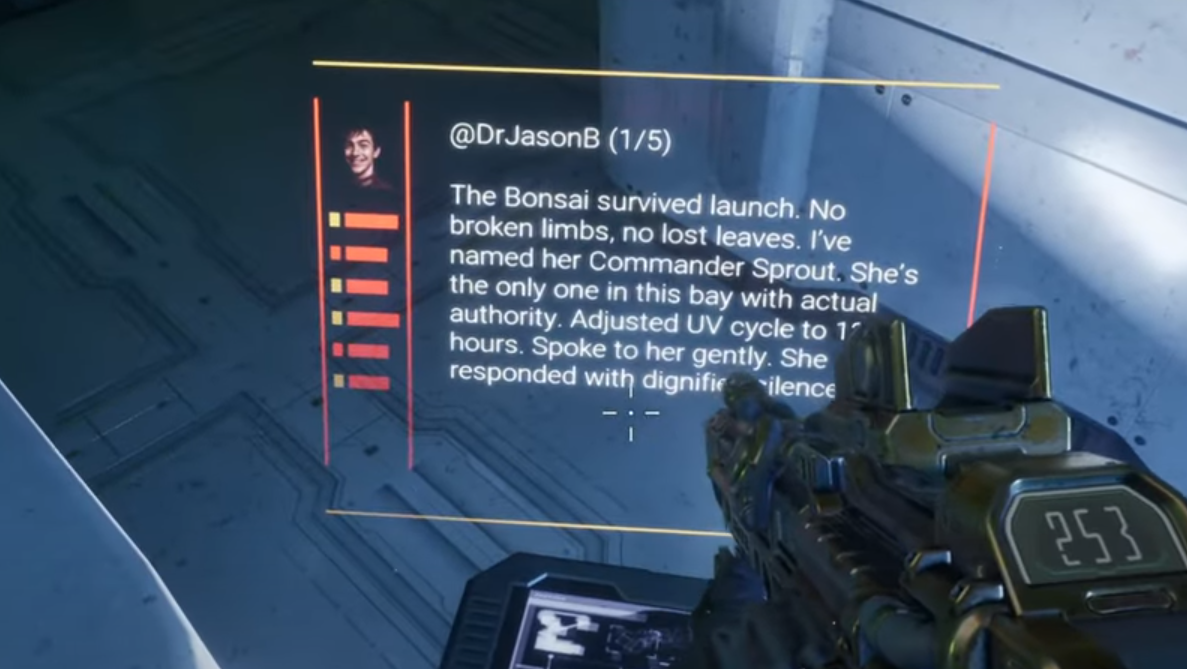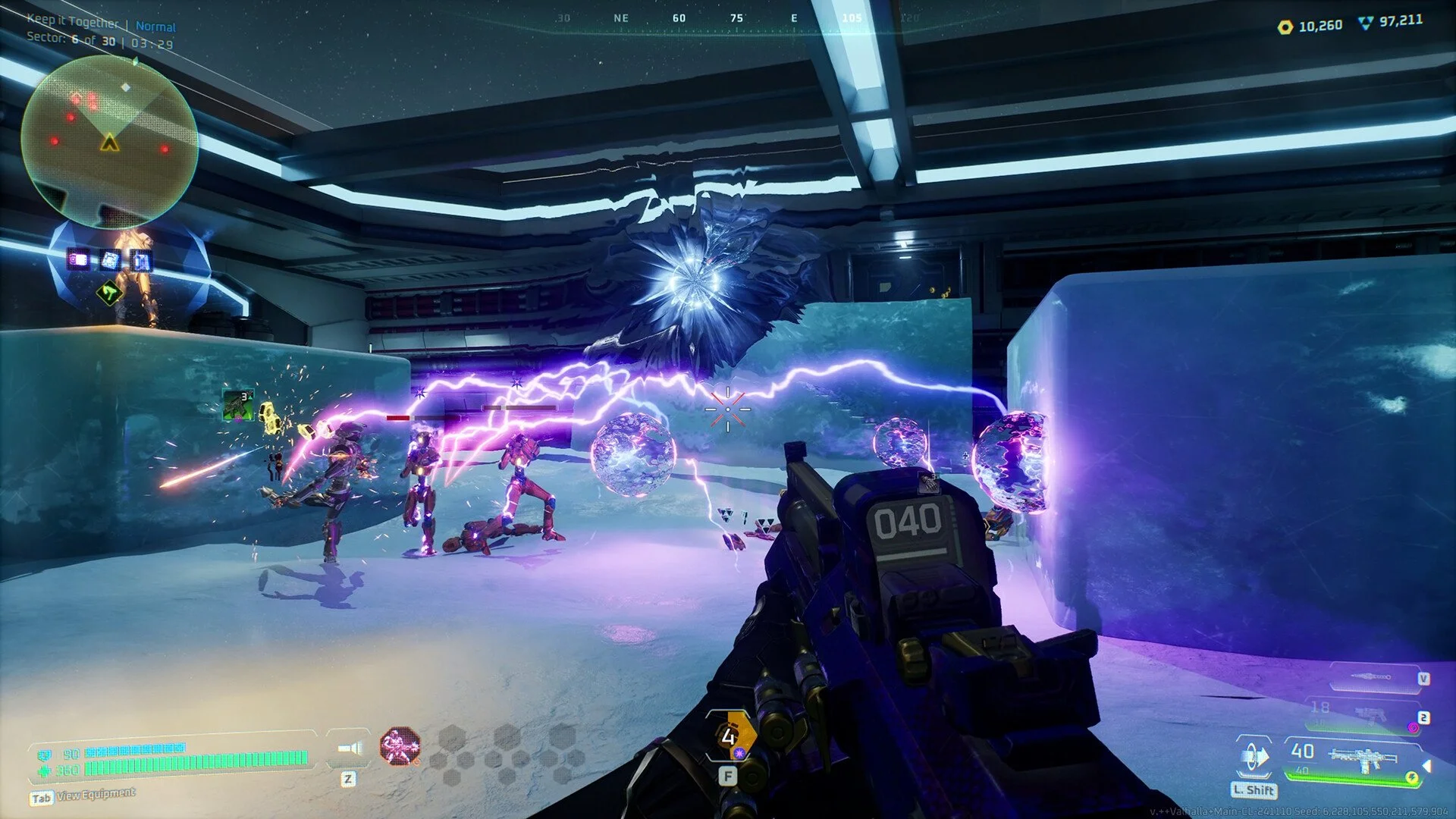
Deadzone Rogue does not currently have native HDR support. Players have confirmed that the game looks washed out without HDR and that Windows Auto HDR does not always kick in. However, there are workarounds using tools like Special K or RTX HDR that allow HDR-like visuals until the developers add proper support.
Current HDR Options
Native HDR: Not supported. The game engine (UE5) allows HDR implementation, but it is not active in the release build.
Windows Auto HDR: Some users cannot force it to enable for Deadzone Rogue. Results are inconsistent depending on GPU and monitor.
RTX HDR (Nvidia): Works for RTX card owners and produces strong highlights on OLED displays.
Special K Mod: Third-party tool that can inject HDR. Many players report better visuals with this compared to Auto HDR.
How to Enable HDR with Workarounds
RTX HDR
Requires Nvidia RTX GPU and latest drivers.
Enable RTX HDR in Nvidia Control Panel under display options.
Works best on OLED panels where peak brightness and black levels are noticeable.
Special K HDR Injection
Download and install Special K.
Launch the game through Special K to inject HDR support.
Adjust calibration in-game and on your display for optimal results.
Players report this looks significantly better than Auto HDR.
Auto HDR (Windows 11 only)
Turn on Auto HDR in Windows display settings.
Some users report Deadzone Rogue does not trigger it, so results may vary.
Why Native HDR Matters
Workarounds can improve the picture, but only native HDR can deliver accurate brightness mapping, tone curves, and true HDR color ranges. This prevents the washed-out look and lets the game fully use the wide color gamut supported by UE5.
Final Blurb
Deadzone Rogue does not have native HDR yet, but you can still improve visuals through RTX HDR, Special K, or Windows Auto HDR. The game engine supports HDR, so official implementation may arrive later. Until then, Special K is the most reliable option for true HDR brightness and contrast.
FAQ
Does Deadzone Rogue have native HDR support?
No, the game does not currently support native HDR.
Can I use Windows Auto HDR?
Some players report it does not trigger for this game, though you can try enabling it in display settings.
What is the best HDR workaround right now?
Special K HDR injection gives the best results for most players.
Does RTX HDR work with the game?
Yes, Nvidia RTX HDR can be forced and looks strong on OLED displays.
Will HDR be added officially?
The developers have not confirmed it, but UE5 supports HDR natively, so it is possible in the future.
More Deadzone Rogue