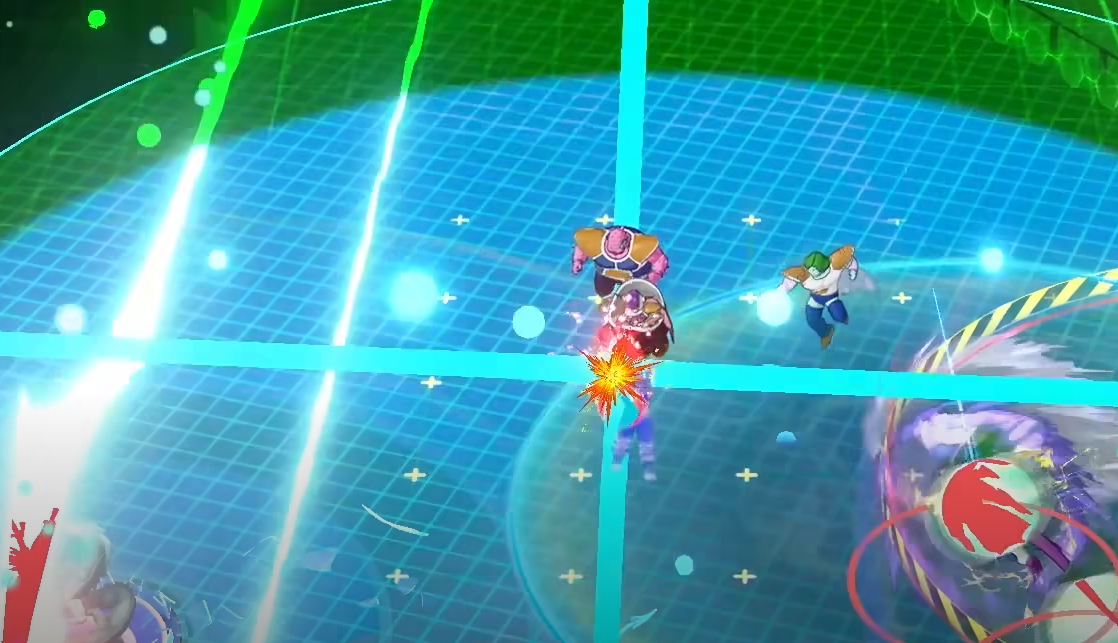
Dragon Ball Gekishin Squadra Black Screen Fix Guide
Many players are hitting a frustrating issue where Dragon Ball Gekishin Squadra launches into a black screen or crashes shortly after. Others find fullscreen mode broken on ultrawide monitors, forcing them into windowed mode with desktop bleed. If you are searching for a Dragon Ball Gekishin Squadra black screen fix, this guide covers known issues, workarounds, and general tips that apply across most PC games.
How to Fix Black Screen in Dragon Ball Gekishin Squadra
The most common black screen problems in this game fall into three categories:
Game Closes After Black Screen – Some players report the game loads, flashes black, then instantly shuts down. A reinstall of the game fixed this for most, and this is likely the number one fix for most problems, although obviously not guaranteed.
Black Screen on Launch or During Play – Enabling Steam Overlay helped during playtesting. Others solved it by running in windowed mode or linking their Bandai Namco account correctly before starting.
Fullscreen and Ultrawide Bugs – On ultrawide monitors, fullscreen and borderless modes often break. Switching to standard windowed mode currently works, though it is not ideal. The beta supported ultrawide correctly, so this is likely a regression that requires a patch.
General PC Fixes for Black Screen Issues
These steps are worth trying not just for Dragon Ball Gekishin Squadra but for most modern PC titles:
Update GPU drivers (NVIDIA/AMD/Intel)
Run the game as Administrator
Disable fullscreen optimizations in Windows
Lower resolution temporarily and relaunch
Turn off overlays (Discord, GeForce Experience, MSI Afterburner) except Steam Overlay if required
Verify game files in Steam
Switch between DirectX and Vulkan (if the game offers a launch option)
Reinstall the game as a last resort
When to Wait for a Patch
Fullscreen ultrawide support worked in the beta and is now broken in release. This suggests a developer-side issue that may not be fixable by players. If you use an ultrawide monitor, windowed mode is the only stable workaround until an official update arrives.
Final Blurb
Dragon Ball Gekishin Squadra black screen errors are hitting many players at launch, from fullscreen crashes to ultrawide bugs. While windowed mode, overlays, and reinstalls can fix some cases, others will only be solved by patches. Keep your system updated, try the general fixes above, and watch for official updates from the developers.
FAQ
Why does fullscreen not work on my ultrawide screen?
The game currently has broken support for 32:9 resolutions. Only windowed mode works until it is patched.
Does reinstalling fix black screen errors?
Yes, some players fixed instant-crash black screens by fully reinstalling the game.
Should I disable overlays?
Try disabling all overlays except Steam Overlay, which the game requires for some setups.
Is this a hardware issue?
No, most cases are software bugs tied to resolution and launch settings.
More Dragon Ball Gekishin Squadra