Dragonkin The Banished: How To Invite Friends
Getting into multiplayer in Dragonkin The Banished is simple once you know where to look… but the game keeps things very “friends only” with no matchmaking or public lobbies. You will be inviting people directly, not joining random groups.
How To Invite Friends In Dragonkin The Banished
You invite friends through your platform’s friends system, not through an in game matchmaking menu.
On PC, this is done through Steam. On console, it uses your system’s friend list.
How Online Multiplayer Works
Dragonkin keeps multiplayer pretty focused. There are no open lobbies or party finders, so everything is built around playing with people you already know.
Here is how it works:
You must be online
You invite friends directly through your platform
Your friend joins your session or city
Progress and gameplay are shared while playing together
There is no global trading system or random matchmaking. Everything is tied to your friend group.
Steps To Invite Friends On PC
If you are playing on Steam, follow this flow:
Open your game and load into your character
Make sure you are in online mode
Open your Steam friends list
Right click your friend and send a game invite
Your friend accepts and joins your session
Once they join, you can play together, share loot, and progress your city.
Steps To Invite Friends On Console
Console works the same idea, just using your system UI:
Launch the game and load your character
Ensure you are playing online
Open your console’s friends list
Send a game invite to your friend
They accept and join your session
Menus can vary slightly depending on platform, but the flow stays the same.
Important Multiplayer Limits
There are a few things you need to know so nothing catches you off guard:
No matchmaking or public lobbies
No crossplay between platforms
Multiplayer is invite only
Solo play is fully supported with no penalties
Playing in groups can level your city slightly faster
Couch Co Op Is Different
Do not confuse this with local multiplayer.
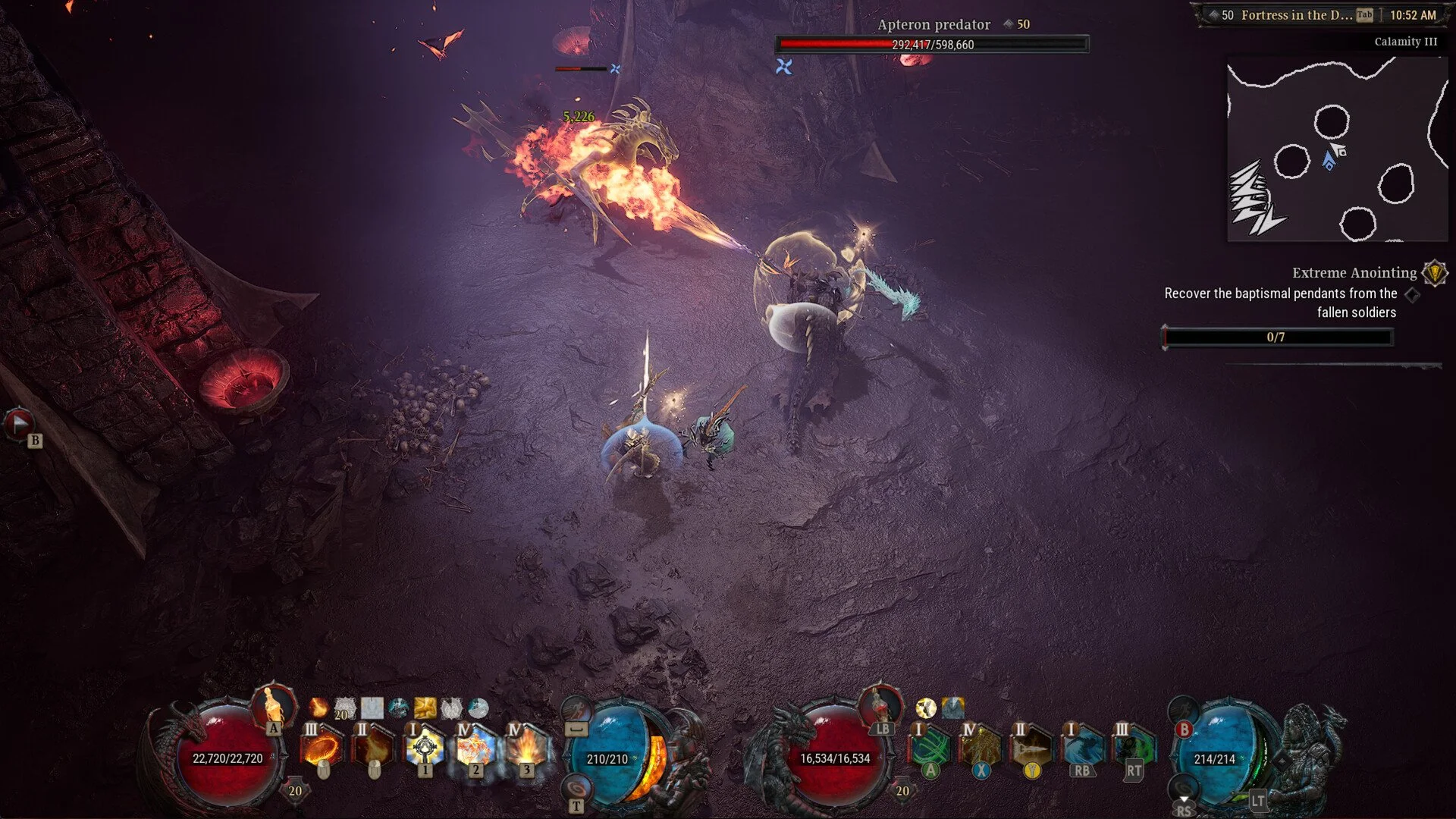
Couch co op uses a second controller on the same system and does NOT require invites through friends lists.
Pause the game
Select invite second player
Connect another controller
Press start to join
This is only for playing in the same room.
Final Note
Dragonkin The Banished keeps multiplayer simple on purpose… no random groups, no live service systems, just you and your friends jumping in together. Once you know it runs through your platform invites, it becomes quick and easy to set up every time.
FAQ
How do I invite friends in Dragonkin The Banished?
You invite them through Steam on PC or your console friends list, there is no in game matchmaking system.
Is there matchmaking in Dragonkin The Banished?
No, multiplayer is completely friend based with no public lobbies.
Can I play with random players?
No, you can only play with people you invite directly.
Does Dragonkin support crossplay?
No, you can only play with others on the same platform.
Is couch co op the same as online multiplayer?
No, couch co op is local with a second controller, online multiplayer requires inviting friends.