Dragonkin The Banished: How To Sell Items
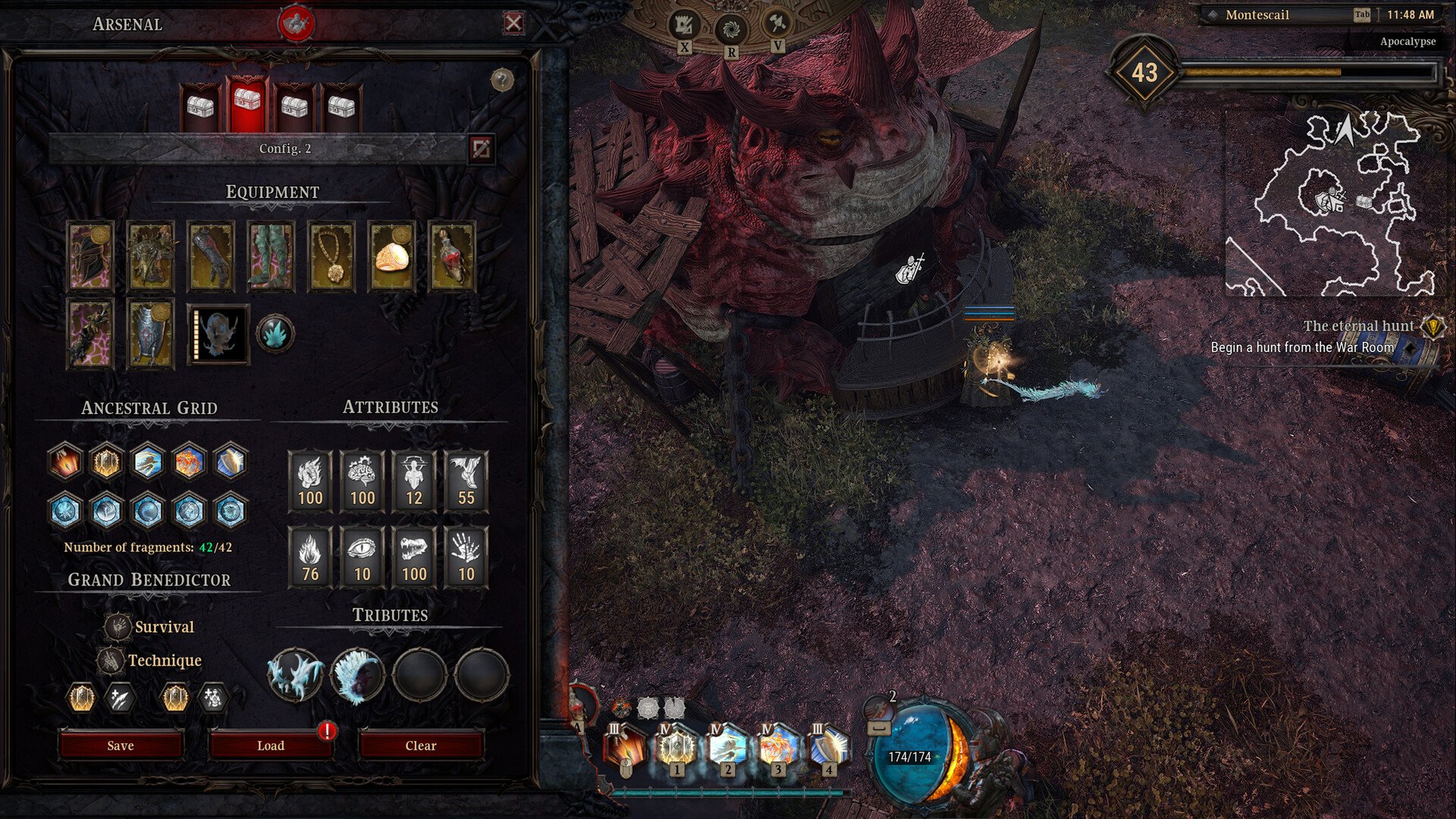
Loot piles up fast in Dragonkin The Banished. After a few hunts your inventory starts looking like a yard sale full of swords, armor, and gear you will never touch again. Selling items is simple once you know where to go, and it is actually an important part of progression because some materials come directly from selling gear.
How Selling Gear Works In Dragonkin The Banished
To sell items in Dragonkin The Banished, open the Dark Merchant shop in town and sell unwanted equipment from your inventory.
The Dark Merchant is the main vendor used for selling gear. Any equipment you do not want can be sold directly to this merchant for gold.
Selling gear also unlocks the item's appearance for the Transmog system. That means once you sell an item, its cosmetic look becomes available for your character if it was not unlocked already.
Where To Find The Dark Merchant
The Dark Merchant can be found in the main city hub. This vendor acts as the primary place to sell gear and clear inventory space.
After returning from missions or hunts, open the vendor window and start selling anything your build does not need. Most players end up visiting this vendor constantly since loot drops quickly during hunts and Chaos missions.
Selling items here gives you gold, which is used for various City Services.
Why Selling Items Is Important
Selling items is not just about cleaning your inventory. It plays a role in multiple progression systems.
First, gold from selling equipment is used for City Services. These services handle things like upgrades and other mechanics tied to the city hub.
Second, selling certain gear tiers can provide important crafting materials.
For example, Mythical items can be sold for Dust. Dust is a valuable upgrade material used to improve gear, so farming Mythical drops and selling them becomes part of the grind later in the game.
Using Auto Salvage To Handle Loot Faster
There is also a way to automate part of the process using the loot filter.
Press O to open the loot filter settings. From there you can enable auto salvage rules for specific item types.
Items caught by the filter are offered to the Grand Benedictor. If they do not grant any rewards, those items are automatically sold for gold at the Dark Merchant.
This system helps manage loot so you are not constantly stopping to sell items manually.
Tips For Managing Gear And Selling Items
Sell duplicate equipment once you unlock its appearance for Transmog
Mythical items can be sold to obtain Dust used for upgrades
Visit the Dark Merchant often because inventory fills quickly during hunts
Use the loot filter auto salvage system to reduce inventory clutter
Farming Dragon Lord hunts and Chaos missions can generate a lot of sellable gear
Final Blurb
Selling items in Dragonkin The Banished is straightforward, but it ties into more systems than it first appears. Between gold, Dust farming, and unlocking cosmetics, dumping extra gear at the Dark Merchant ends up being part of the normal gameplay loop. Your inventory will thank you... and your upgrade materials will too.
FAQ
Where do you sell items in Dragonkin The Banished
Items are sold to the Dark Merchant located in the main city hub. Open the vendor menu and sell unwanted equipment directly from your inventory.
Do you get Dust from selling items
Yes. Mythical items can provide Dust when sold, which is used to upgrade gear later in the game.
Does selling gear unlock Transmog appearances
Yes. Selling a piece of equipment unlocks its appearance in the Transmog tab if you have not unlocked it already.
Can items be sold automatically
Yes. Using the loot filter system with auto salvage enabled can automatically process unwanted items and sell them for gold if they do not provide other rewards.