Dying Light The Beast All Controls for PC & Console
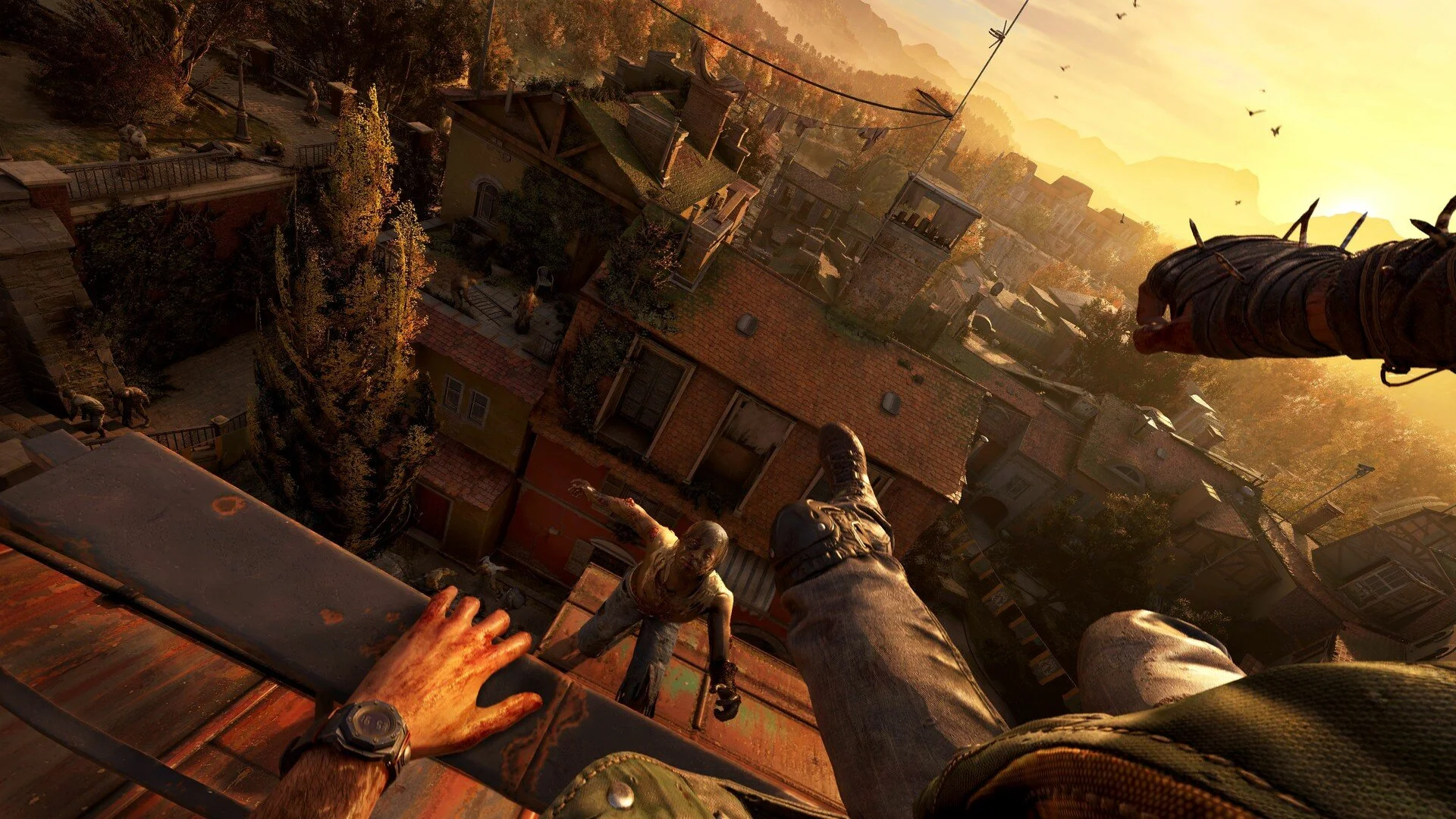
Dying Light The Beast controls matter more than ever with all the new beast powers and traversal moves. Whether you are smashing zombies with fists or sprinting rooftops with parkour, knowing the keybinds and buttons makes the game smoother.
Dying Light The Beast Complete PC Controls
Here is the list of PC controls in alphabetical order so you can find what you need quickly.
| Action | Input |
|---|---|
| Aim / Block | Right Mouse Button |
| Attack | Left Mouse Button |
| Binoculars | B |
| Collections | K |
| Crafting | O |
| Crouch | C |
| Cycle Consumables | 2 |
| Cycle Equipment | 1 |
| Cycle Weapons | 3 |
| Drop Item | Backspace |
| Extended HUD | Tab |
| Flashlight | T |
| Grappling Hook (Expert) | Alt |
| Inventory Menu | I |
| Journal | J |
| Jump | Space |
| Loot / Interact / Weapon Throw / Finisher | F |
| Look Back | Caps Lock |
| Map Menu | M |
| Move Backward | S |
| Move Forward | W |
| Move Left | A |
| Move Right | D |
| Next Equipment | Scroll Wheel Down |
| Player Menu | U |
| Previous Equipment | Scroll Wheel Up |
| Reload | R |
| Skill Menu | U |
| Sprinting (Dash and Afterboost) | Shift |
| Survivor Sense | Q |
| Trade / Interact (alternative) | R |
| Use Accessory | Middle Mouse Button |
| Use Consumable | H |
| Walk | X |
| Watch | N |
Dying Light The Beast Complete Controller Controls
This table shows the Xbox and PlayStation controls.
| Action | Xbox | PlayStation |
|---|---|---|
| Attack | RT | R2 |
| Block / Aim | LT | L2 |
| Crouch | B | Circle |
| Cycle Consumables | D-Pad Up | D-Pad Up |
| Cycle Weapons | D-Pad Right | D-Pad Right |
| Flashlight | D-Pad Down | D-Pad Down |
| Jump | RB | R1 |
| Kick | A | X |
| Look Back / Turn Back | Y | Triangle |
| Move Forward / Backward | Left Stick (Up / Down) | Left Stick (Up / Down) |
| Move Left / Right | Left Stick (Left / Right) | Left Stick (Left / Right) |
| Pause Menu | Menu Button | Options Button |
| Player Menu | View Button | Touchpad |
| Sprinting | LS | L3 |
| Strafe | Left Stick | Left Stick |
| Survivor Sense | RS | R3 |
| Use Equipment | LB | L1 |
| Use / Reload / Consumable | X | Square |
Can You Remap Controls in Dying Light The Beast
Keyboard and mouse controls can be fully remapped. Controllers only allow preset layouts, which limits flexibility but still gives options.
Fix Dying Light The Beast Controller Issues on PC
If your PlayStation controller isn’t working, disable Steam Input so the right profile loads.
Close the game.
In Steam, right click the game and select Properties.
Go to Controller tab.
Under Override, choose Disable Steam Input.
Final Blurb
Dying Light The Beast gives you full remapping on PC and preset options for controller users. Use the tables to keep every action clear, and fix Steam Input if PlayStation pads give issues. Mastering these controls makes parkour, combat, and beast mode smoother.
FAQ
Can you change keybinds on PC
Yes, every keyboard and mouse keybind can be remapped.
Can you remap controller buttons
No, only preset layouts are available for controllers.
Why does my PlayStation controller not work
Steam Input overrides the profile, so disabling it in Steam usually fixes the issue.
Do Xbox controllers work without issues
Yes, Xbox controllers have full native support on PC.
More Dying Light: The Beast