Dying Light The Beast Ultrawide Support Guide
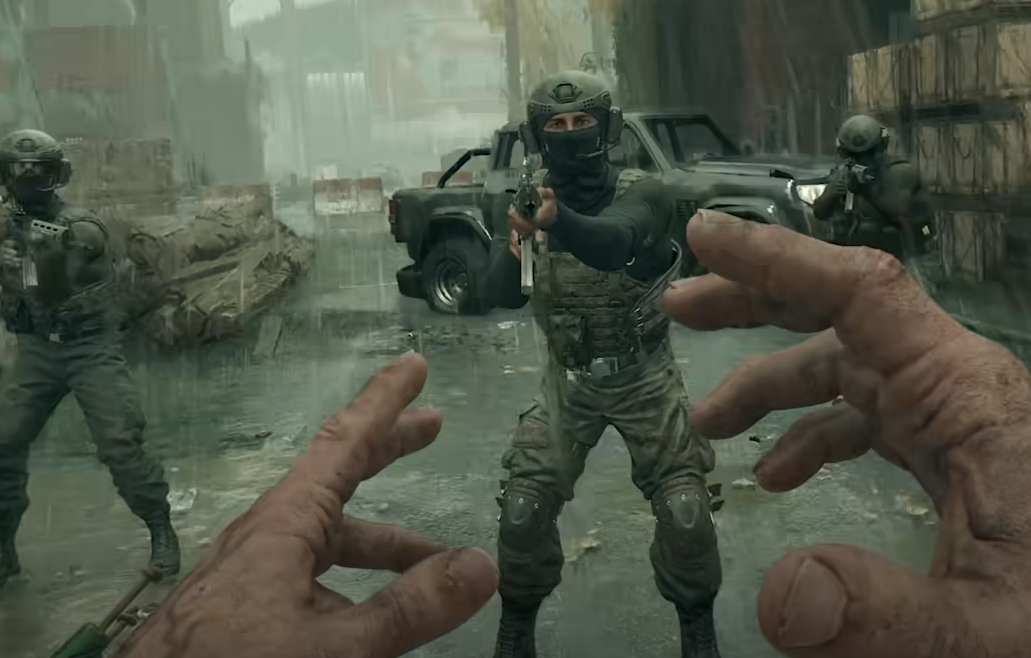
If you're playing Dying Light The Beast on an ultrawide monitor, you’ve probably run into two problems already: the HUD doesn’t scale correctly, and performance is all over the place. Even with a high-end card like a 4070 and DLSS or Frame Generation active, many players report unstable frame rates, random lock-ins at 30 FPS, and visual issues like stretching during camera movement.
Below is a full breakdown of the current state of ultrawide support and known performance problems, based on real user reports.
Ultrawide support is in, but not done right
Yes, Dying Light The Beast supports ultrawide resolutions. But “support” here mostly means it runs at 21:9 without crashing. The rest feels unfinished.
The HUD is centered, not scaled out to match the wider screen. This leaves the corners of your monitor empty during gameplay.
Players are reporting a "stretched" look, where objects at the edge of the screen appear warped. This usually means the FOV scaling isn’t compensating correctly for ultrawide.
No official fix or toggle exists for HUD or FOV behavior as of now.
No native 32:9 support has been confirmed yet.
If you care about visual consistency or immersive UI layout, the current setup might bother you.
Performance issues on ultrawide with DLSS and Frame Generation
Multiple players have reported that DLSS and Frame Generation do not behave consistently:
V-Sync and FPS Cap settings toggle themselves off, even after being enabled in-game.
Frame Generation doesn’t work well with V-Sync, leading to screen tearing or wild FPS spikes.
DLSS alone leads to unlocked FPS with major fluctuation, dropping below 60 even on powerful GPUs.
Turning both DLSS and Frame Generation off causes hard locks at 30 FPS, usually during combat or camera movement.
One user with a 4070, Ryzen 5 5700X, and 32GB RAM on an ultrawide setup reported the following:
With DLSS + Frame Gen: over 180 FPS in some areas, but GPU hit 89°C
With DLSS only: never reached 60 FPS
With both off: locked at 30 FPS during combat
Nvidia control panel FPS cap: ignored by the game
This shows the game may not respect external frame limiters and lacks proper frame pacing, especially at ultrawide resolutions.
Current workaround suggestions
Until Techland patches the issues, here are your best options:
Set DLSS to Balanced, disable Frame Generation
This seems to offer the best trade-off between visual quality and stability.Avoid using V-Sync with Frame Generation
These two systems don’t play nice together. Use one or the other, not both.Force 60 FPS using RivaTuner (RTSS)
This may help if Nvidia’s control panel isn’t respected.Play in 16:9 resolution if performance drops are extreme
It’s not ideal, but could help if the game’s ultrawide handling is contributing to instability.Use Borderless Window mode
Some users find FPS is more consistent outside of fullscreen.
Final Blurb
Dying Light The Beast technically supports ultrawide resolutions, but the implementation isn’t complete. The HUD stays locked to the center, edge distortion is visible, and no custom ultrawide settings exist. Combine that with performance instability from DLSS, Frame Generation, and broken FPS limits, and it's clear this launch still needs polish.
For now, use Balanced DLSS without Frame Gen, and avoid V-Sync if you want to keep your framerate stable.
FAQ
Does Dying Light The Beast support ultrawide?
Yes, but HUD elements stay centered, and FOV scaling causes stretched visuals on the edges.
Can you fix the HUD placement?
No. As of now, there's no HUD scaling setting. Modders may fix it later.
Why does FPS drop when DLSS is off?
Without DLSS or Frame Gen, performance tanks even on strong GPUs. The game is poorly optimized at native ultrawide resolutions.
Should I use Frame Generation?
Only if you're not using V-Sync. Otherwise, it causes instability or stuttering.
Is there a way to force FPS lock?
You can try RivaTuner, but the in-game cap and Nvidia control panel settings may be ignored. It's inconsistent right now.
More Dying Light: The Beast