Dying Light The Beast Best Settings for Low End PC & FPS
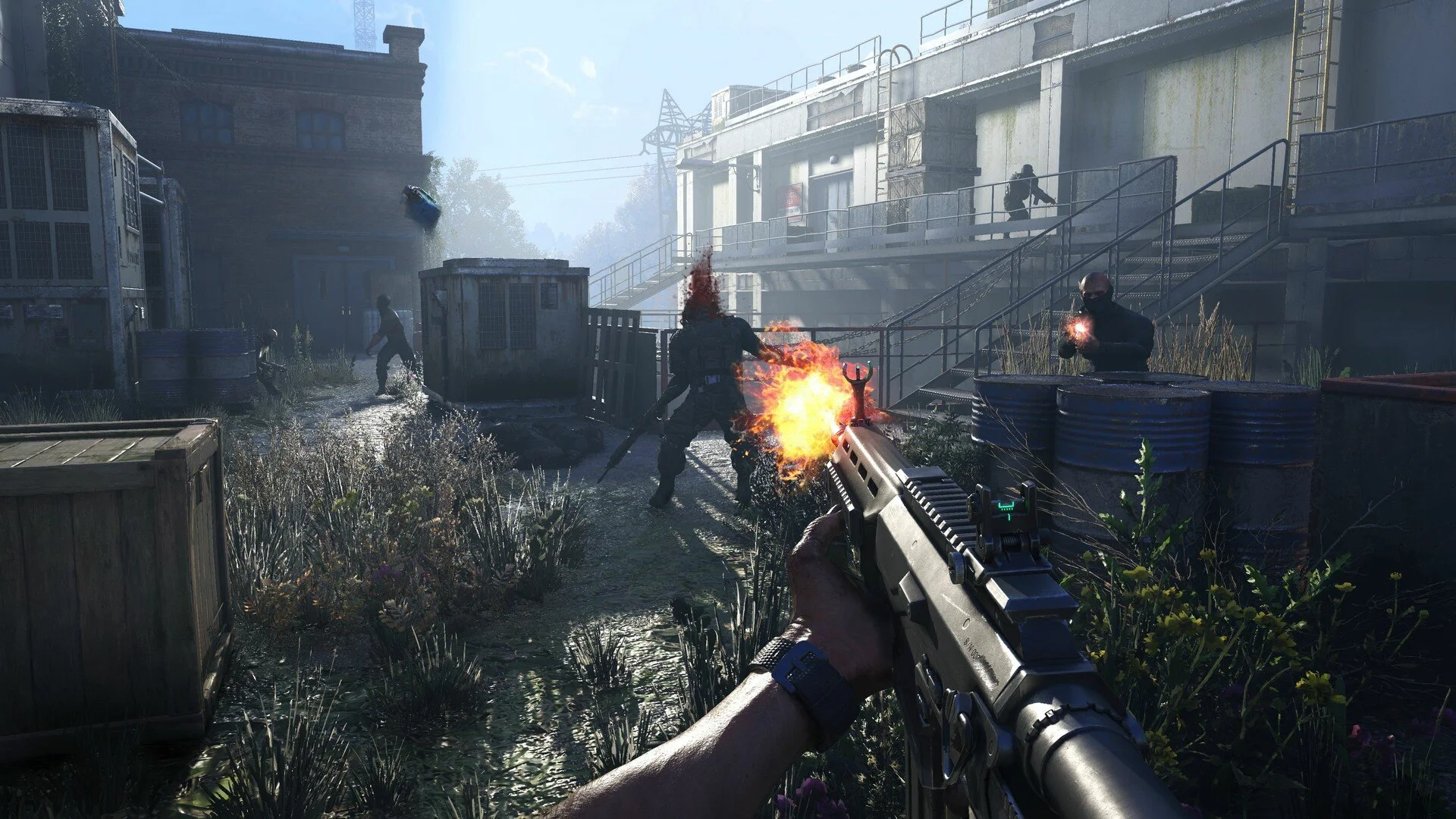
Dying Light: The Beast can run smoothly even on weaker hardware if you tune the right settings. The goal is to keep frame rates steady at 60+ FPS while avoiding major visual drops. Here’s how to set up the game for low-end PCs.
Best Performance and FPS Settings
VSync: Off (reduces input lag, slight tearing may appear)
Dynamic Resolution Scaling: On (set target 60 FPS)
Frame Rate Limiter: Off
Upscaler: FSR 2.1 (Performance mode)
Frame Generation: Off (not supported on older GPUs)
Field of View: 70–75 for stability
Glow: Off
Light Streaks: Off
Lens Flare: Off
Chromatic Aberration: Off
Film Grain: Off
Motion Blur Intensity: Low (10–20)
Renderer Mode: D3D11 (DX12 can stutter on older cards)
Asynchronous Compute: Off if stutters occur
Advanced Graphics Settings
Texture Quality: Medium (Low if you have 2GB VRAM or less)
Draw Distance Multiplier: 80–100
Particles Quality: Low
Shadows Quality: Low (biggest FPS gain)
Screen Space Shadows: Off
Ambient Occlusion: Low or Off
Global Illumination: Low
Reflections: Low
Flashlight Quality: Medium
Fog Quality: Low
Post-Process Quality: Low
Extra Tips for Low-End PCs
Resolution: Play at 720p or 900p instead of full 1080p if FPS dips below 45.
Upscaling: Use FSR in Performance mode to simulate higher resolution without heavy GPU load.
Drivers: Keep GPU drivers updated for new optimizations.
Background Apps: Close browsers and overlays before playing.
SSD: The game requires an SSD. On HDD, expect long loading times and texture pop-in.
Final Blurb
For low-end PCs, the best Dying Light: The Beast settings prioritize FPS by cutting shadows, effects, and post-processing. Keep textures at Medium for clarity, and use FSR to scale visuals without major performance loss. With these tweaks, you can play smoothly in Castor Woods even on older rigs.
FAQ
Can Dying Light The Beast run on a GTX 1050 Ti?
Yes, with low settings and 1080p FSR Performance mode, you can reach around 45–55 FPS.
Does the game require an SSD?
Yes, an SSD is required for smooth streaming and faster load times.
Which settings improve FPS the most?
Lowering Shadows, Ambient Occlusion, and Global Illumination has the biggest impact.
Is FSR better than lowering resolution?
Yes, FSR keeps the game sharp while boosting performance, making it a better option than running native 720p.
More Dying Light: The Beast