Firefighting Simulator Ignite How to Change Uniform & Gear
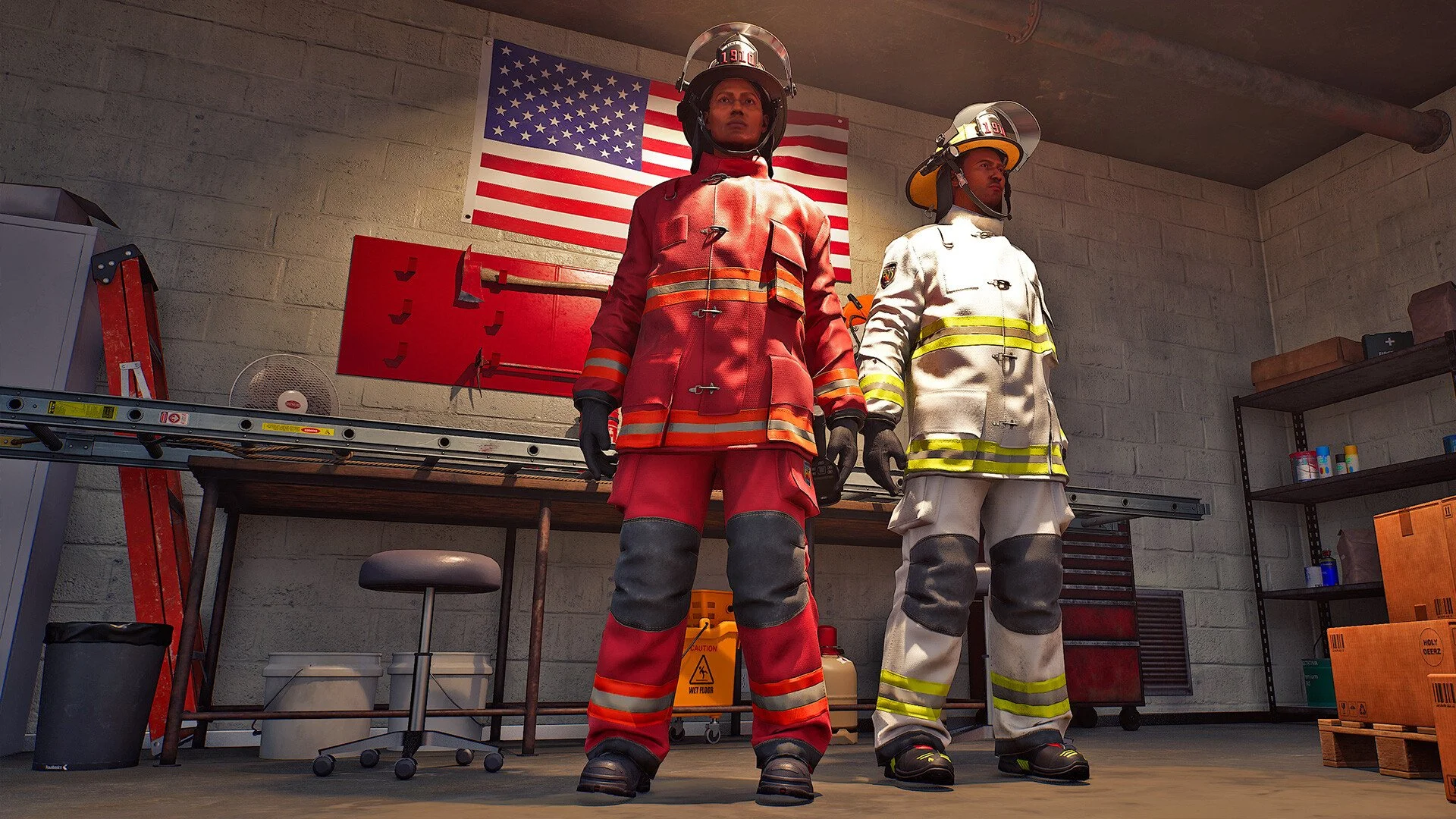
Firefighting Simulator: Ignite makes it fun to unlock new uniforms and gear, but many players hit a wall when they try to actually use them. The option feels tucked away, and the game doesn’t point you in the right direction. If you’ve just unlocked a fresh look and can’t figure out how to wear it, you’re not alone.
How to change uniform and gear in Firefighting Simulator: Ignite
To change uniforms or gear, you need to go into the main menu, select Profiles, and then choose Edit Profile. That is the current method to equip any unlocked items.
Step by step uniform change guide
Unlocking gear first
You can only equip items once they are unlocked. Uniforms, helmets, and cosmetics are tied to progression, so make sure they’re earned before checking menus.
Using the profile editor
Open the main menu, select Profiles, then choose Edit Profile. This is where customization options are stored.
Equipping items
Inside Edit Profile, highlight the gear or uniform you want to use. Once selected, it updates your firefighter immediately and saves to your profile.
Developer plans
At the moment, customization only works through the main menu. Developers have said they plan to add an option in the fire station in the future.
Final Blurb
Swapping uniforms in Firefighting Simulator: Ignite takes only a few clicks once you know the right menu. Progress to unlock new gear, then head into the profile editor to equip it and bring some style to your firefighting crew.
FAQ
Where do I change my uniform?
Go to the main menu, select Profiles, then Edit Profile.
Can I switch gear during missions?
No, gear changes are only possible in the main menu.
Will the fire station allow gear changes later?
Yes, developers have confirmed this feature is planned.
Do I need to unlock items first?
Yes, only unlocked uniforms and gear will appear in your customization options.
More Firefighting Simulator: Ignite