Graveyard Keeper How To Save
Graveyard Keeper uses a manual save system that is easy to miss early, and the game will not protect your progress unless you do it yourself. Once you understand how saving works, it becomes part of your normal loop and not something you forget at the worst time.
How To Save Your Game In Graveyard Keeper
You save in Graveyard Keeper by sleeping in your bed, and the game only saves when you wake up and see the book and quill icon.
That icon is your confirmation. If you do not see it, your progress is not saved.
The important detail most players overlook is timing. Lying down does nothing on its own. The save happens only after waking up, which is why quitting immediately after going to bed can still lose progress if you did not let the wake-up complete.
Once you understand that, saving becomes predictable. Finish your work, return home, sleep, wake up, and everything you just did is secured.
Quick Save Method That Takes Seconds
You do not need to advance time to save, and this is what makes the system feel smooth once it clicks.
Go to your bed
Sleep
Immediately wake up
Confirm the book and quill icon appears
That is a full save with almost no in-game time lost.
This is the method you end up using constantly. After crafting, after upgrading, before logging off, it becomes muscle memory.
Where To Find Your Bed And Save Point
Your save point is always your house, not the church or graveyard.
The location is labeled “Sweet Home” on the map
It is just northeast of your graveyard
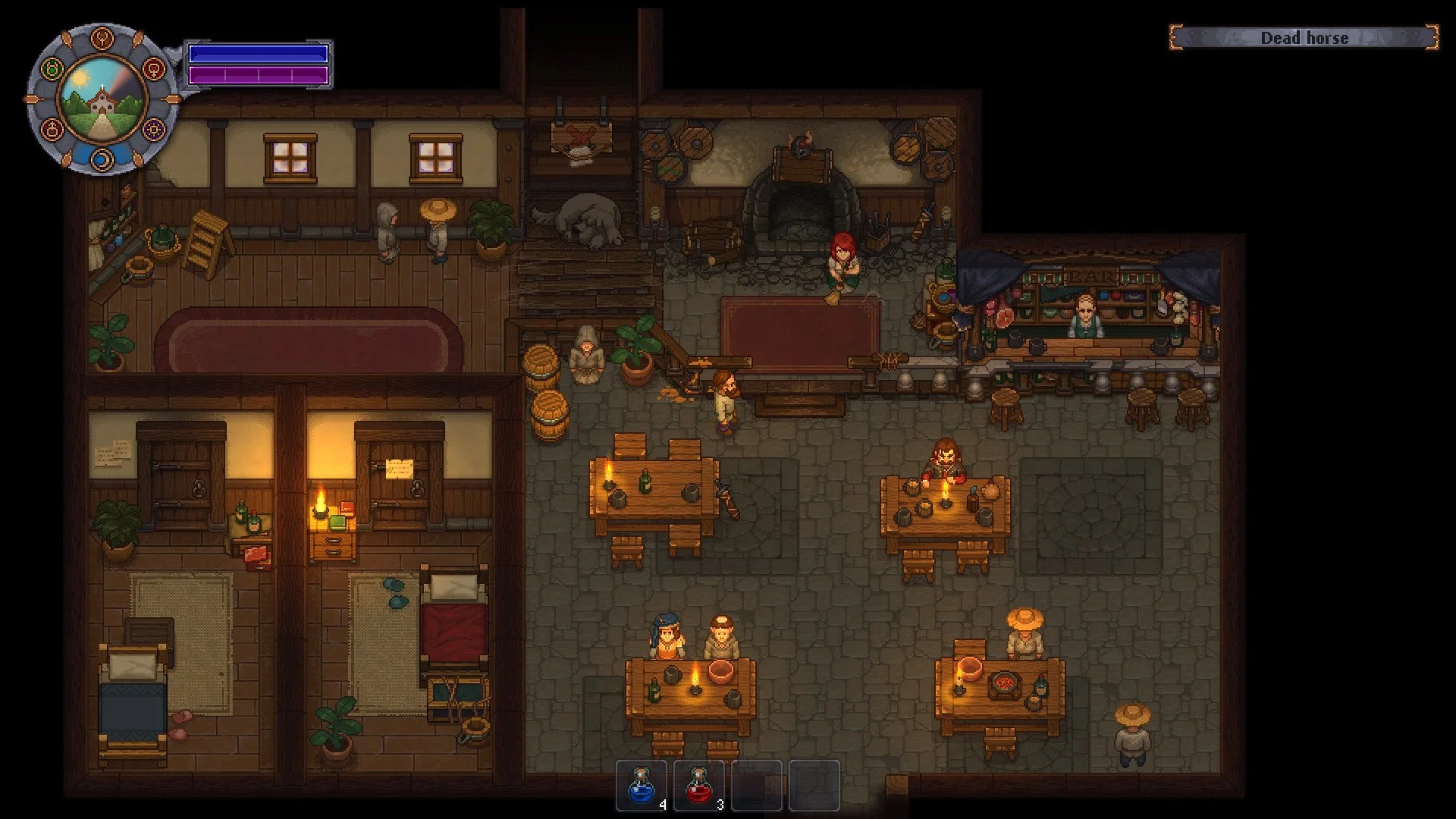
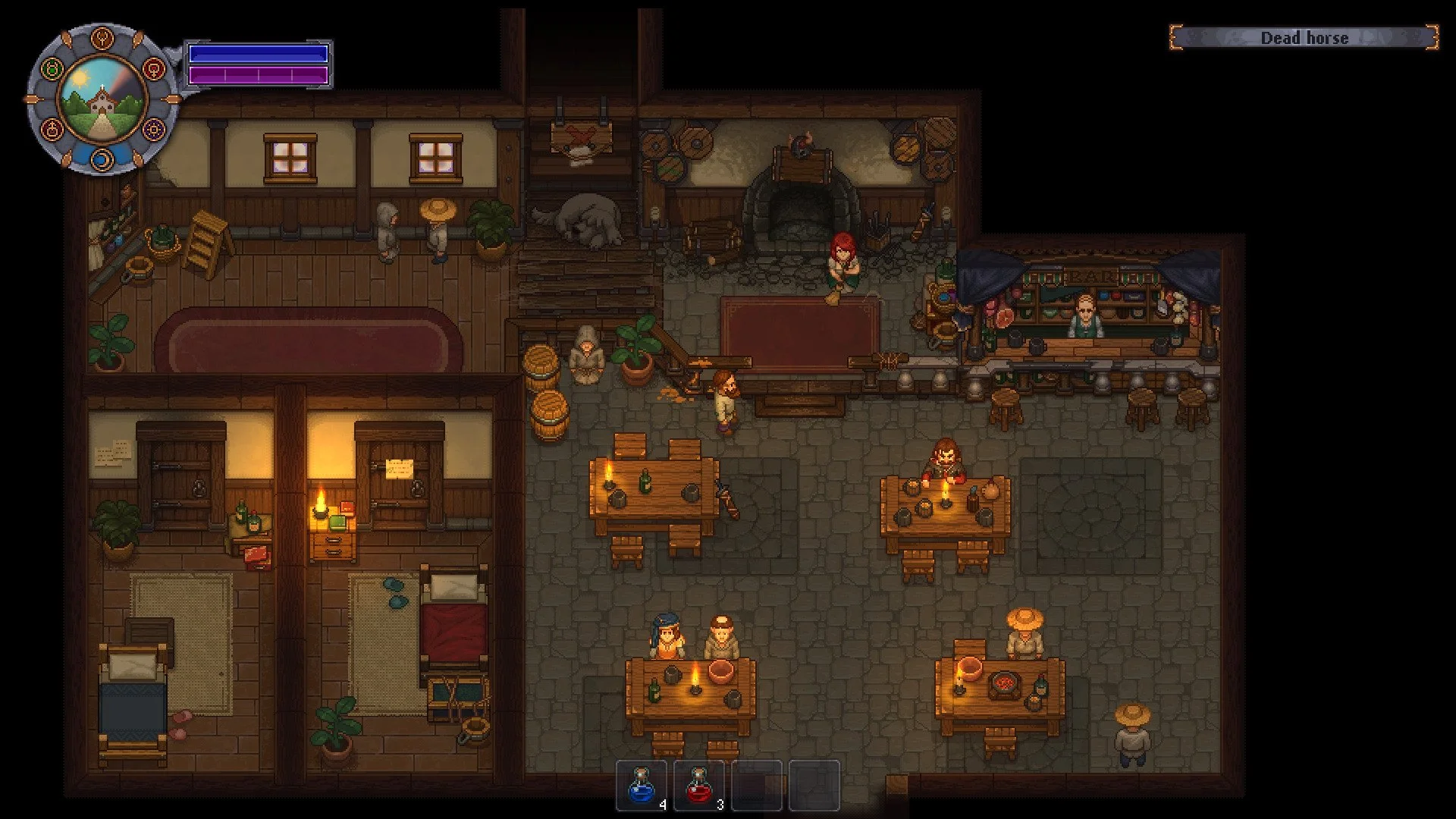
The bed is inside, in the left room
You will naturally pass by this area often, and over time it becomes your main checkpoint between work sessions.
Why There Is No Autosave
Graveyard Keeper does not autosave at all.
This is not a missing feature, it is how the game is designed. You are expected to decide when your progress is worth locking in.
Because of this, your playstyle changes:
You stop wandering endlessly and start working in loops. You gather resources, process materials, complete upgrades, then return home to save.
If you ignore this system and quit:
All progress since your last save is lost
You load back at your last wake-up point
There is no recovery system
That is why experienced players treat saving as part of efficiency, not just safety.
What Actually Happens If You Forget To Save
Nothing bad happens immediately, which is why it catches people off guard.
The problem only shows up when your session ends or something interrupts it. If the game closes or you exit without sleeping, everything you did since your last save disappears completely.
This includes crafted items, processed materials, and any work done in the graveyard or around your base.
The game warns you when quitting, but it will not protect you beyond that.
Death Does Not Affect Saving
Death works very differently from saving in Graveyard Keeper.
You respawn in your bed
You keep all items
Your health is restored
There is no penalty tied to death itself. It acts more like a reset or fast return home.
The real risk is unsaved progress. That is what you lose, not anything tied to dying.
When To Save For Maximum Efficiency
Once you understand the system, you naturally start saving at key moments instead of randomly.
After finishing graveyard upgrades
After crafting or processing large batches of items
Before turning in quests or progressing story steps
Before ending your session
You begin to recognize when something took enough effort to be worth locking in, and saving becomes part of your workflow.
Final Blurb
Saving in Graveyard Keeper is simple once it clicks, but it completely changes how the game feels. Your house becomes a reliable checkpoint, and sleeping becomes something you use strategically instead of something that slows you down. Once you start using quick saves after every meaningful chunk of progress, you stop worrying about losing anything and the entire loop feels smooth and controlled.