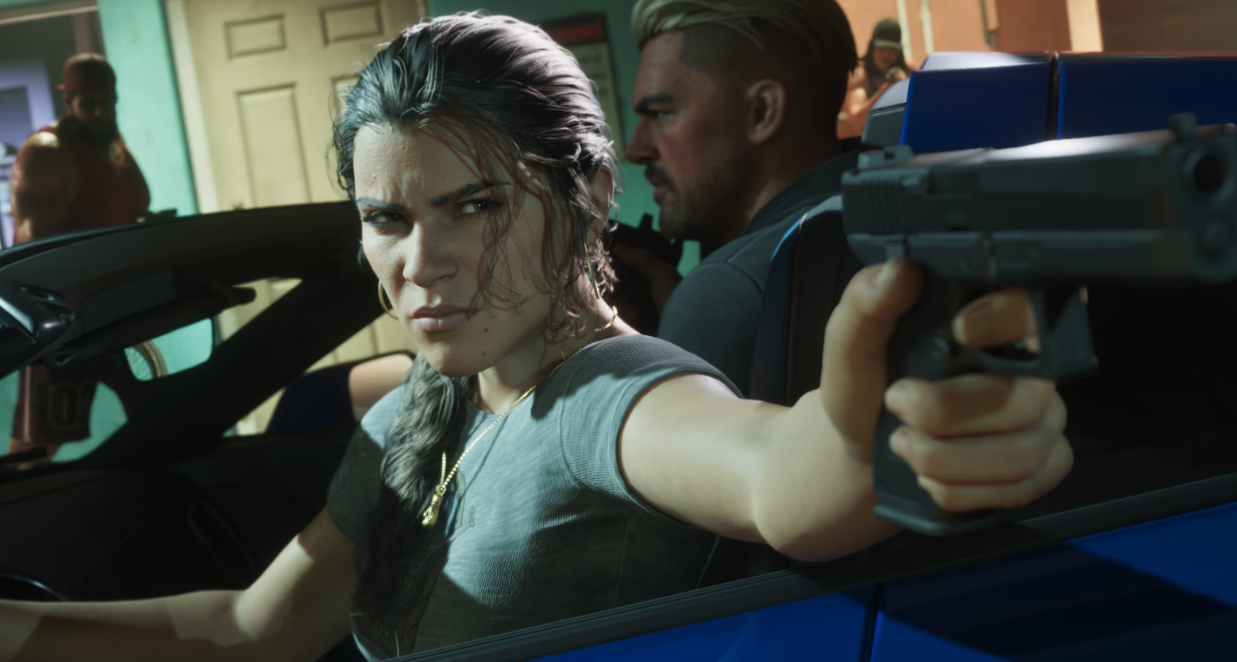
GTA 6 lets Jason and Lucia lean against walls, rest on railings, and perform relaxed poses beside parked cars. These interactions use different controls depending on the surface, and some animations are more reliable than others. Here's how to activate each one on PS5 and Xbox Series X|S.
Car and Wall Rest Animations
Why Leaning Isn't Working
How to Lean on a Car, Wall, or Railing in GTA 6
To lean against a car or wall, stand beside the surface and hold Circle on PS5 or B on Xbox. For railings and ledges, use the separate interaction by holding L3 on PS5 or LS on Xbox.
Here are the controls for each surface using the default button layout:
| Interaction | PS5 | Xbox |
|---|---|---|
| Lean on a car | Hold Circle | Hold B |
| Lean on a wall | Hold Circle | Hold B |
| Rest on a railing | Hold L3 | Hold LS |
These are contextual interactions, meaning your character's position influences the resulting animation. You won't necessarily perform the same pose everywhere you activate Rest.
How Car and Wall Leaning Works in GTA 6
Leaning Against a Car
Park your vehicle, step outside, and position Jason or Lucia beside the bodywork. Once you've stopped moving, hold Circle or B to activate Rest.
The action can produce a relaxed standing animation, although physically leaning against the car isn't guaranteed. Players have reported successfully triggering car-leaning poses, while others only see their character standing with crossed arms.
The distinction is worth remembering: the Rest button works, but the exact animation can vary. There isn't a confirmed method for forcing a particular car-leaning pose every time.
Leaning Against a Wall
Wall leaning uses the same Rest input as cars. Approach a suitable wall, stop moving, and hold Circle on PlayStation or B on Xbox.
Unlike car leaning, wall-based resting poses have been reproduced more consistently by players. You can also use Rest near certain docks, where your character may sit instead of leaning.
Resting on Railings and Ledges
Railings use a different control. Stand next to a suitable railing or ledge, then press and hold the left analog stick inward, using L3 on PS5 or LS on Xbox.
This activates a contextual resting pose at supported locations, allowing your character to stand or lean against the railing.
If you're trying to pose Jason or Lucia overlooking the water or a busy street, railings are a useful alternative to cars because their dedicated interaction is more clearly documented.
Why Can't You Lean in GTA 6?
If your character won't lean against the surface you're standing beside, check which interaction you're attempting before assuming the controls are broken.
- If Jason or Lucia crosses their arms beside a car, Rest has activated, but the car-leaning animation hasn't. Moving to another side of the vehicle is worth trying, although it isn't a guaranteed solution.
- If nothing happens beside a wall, move closer to the surface and hold the Rest button rather than tapping it.
- If you're trying to lean on a railing, use L3 or LS instead of the standard Circle or B input.
- If holding Circle or B makes your character duck, check whether you're still sitting inside the car. That button activates a different action while driving.
- If you've changed your controller layout, check the current button assignments rather than relying on the default controls listed above.
Car leaning is the least consistent of these reported interactions. If you want a reliable resting pose, start with a wall or railing rather than repeatedly trying to trigger the same animation beside a parked vehicle.
All three interactions are part of GTA 6's environmental animation system. The controls are straightforward, but the surface and your character's position determine which resting pose appears.