To clean your ship in No Asteroids, you need the Repair Station's sprayer, which becomes available on Day 28. The tool has separate modes for washing dirt and repairing damaged surfaces, and both matter when completing a room. Here's how to clean the entire ship and fix stubborn progress meters.
How to Clean Your Ship in No Asteroids
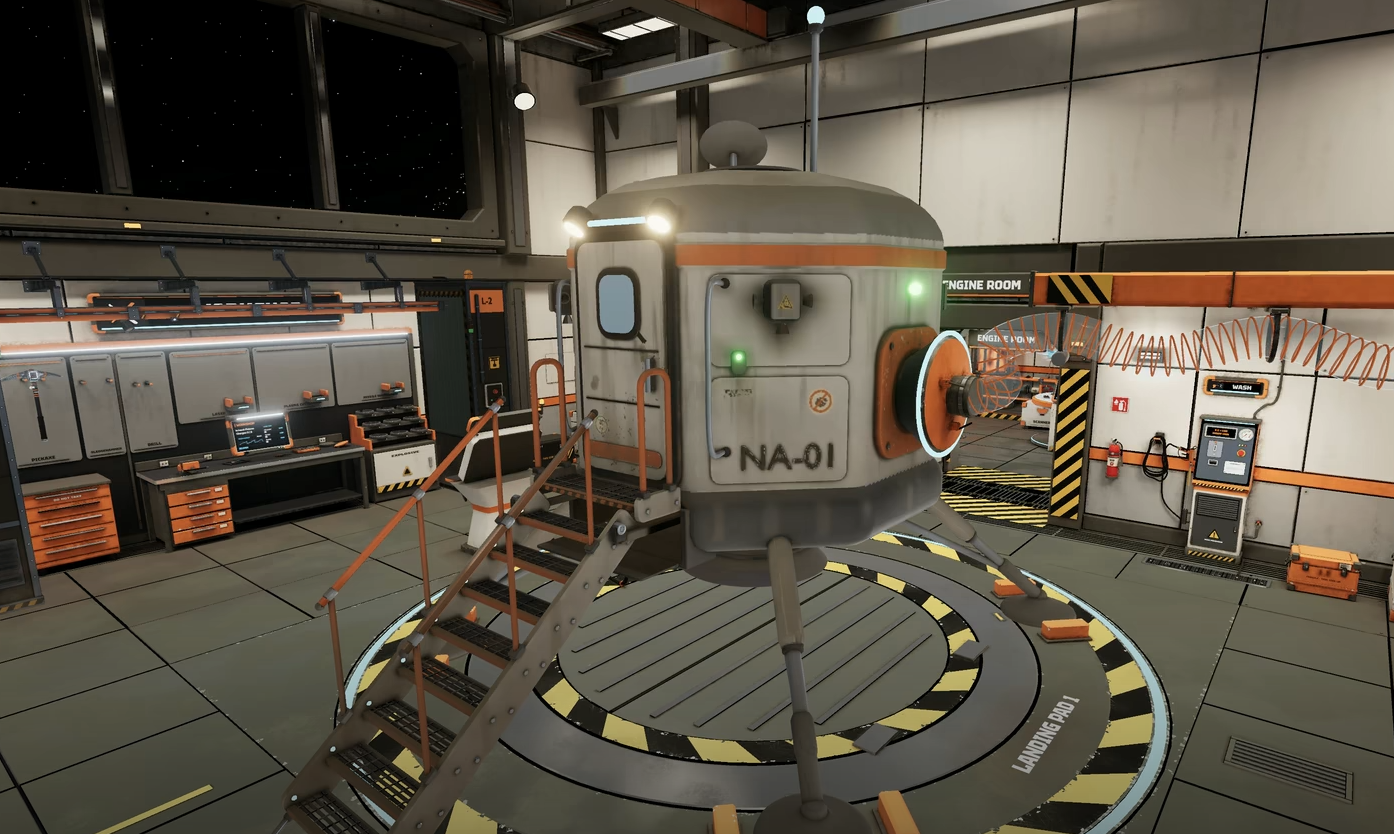
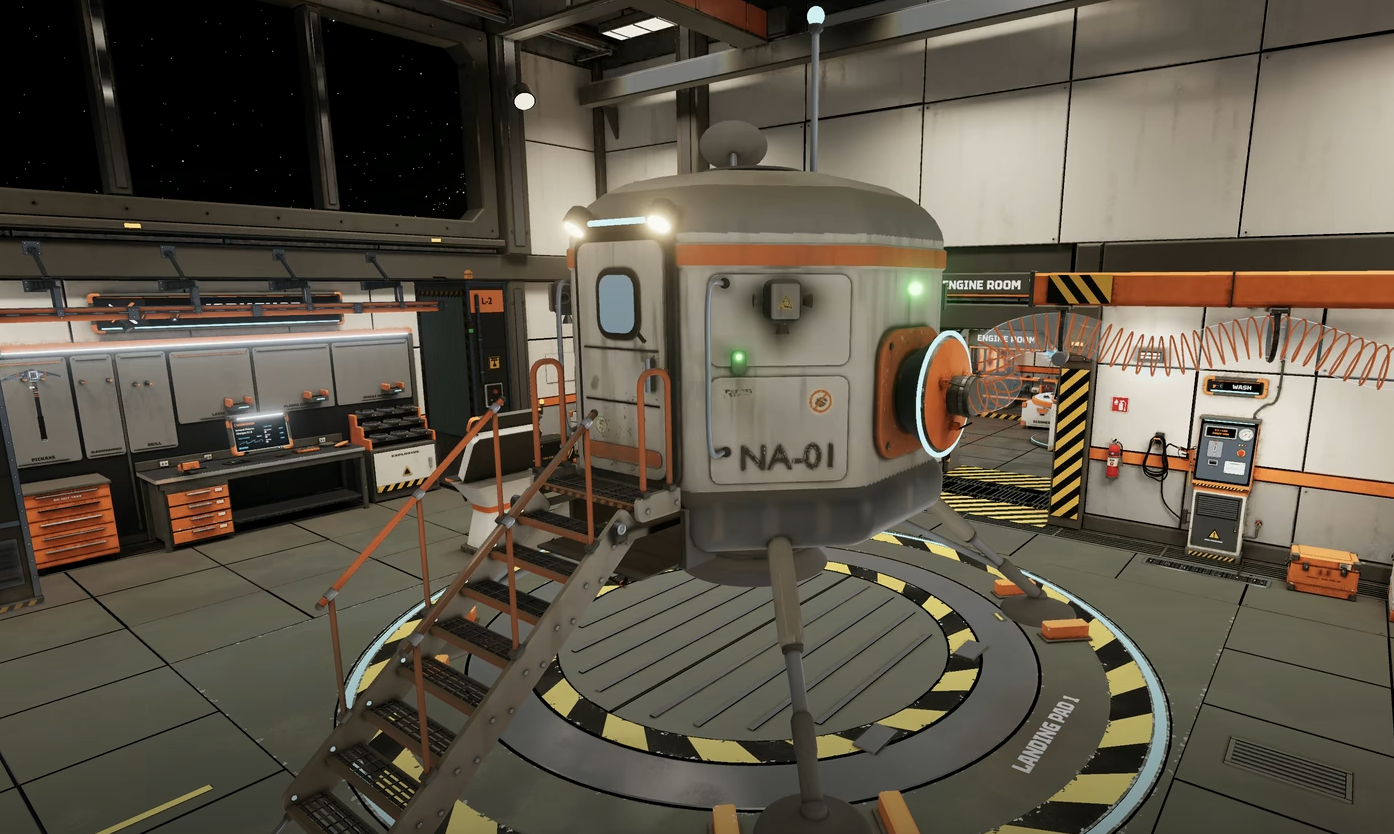
To clean the mothership, purchase the Repair Station for $50,000 from the Supply Kiosk, available starting on Day 28 of Year 1. This adds a handheld cleaning sprayer to the Hangar, beside the equipment used to wash your Lander.
Once you have the sprayer, follow these steps:
Cleaner mode has unlimited use, so you can wash surfaces without worrying about ammunition or replacement supplies.
Restorer mode works differently. Its cartridges cost $10 each and provide approximately 45 seconds of spraying. Press F to purchase another cartridge when yours runs out.
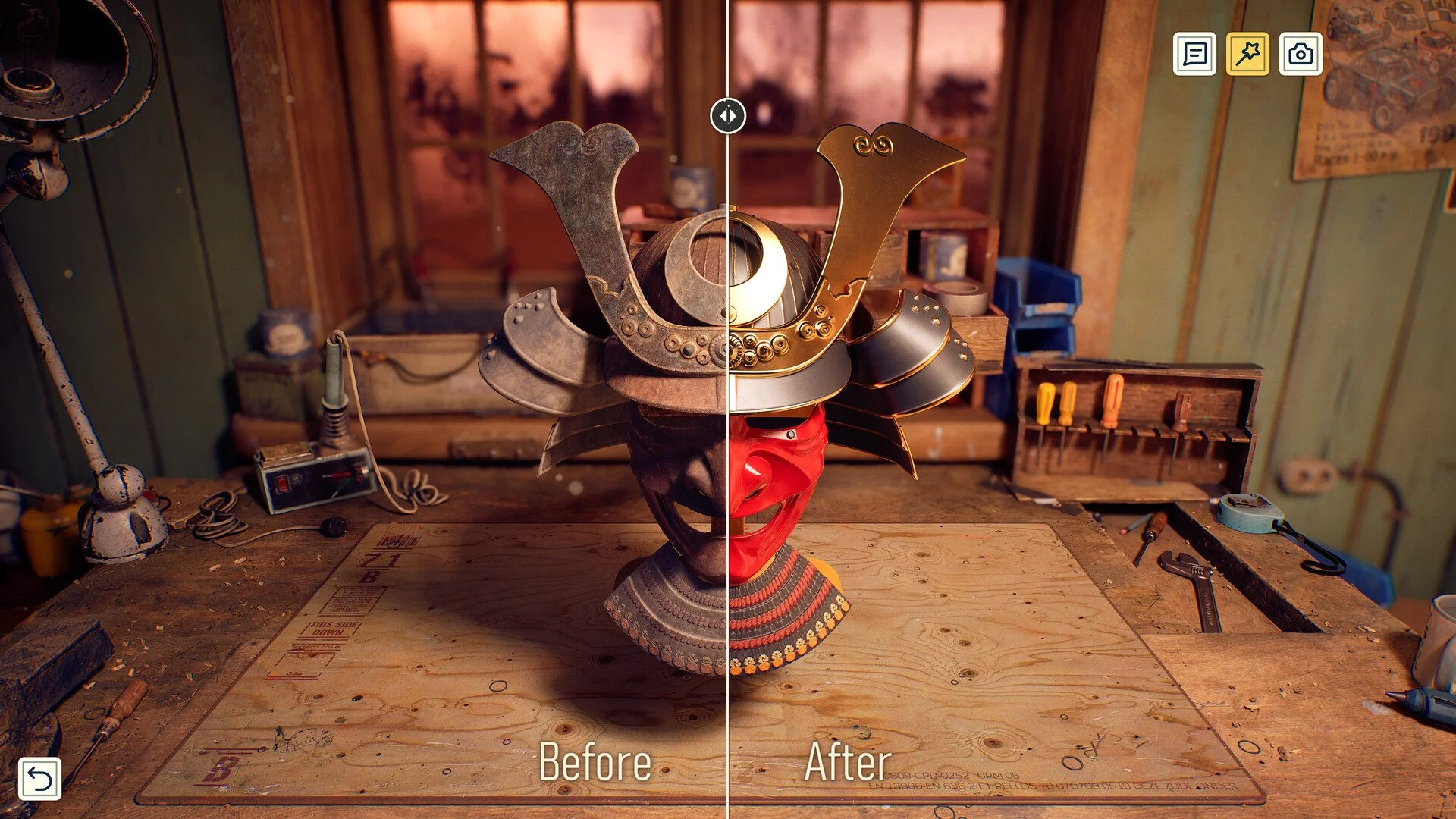
The important distinction is that washing and repairing are separate tasks. A room can look spotless without qualifying as fully restored.
No Asteroids Ship Cleaning Stuck Below 100%?
If a room refuses to finish, first identify which part of its progress is incomplete. Continuously washing the walls won't help when the remaining requirement is structural damage.
Cleaning Percentage Won't Increase
Stay in Cleaner mode and press C to highlight remaining dirt in blue. Check corners, edges, and surfaces that are easy to overlook from your current position.
You don't need to wash every visible trace of dirt. The game's cleaning completion threshold is approximately 95% surface coverage, at which point the washing display reaches 100%.
Once that indicator is complete, there's no benefit to repeatedly spraying the same surfaces just to remove a few remaining visual marks.
Washing Shows 100%, but the Room Isn't Finished
This usually means you've completed the cleaning requirement but still have damage to repair.
Right-click to select Restorer, then press C. Look for orange-highlighted damage instead of blue-highlighted dirt.
Repair the remaining spots until all damage indicators are complete. Each repaired spot also awards $5, giving you a small payment while finishing the room.
No Dirt or Damage Is Visible
Make sure you're running an updated version of No Asteroids.
Update 1.0.2 corrected restoration percentages and removed unreachable dirt and damage from the completion calculations. Later November 25 patches also fixed inaccessible repair spots, highlights that remained after completion, and cleaning visibility on Potato graphics settings.
If you're playing an older build and a meter appears impossible to finish, updating should be your first troubleshooting step rather than repeatedly spraying the same area.
The Sprayer Won't Clean Your Lander
The mothership's Repair Station sprayer and the Lander's washing equipment are separate tools.
The Repair Station tool isn't certified for use on the Lander. If you're trying to wash the smaller craft, return to the Hangar and use the regular Lander washing equipment instead.
Switching between Cleaner and Restorer won't remove this restriction because the tools are designed for different jobs.
How to Clean the Entire Ship in No Asteroids
There are five ship sections to complete: Hangar, Bridge, Museum, Canteen, and Engine Room. The Canteen includes the lower deck, so don't overlook that larger area when checking your restoration progress.
Each fully restored room awards $100 and provides a corresponding ship bonus. A certificate also appears on the Canteen wall when the section is completed.
Finishing the entire ship is connected to the Spring Cleaning achievement. The November 25 balance update specifically corrected cleaning completion issues and made the achievement easier to unlock.
For the most reliable completion, work through all five rooms and finish both their washing and damage-repair requirements rather than stopping as soon as the ship looks clean.
One detail worth remembering is that cleaned surfaces now stay free of returning dust for 35 in-game days. Dust accumulates more slowly after that period, so you don't need to treat cleaning as something that must be repeated after every mining shift.
The $100 room payments and $5 damage payments are one-time campaign rewards. Rewashing surfaces after dirt returns doesn't generate another payment for work you've already completed.
If you're cleaning for the achievement, finishing one room at a time makes it easier to track your progress. Use the room indicators and certificates to identify what's complete, then focus on the sections that still need attention.
The simplest approach is to let the progress indicators guide you: blue highlights for dirt, orange highlights for damage, and full washing and repair indicators before moving on. This avoids spending unnecessary time cleaning an area that has already satisfied its requirement.