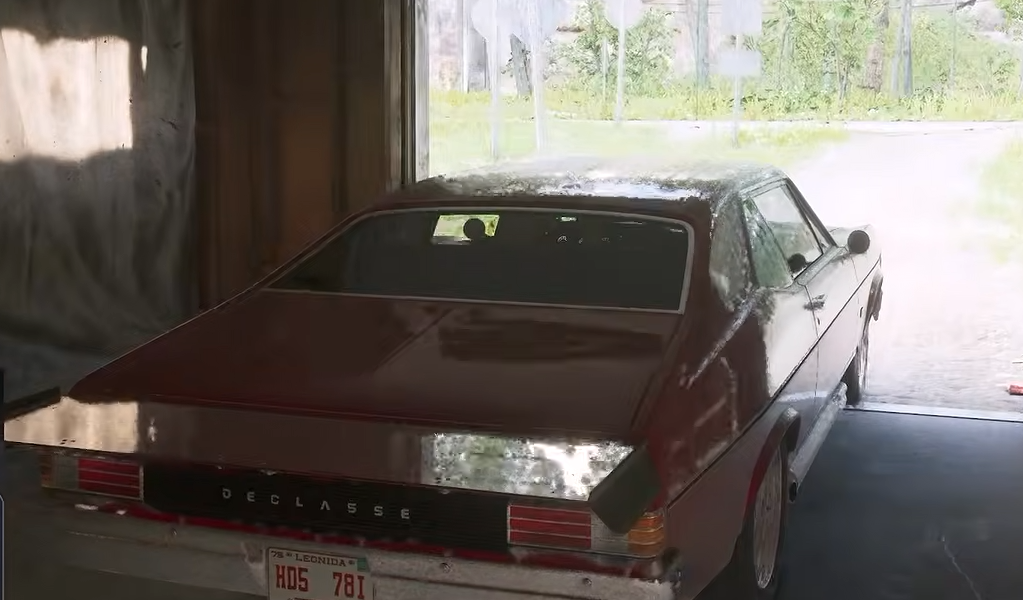
Switching characters in GTA 6 lets you alternate between Jason and Lucia while exploring Leonida or completing certain missions. Unlike GTA 5, the game also lets you invite the other protagonist to join you. Here's the button combination, when switching becomes available, and how to separate the characters again.
When Character Switching Unlocks
How to Meet Up and Split Up
Why You Can't Switch Characters
How to Switch Characters in GTA 6
To switch characters in GTA 6, hold Right on the D-pad and press R1 on PS5 or RB on Xbox Series X|S. This switches control between Jason and Lucia whenever character switching is available.
| Action | PS5 | Xbox |
|---|---|---|
| Open Partner Menu | Hold D-pad Right | Hold D-pad Right |
| Switch Character | R1 | RB |
| Invite Partner | Triangle | Y |
Keep Right on the D-pad held while pressing the corresponding shoulder button. You don't need to pause the game or open the map to switch protagonists.
When Jason and Lucia are together, switching can also let you take control of the other character without first separating them.
When Can You Switch Characters in GTA 6?
Free character switching becomes available during Chapter 2, after progressing through the early story and completing Coffee Break.
Chapter 1 primarily follows Jason, with character control determined by the story. Chapter 2 introduces more of Lucia's perspective before opening up the ability to switch freely.
If you've just started the game and the button combination doesn't work, continue the main missions. The mechanic isn't available from the beginning.
How to Make Jason and Lucia Meet Up or Split Up
Switching characters isn't the same as inviting them to accompany you. GTA 6 lets Jason and Lucia explore together, and you can separate them whenever you want to travel alone.
Invite Jason or Lucia to Join You
Hold Right on the D-pad and press Triangle on PS5 or Y on Xbox to invite the other protagonist to meet up.
You can also invite your partner from certain activity markers on the map, allowing both characters to participate in activities together.
How to Split Up in GTA 6
When Jason and Lucia are already together, hold Right on the D-pad and select Split Up using Triangle on PS5 or Y on Xbox.
The characters separate, and you continue controlling your current protagonist.
This can be useful when you want to explore alone or when police are searching for Jason and Lucia together. For information on escaping police recognition, see our GTA 6 criminal profile guide.
Why Can't You Switch Characters in GTA 6?
If the character-switch option is unavailable, the game is usually restricting it because of your current mission or story progression.
In normal free roam, switching should be available once you've unlocked it. However, not every mission allows you to change protagonists manually, and some sequences switch control automatically.
To pass time while waiting for another activity or story objective, see our GTA 6 skip time guide.