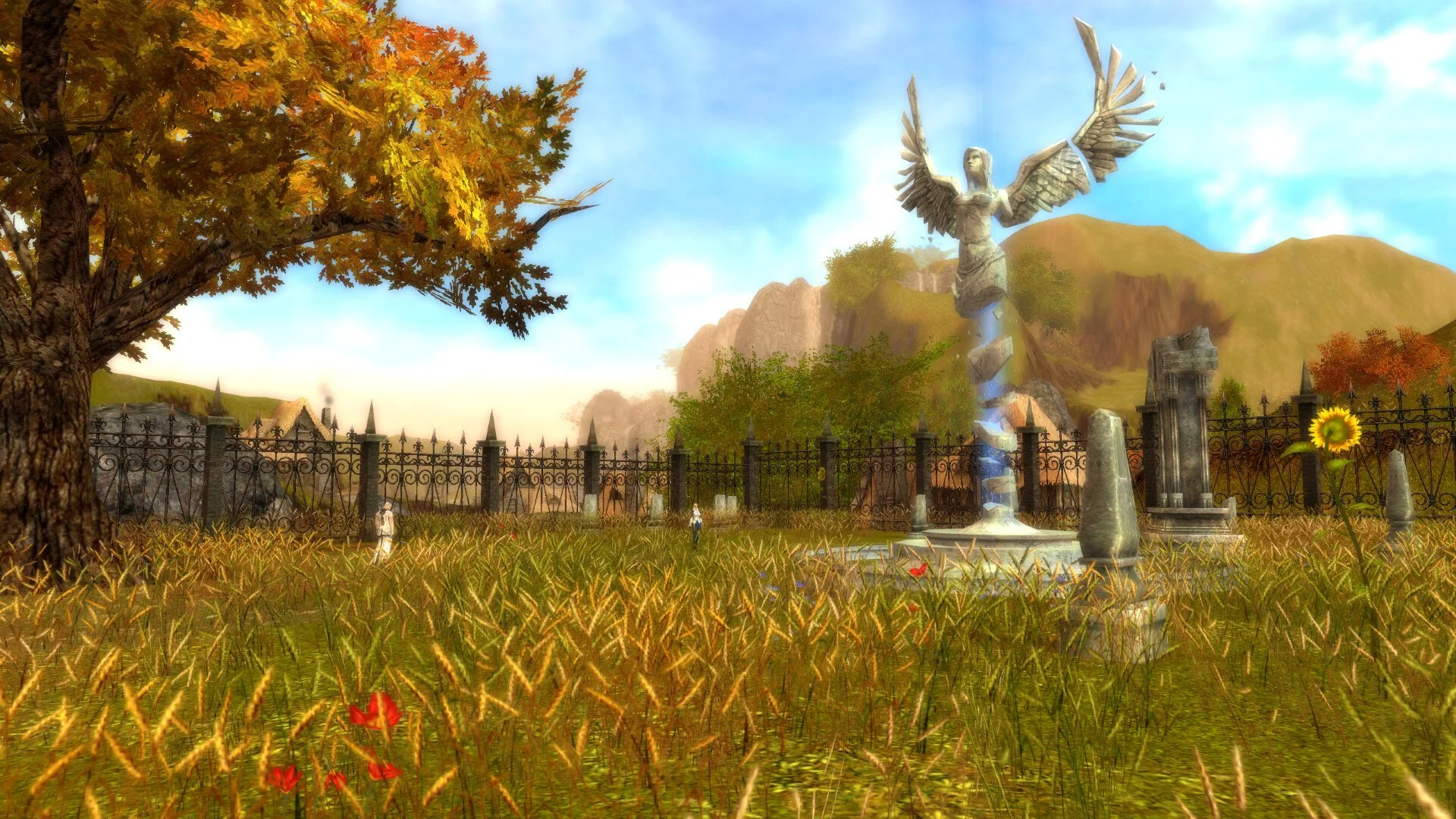
Guild Wars Reforged What’s New
© 2025 GamerBlurb.com | Published on 12/3/2025 at 8:40 PM CST
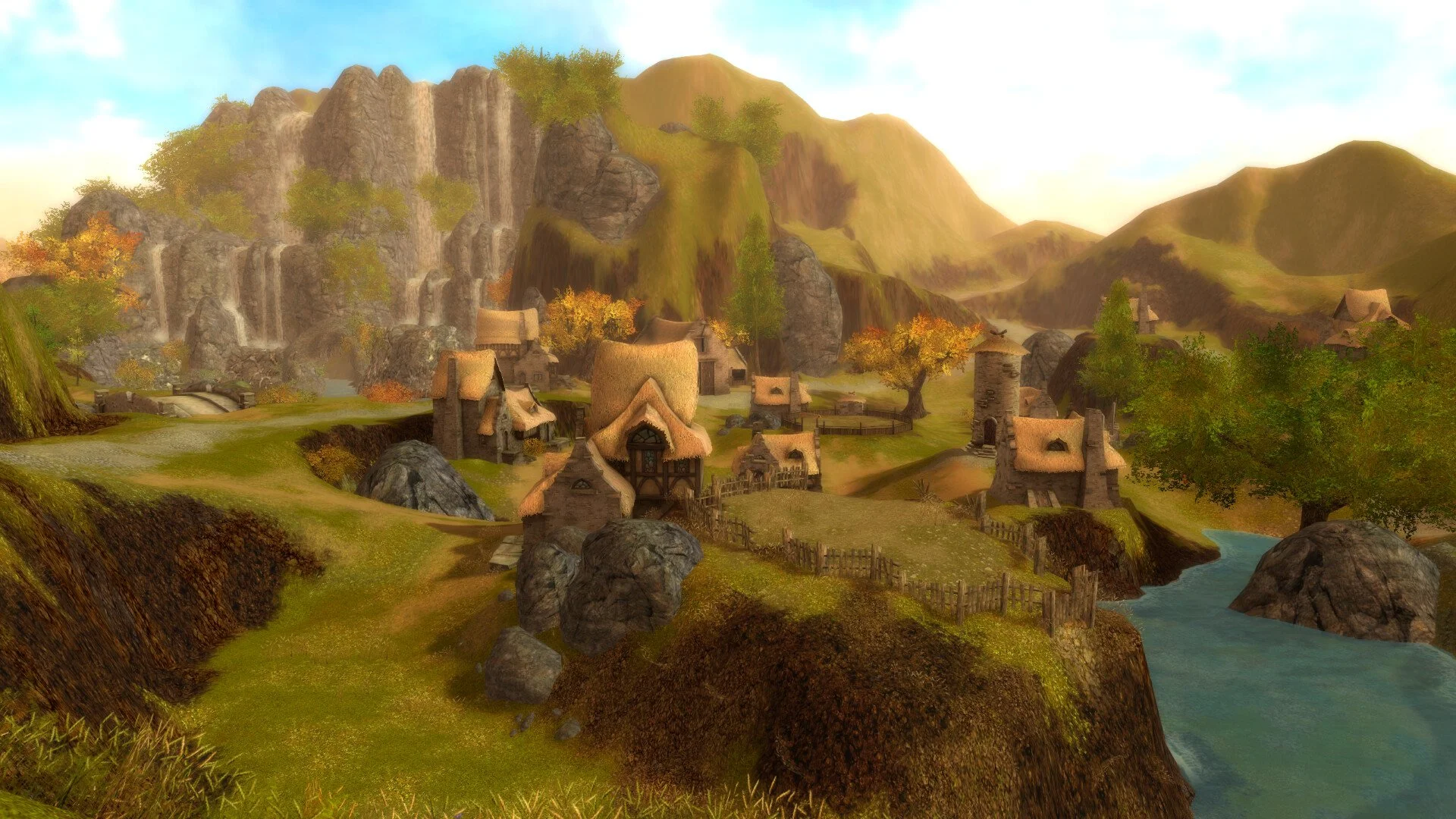
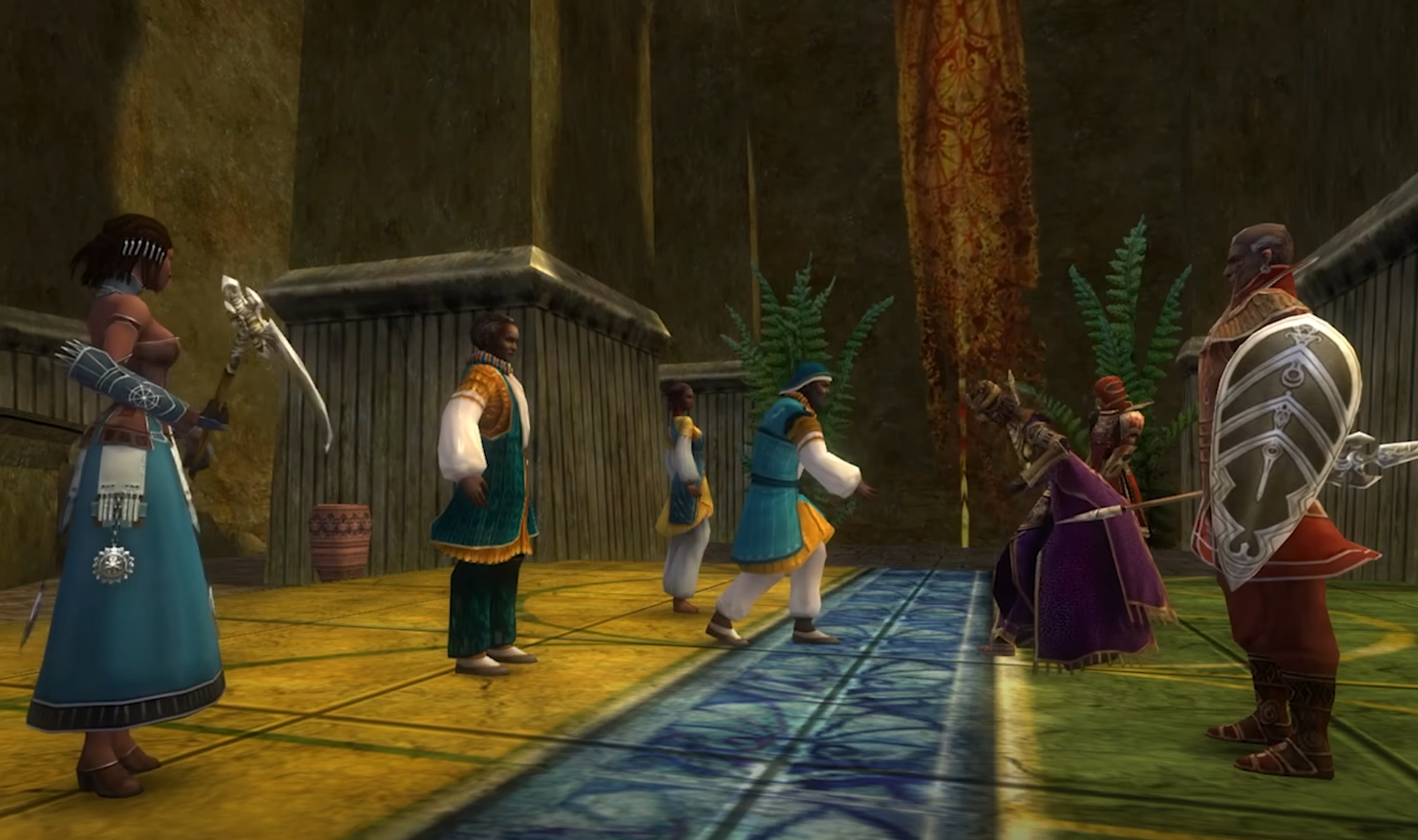
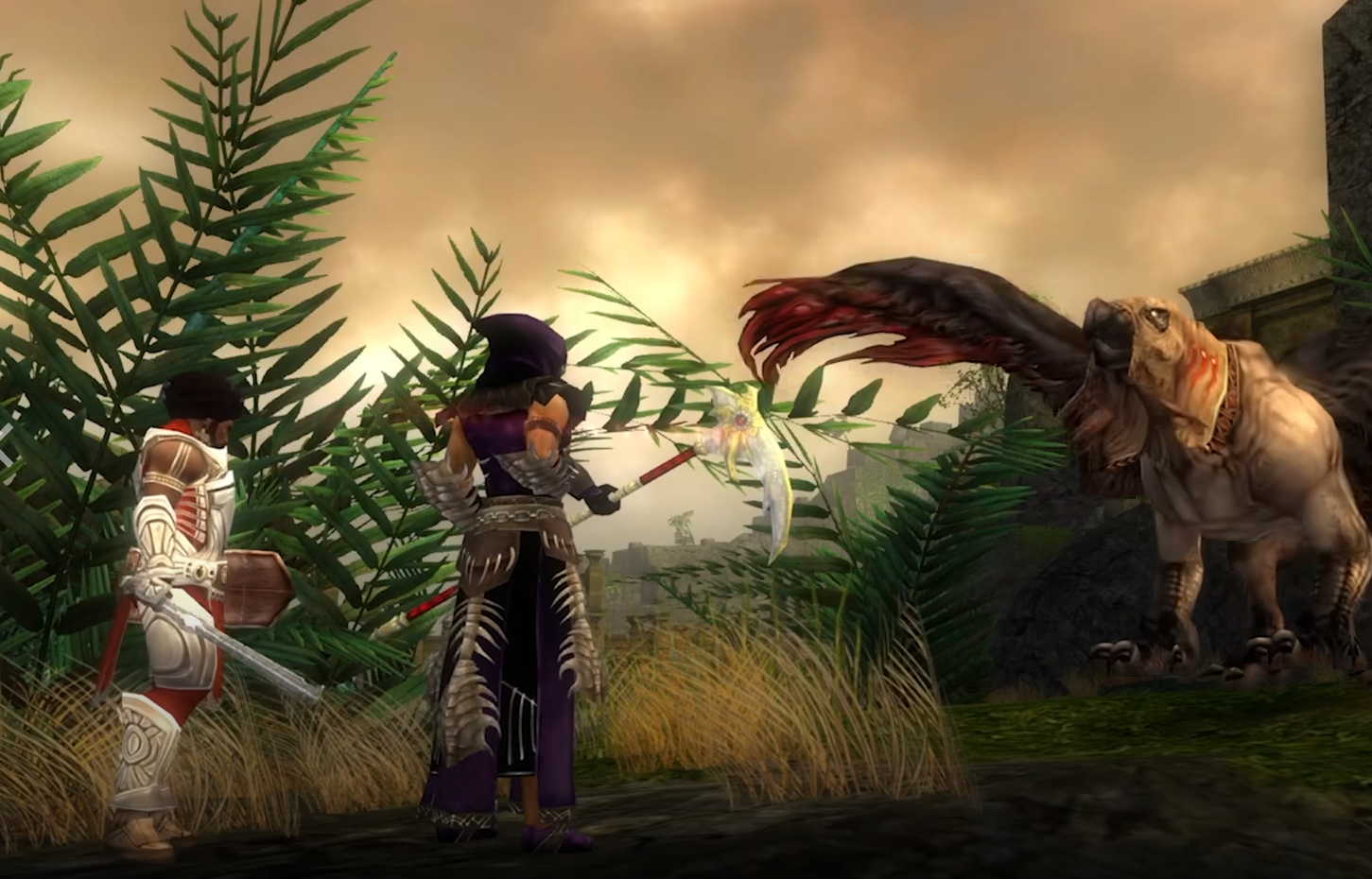
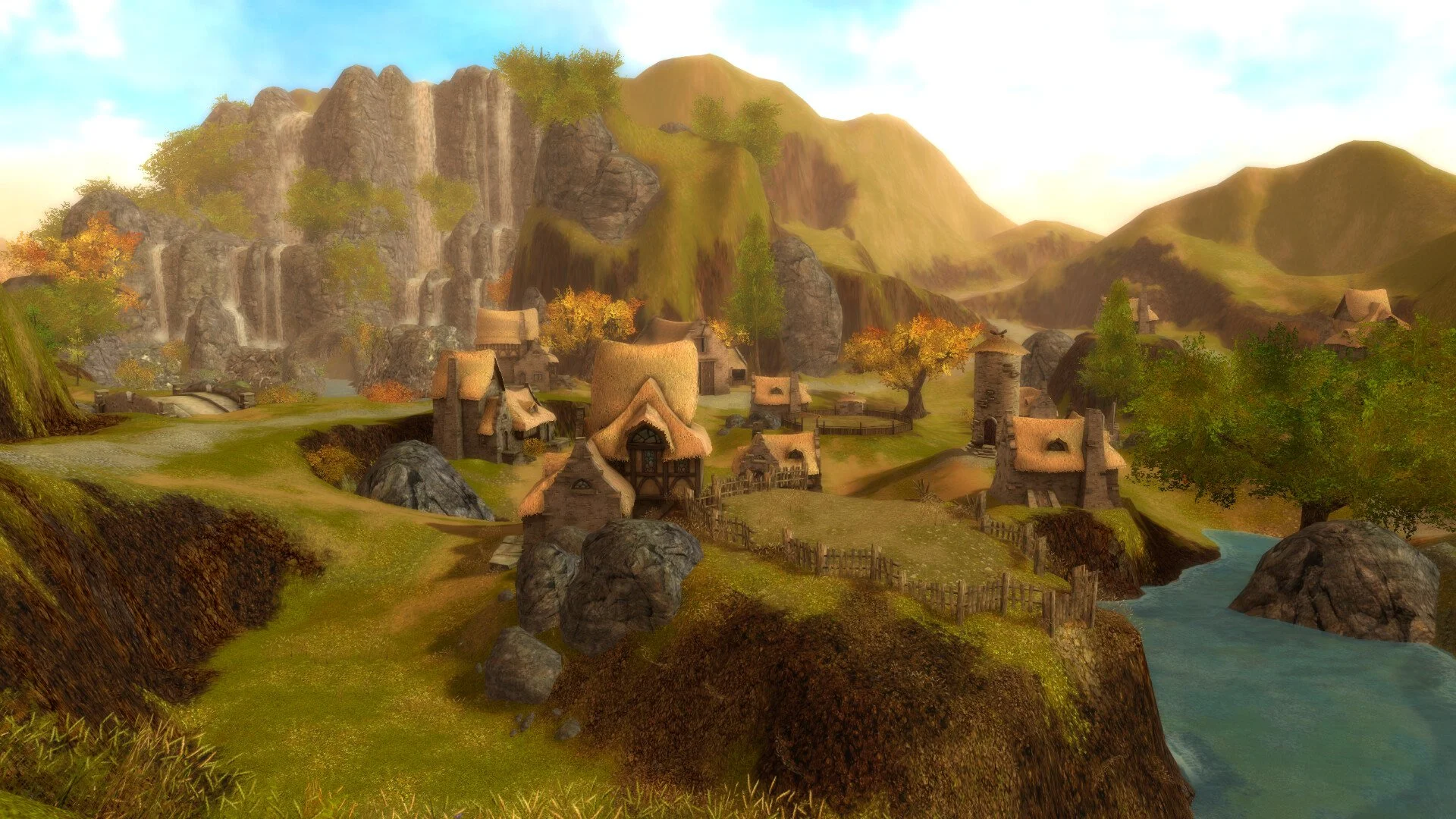
Guild Wars Reforged is the biggest update the classic MMO has ever seen. It modernizes nearly everything for 2025 players, from visuals and sound to full controller support and Steam integration. Here’s a full look at what’s actually new in this massive re-release.
What’s New in Guild Wars Reforged
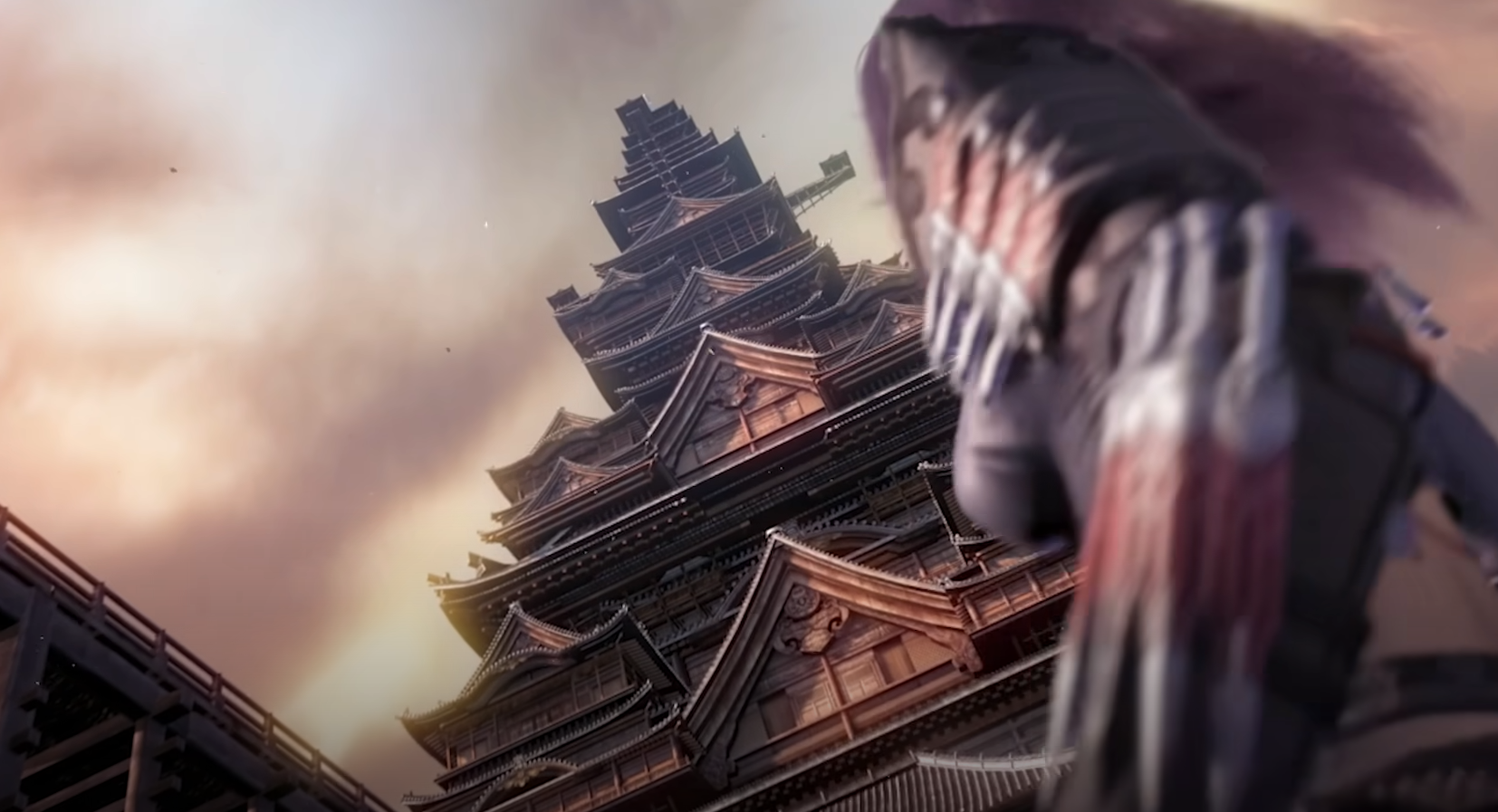
Guild Wars Reforged launched December 3rd and includes all three main campaigns in one unified package. Prophecies, Factions, and Nightfall now come bundled for a single $19.99 purchase, and players who owned older versions automatically got upgraded for free.
The Eye of the North expansion and Bonus Mission Pack are now separate DLCs, and all existing accounts have full access to these updates through the free Reforged client.
This update focuses on modern hardware support, upgraded performance, controller play, and high-definition visuals that make Tyria look sharper than ever.
Steam Release and Account System
Reforged officially joins Steam, fully integrated with account linking and Hall of Monuments tracking for Guild Wars 2 users. Players can:
Buy the full edition directly on Steam with no CD keys
Create new Steam-linked accounts or link existing ones
Use the Steam CDN for faster downloads and smoother patching
Access Guild Wars 2 Hall of Monuments rewards through Steam login
ArenaNet confirmed that anyone who owned a campaign before now owns all three automatically.
Native Controller and Steam Deck Support
Guild Wars Reforged finally adds real controller support. The new XInput and Steam Deck integration completely reworks how the game plays on modern devices.
Left stick moves and auto-runs, right stick controls the camera
Bumpers and D-pad handle targeting, party controls, and cursor toggle
Triggers open two skill rows, giving quick access to all eight abilities
A full virtual cursor system replaces mouse clicks for menus and map navigation
The interface swaps automatically between gamepad and keyboard input
The new Gamepad Input Guide appears when you hold triggers, showing all mapped controls on screen. It can be turned off in the interface settings.
Display and Resolution Improvements
High-resolution support was rebuilt from the ground up. The client now runs cleanly on 4K displays, ultrawide monitors, and televisions. Six interface scaling options were added: Small, Normal, Large, Larger, Extra Large, and Really Large.
The game now detects your monitor’s DPI and adjusts automatically. Steam Deck defaults to Larger for easy readability.
Graphics Upgrades
Reforged adds several new rendering options that make the game look closer to a remaster.
FXAA provides smoother edges with less performance loss than MSAA
HD Bloom reworks the classic glow effects for modern screens
SSAO adds subtle depth shading around objects and characters
HD Skill Icons replace old textures with sharper artwork
All new graphics options can be toggled individually
Everything defaults to the new HD settings, keeping the same Guild Wars look but with more clarity and depth.
Audio Enhancements
The old EAX sound system was fully replaced with OpenAL Soft, adding real 3D sound effects and improved reverb. The new “Enable Environmental Effects” option recreates the original echo and occlusion from early Guild Wars, now compatible with modern Windows systems.
The difference is clear, especially in dungeons or towns with enclosed spaces.
Updated Interface and Quality of Life
Several new UI options make managing quests and characters easier:
A Task Tracker now displays active objectives and can be repositioned or hidden
Login is faster, with an option to remember passwords using Windows Credential Manager
Streamers can hide their account name from the login screen
Error prompts now include a restart button for faster patch recovery
These small updates make a big difference for returning players who remember the older, clunky menus.
Known Issues and Ongoing Fixes
Reforged is still being polished. Some controller bindings can’t yet be remapped in-game, and hero control with gamepad is slower than with mouse.
Steam Deck suspend mode can cause disconnect issues, and ArenaNet is working with Valve on a Proton fix. Steam Deck verification is currently pending approval.
Final Blurb
Guild Wars Reforged brings the original back to life with smart upgrades instead of rewrites. The world looks sharper, runs smoother, and now works seamlessly on controllers and modern PCs. It feels like classic Tyria, just cleaner and easier to play. For veterans, it’s the perfect return. For newcomers, it’s finally the right way to start.
FAQ
Is Guild Wars Reforged free for old players
Yes, anyone who owned the original Guild Wars automatically received the Reforged update at no cost.
Does Reforged include every campaign
Yes, Prophecies, Factions, and Nightfall are now bundled together in a single edition.
Is controller play fully supported
Yes, Guild Wars Reforged supports XInput controllers and Steam Deck with full UI swapping and virtual cursor navigation.
Did they improve the graphics
Yes, Reforged adds HD icons, new bloom lighting, and optional SSAO and FXAA for smoother visuals.
Can I play on Steam with my old account
Yes, you can link your existing ArenaNet account to Steam or create a new one tied directly to your Steam ID.
© 2025 GamerBlurb. Linking is welcome with credit to GamerBlurb.com. Copying or reproduction without permission is prohibited.
More Guild Wars Reforged