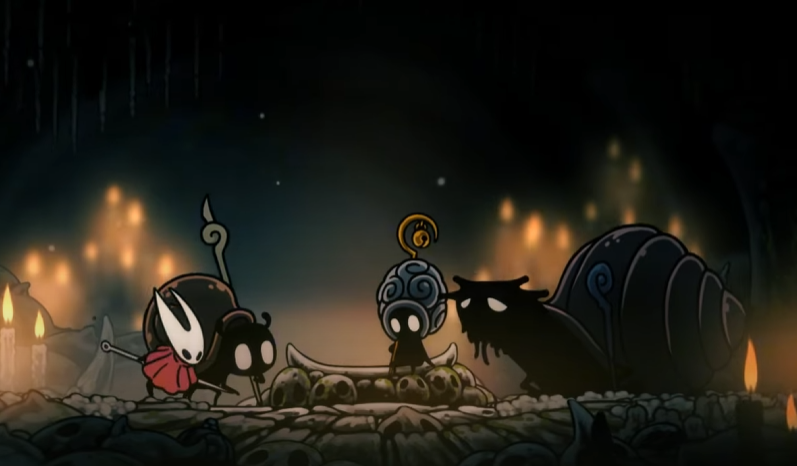
Hollow Knight Silksong Crashing Fix Guide

Hollow Knight: Silksong’s launch caused more than just excitement. For many players, the game crashed on Steam with errors like “Something went wrong, please try again later E502 L3.” The issue was so widespread that it even affected other services. If Silksong is crashing for you, here’s how to fix it and get back into Pharloom without losing your mind.
Why Hollow Knight Silksong Crashes on Steam
Crashes at launch were not due to the game itself, but to platform strain. Steam’s store, payment systems, and backend servers were overloaded from the sudden surge of players trying to buy and download Silksong at once.
This is different from Cyberpunk 2077 or other AAA launches that spaced demand through preorders and preloads. With Silksong, everyone rushed in at the same time, causing widespread errors.
Quick Fixes to Try
Restart Steam and check if the servers have stabilized.
Clear Steam’s download cache in Settings.
Verify the integrity of the Silksong game files once installed.
Switch to a different download region in Steam’s settings.
If using Humble or another key retailer, wait for fresh keys if stock is exhausted.
Most issues are temporary server-side errors. If Steam itself is down, fixes on your PC will not solve it until services recover.
System-Specific Solutions
Nvidia and AMD users should update drivers to the latest version.
On Ryzen builds, disable background apps that compete for memory during launch.
Laptop players should force Steam to run on the dedicated GPU, not integrated graphics.
If Bind-based crashes occur mid-game, lower in-game effects and check for pending hotfixes.
Alternative Platforms
Some players noted GOG and console platforms were less affected at launch. If Steam continues to struggle, buying Silksong through GOG or Nintendo Switch may offer a smoother experience.
When to Wait It Out
Sometimes the best fix is patience. Server overloads and payment processing errors are resolved once demand cools. During Silksong’s launch spike, this was the primary cause of instability across multiple regions and even unrelated services.
Final Blurb
Hollow Knight: Silksong crashing on Steam is rarely a true game bug. Most errors trace back to overloaded servers and payment systems during launch. Local fixes like verifying files, clearing cache, and updating drivers help, but sometimes waiting for services to stabilize is the only solution.
FAQ
Why did Silksong crash Steam at launch?
The massive surge of players buying the game at the same time overloaded payment and store services, causing temporary outages.
Does verifying files fix Silksong crashes?
Yes, if the crash is caused by corrupted or incomplete files. It will not help if the issue is from Steam’s servers.
Why do other games not crash Steam like this?
AAA games often use preorders and preload systems that spread demand out. Silksong launched without those, leading to an instant spike.
Should I buy Silksong from another store?
If Steam is down, GOG or console versions may be more stable during high-traffic times.
What if Silksong crashes mid-game instead of at launch?
Update your GPU drivers, close background programs, and lower visual settings. If it continues, wait for a patch from Team Cherry.
© 2025 GamerBlurb. All rights reserved. Please credit GamerBlurb.com by linking to any information used from this site.
More Hollow Knight Silksong